AIWhereYouWork - Browser Pilot AI Review: The Browser AI Tool That Fixes the Workflow Problem Most Marketers Ignore
Discover AIWhereYouWork - Browser Pilot AI, a browser-based AI assistant built to help marketers summarize, rewrite, repurpose content, and work faster without switching tabs.
There is one problem with AI tools that most marketers do not admit openly.
AI is powerful, but using AI can still feel slow.
That sounds strange at first. After all, AI is supposed to help us move faster. It can summarize long pages, rewrite paragraphs, generate email angles, create social posts, analyze product descriptions, and help with research.
But in real daily work, the process is often not smooth.
When I am reviewing a product, preparing affiliate content, studying a sales page, writing an email campaign, or collecting marketing angles, I usually work across multiple browser tabs. I read a page, copy some text, open an AI tool, paste the text, write a prompt, wait for the response, copy the output, go back to the original page, and continue.
Then I do the same thing again.
And again.
And again.
The result is not just wasted time. The bigger problem is broken focus.
This is one reason many people buy AI tools but do not use them consistently. The tool may be good, but the workflow becomes annoying. Eventually, the user stops opening the tool unless they really have to.
That is why AIWhereYouWork – Browser Pilot AI caught my attention.
This product was launched only a few days ago, so I did not approach it like a proven long-term platform. I treated it like a fresh product that needed to prove one thing clearly:
Does it actually make my browser-based work easier, or is it just another AI tool with a new label?
After looking at the concept and testing the workflow logic, I can say this: Browser Pilot AI is interesting because it focuses on a real friction point.
It does not try to be another huge AI dashboard.
It brings AI directly into the browser, where most marketers already work.
That difference matters more than it sounds.
What Is AIWhereYouWork – Browser Pilot AI?
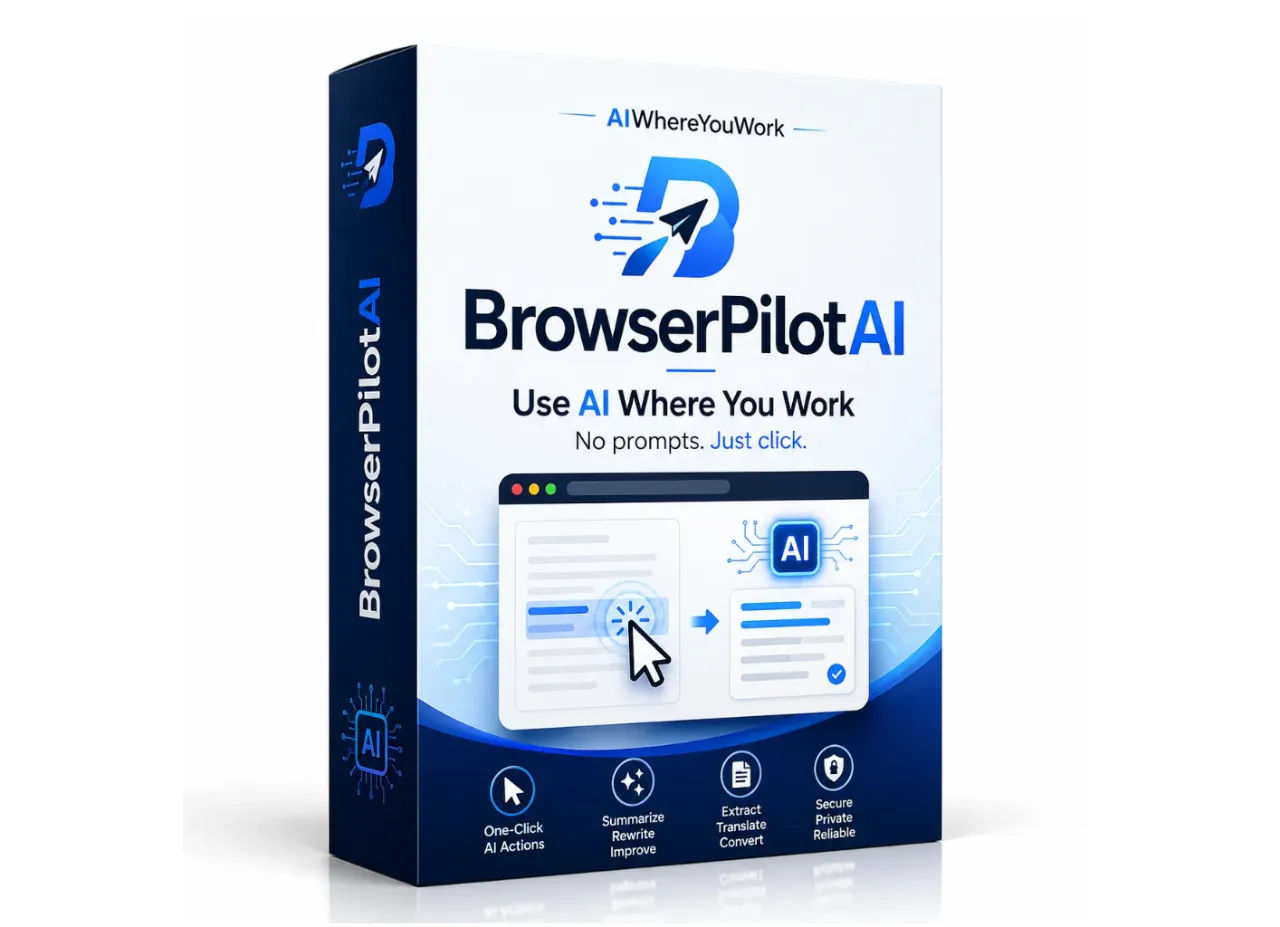
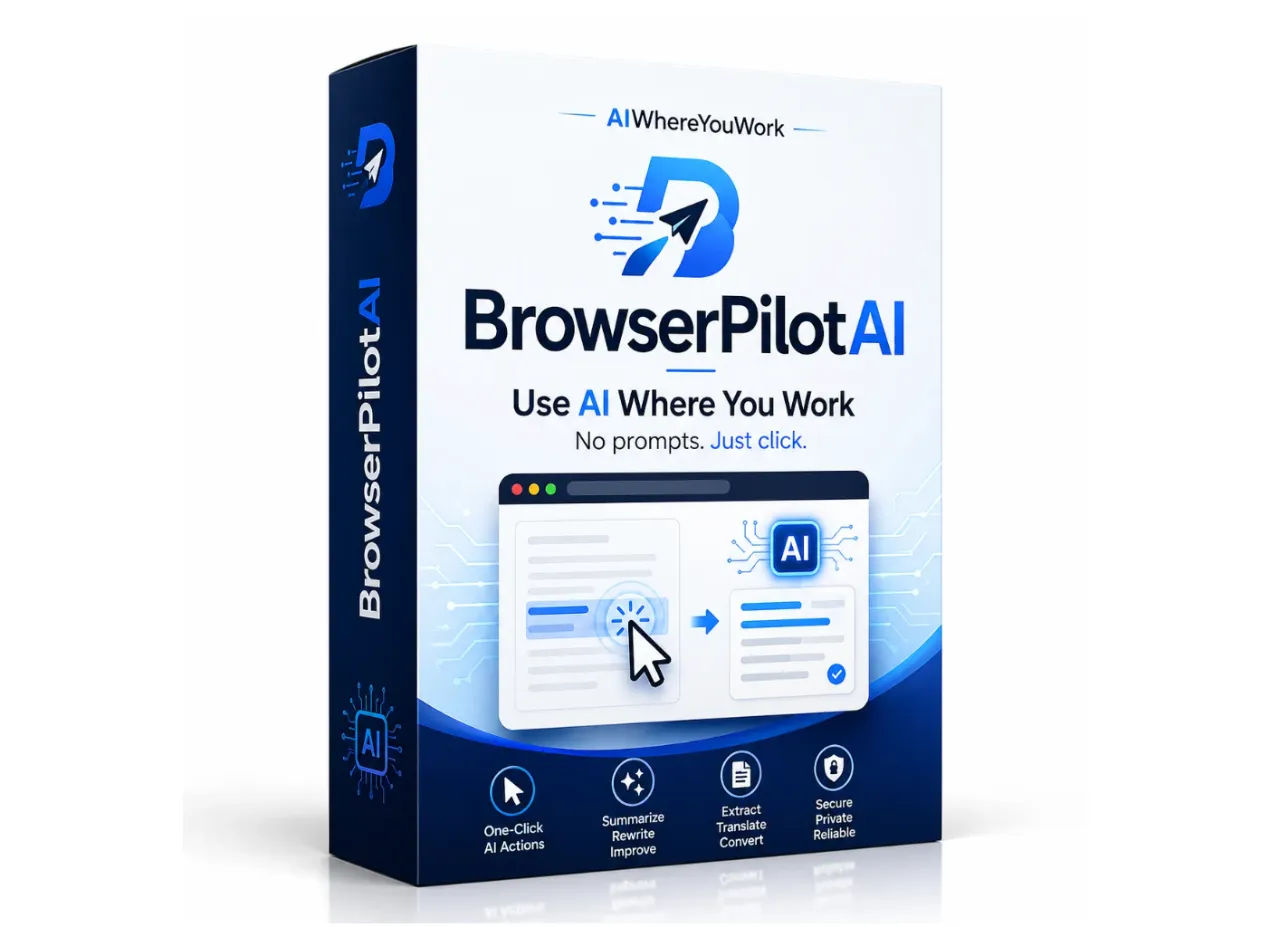
AIWhereYouWork – Browser Pilot AI is a browser extension designed to let you use AI directly inside your browser workflow.
The core idea is simple:
You highlight text on any webpage, right-click, choose an AI action, and get an output without leaving the page.
That is the product’s biggest selling point.
No constant tab switching.
No repeated copy and paste.
No opening a separate dashboard for every small AI task.
No rewriting the same prompt from scratch every time.
For online marketers, affiliate publishers, bloggers, freelancers, and creators, this is very practical because most of our work already happens inside the browser.
We read product pages.
We analyze offers.
We check competitor content.
We review emails.
We study landing pages.
We collect ideas.
We turn information into content.
Browser Pilot AI fits into that exact environment.
Instead of forcing you to bring your work to AI, it brings AI to where your work is already happening.
That is why the product feels more useful than many complicated AI tools that look impressive on paper but create more workflow management in practice.
Why This Tool Matters for Marketers and Creators
Most people do not need another AI tool simply because it can generate text.
We already have many tools that can do that.
The real buying question is different:
Will this tool help me complete my work faster, with less mental friction, and without making my process more complicated?
Browser Pilot AI has a strong answer to that question because it focuses on workflow speed.
Let me give a simple example.
Imagine you are reading a product sales page and need to create promotional content. Normally, you may need to extract the key benefits, identify the buyer pain points, rewrite some sections into your own voice, create email subject lines, generate social media angles, and summarize the offer.
Without Browser Pilot AI, that process usually involves switching between the sales page and an AI chat interface many times.
With Browser Pilot AI, you can highlight relevant sections directly on the page and run AI actions from the browser menu.
This may sound like a small improvement, but small workflow improvements become valuable when repeated every day.
For affiliate marketers, this can save time during launch promotions.
For bloggers, it can speed up research and content outlining.
For freelancers, it can help review client materials and rewrite copy faster.
For creators, it can turn long-form information into short-form content ideas.
The value is not that AI writes everything for you.
The value is that you reduce the distance between reading information and turning it into something useful.
That is where Browser Pilot AI becomes practical.
Core Features That Actually Matter
I do not want to turn this review into a generic feature list because feature lists are often less useful than real workflow analysis.
So instead of asking, “What does it include?” I prefer asking, “How does this help in actual work?”
Browser-Based AI Workflow
The main feature is the browser-based workflow itself.
This is the foundation of the product.
Browser Pilot AI lets you use AI while staying on the webpage you are already reading. That means your research, analysis, rewriting, and content generation can happen closer to the source material.
For me, this is the biggest practical benefit.
When a tool keeps me inside my working flow, I am more likely to use it consistently. When a tool forces me to interrupt myself, I may still use it, but only when the task feels important enough.
Browser Pilot AI lowers that resistance.
Highlight-and-Transform System
The highlight-and-transform system is the part most users will probably use first.
You can highlight text and turn it into different outputs, such as summaries, rewritten copy, bullet points, hooks, social posts, email intros, or promotional angles.
This is especially useful when reading long product pages or research materials.
For example, if I am reviewing an AI product, I can highlight a product description and quickly turn it into:
A benefit summary.
A buyer objection list.
A short promotional angle.
A cleaner explanation.
A review section outline.
An email intro.
A social post draft.
The point is not to publish the output blindly. The point is to get a useful first version faster.
That matters because blank-page friction is one of the biggest reasons people delay content creation.
Built-In Starter Prompts
Browser Pilot AI includes built-in starter prompts, which is useful for beginners.
This matters because most users are not prompt engineers.
A lot of marketers want AI results, but they do not want to spend hours learning prompt structure. They want to perform tasks like summarizing, rewriting, extracting hooks, or generating email angles without overthinking the instruction.
Built-in prompts reduce the learning curve and help users get value sooner.
This is important for adoption.
A tool can be powerful, but if users feel confused in the first 10 minutes, they may never build the habit of using it.
Custom Prompt Builder
The custom prompt builder is where Browser Pilot AI becomes more interesting for advanced users.
Once you know your repeatable tasks, you can build your own prompt actions.
For example, an affiliate marketer could create custom actions like:
“Turn this product section into 5 buyer-focused email angles.”
“Extract objections and reasons to buy from this page.”
“Rewrite this paragraph in a natural review style.”
“Create 10 short social hooks from this text.”
“Summarize this offer for a comparison article.”
This makes the tool more flexible over time.
The more specific your workflow becomes, the more valuable custom prompts can be.
This is the difference between using AI randomly and building a repeatable AI-assisted system.
Response History
Response history may sound like a small feature, but I like it.
When you are generating multiple outputs during research or content creation, it is easy to lose track of useful versions. Being able to revisit previous outputs saves time and avoids unnecessary regeneration.
This is not a flashy feature, but it supports real work.
Tone and Rewrite Enhancements
The Vibe Checker upgrade appears to focus on tone optimization and rewrite improvements.
For email marketers, review writers, and social content creators, tone matters a lot.
A message can be factually correct but still feel too robotic, too aggressive, too boring, or too salesy. Tone is often what determines whether readers trust your content or ignore it.
A tone-focused upgrade can be useful if you regularly rewrite content for different audiences and platforms.
My Real-World Use Experience
The best way I can describe Browser Pilot AI is this:
It feels like a lightweight AI assistant sitting inside the browser.
That is a good thing.
Some AI tools feel powerful but heavy. You open them and immediately feel like you are entering another workspace. There are dashboards, templates, menus, projects, credits, settings, and sometimes too many options.
Browser Pilot AI feels more direct.
The workflow is simple enough to understand quickly. You install the extension, connect your OpenAI API key, highlight text, right-click, and choose what you want the AI to do.
The OpenAI API key requirement is worth discussing honestly.
For users who already understand API keys, this is not a major issue. In fact, it can be a smart structure because it avoids turning the tool into another expensive AI subscription layer.
But for complete beginners, this may create a small setup barrier.
That does not make the tool bad. It just means the product is best for people who are willing to do a small setup step to get more control and flexibility.
Once the setup is done, the daily use feels straightforward.
The strongest use case for me is affiliate product research and content preparation.
When I review a digital product, I need to understand the offer quickly. I need to identify the real benefits, possible objections, target users, pricing logic, upgrade structure, and practical use cases.
Browser Pilot AI helps because I can work directly from the page I am reading.
If a sales page has a long section explaining features, I can highlight it and summarize it. If I want buyer objections, I can create them from the page context. If I need a short social post or email angle, I can generate a starting point quickly.
This helps reduce the messy middle part of content creation.
That “messy middle” is where many marketers lose time.
They know the product.
They have read the page.
They understand the offer.
But they still need to turn that information into clear content.
Browser Pilot AI helps bridge that gap.
What surprised me most was not that the AI could generate content. Many tools can do that.
What surprised me was how much smoother the workflow felt when I did not need to leave the page every time.
This is the kind of benefit that is hard to appreciate until you use it during real work.
The downside is also clear: the output still needs human review.
I would never recommend publishing AI-generated content without editing. You still need to verify facts, improve phrasing, remove exaggeration, and make sure the final piece reflects your real opinion.
Browser Pilot AI helps with speed and structure.
It does not replace judgment.
And honestly, that is exactly how I prefer to use AI.
Practical Use Cases
Browser Pilot AI is not limited to one type of user, but I think some audiences will benefit more than others.
Affiliate Marketing
This is probably one of the strongest use cases.
Affiliate marketers often need to move fast, especially during product launches. They need emails, reviews, social posts, comparison angles, bonus descriptions, and buyer-focused messaging.
Browser Pilot AI can help transform product information into usable content assets faster.
It will not make a weak offer strong, and it will not replace trust with your audience. But it can reduce execution time.
Blog Writing and Review Content
For bloggers and review site owners, Browser Pilot AI can help with research summaries, outlines, rewrites, and key takeaway extraction.
If you write long-form reviews, you already know how much time goes into reading, organizing, and simplifying information.
This tool helps with that process.
Freelance Copywriting
Freelancers can use Browser Pilot AI to analyze client pages, rewrite sections, summarize briefs, or generate alternative versions of copy.
Again, the tool does not replace professional copywriting skill. But it can speed up the first draft and analysis stage.
Social Media Content
Creators can highlight long-form content and turn it into shorter post ideas.
This is useful for LinkedIn posts, X posts, Facebook updates, newsletter snippets, and short promotional content.
Email Marketing
Email marketers can use Browser Pilot AI to extract angles, create subject line ideas, rewrite intros, and simplify product benefits.
The tone-focused upgrade may also be useful here because email performance often depends heavily on how natural and relevant the message feels.
Pros and Cons
Pros
It solves a real workflow problem
Browser Pilot AI is built around a practical issue: AI is useful, but using AI often interrupts work. This tool reduces that interruption.
It is simple to use after setup
The highlight, right-click, and choose-action workflow is easy to understand.
It saves time on repetitive tasks
Summaries, rewrites, bullets, hooks, email angles, and content repurposing become faster.
It is especially useful for browser-heavy workers
Marketers, bloggers, freelancers, creators, and affiliate publishers can benefit because they already work inside the browser.
Custom prompts add long-term value
The ability to create repeatable workflows makes the tool more useful over time.
It supports better content repurposing
One page or section of content can quickly become multiple content assets.
The front-end price is accessible
At $27, the entry price feels reasonable compared with many monthly AI subscriptions.
Cons
It requires OpenAI API setup
This may be slightly confusing for complete beginners.
Outputs still need editing
The tool helps create drafts and ideas, but users must still verify and refine the content.
It is not a full marketing system
It improves workflow, but it does not provide traffic, audience trust, or guaranteed conversions.
It is most useful for browser-based work
If your work does not involve online research, rewriting, or content creation, you may not use it enough.
It is a fresh launch
Because the product launched only a few days ago, buyers should understand that it is still new in the market.
Pricing and Value Analysis
The front-end offer for AIWhereYouWork – Browser Pilot AI is listed at $27.
From a buyer’s perspective, this is important because people are tired of paying for AI subscriptions they barely use.
I do not evaluate Browser Pilot AI as a magic income tool.
That would be the wrong way to look at it.
I evaluate it as a workflow efficiency tool.
The question is not, “Will this make me money automatically?”
The better question is, “Can this save enough time and mental energy to justify the price?”
For many browser-heavy marketers, the answer is likely yes.
If it saves 15 to 30 minutes during campaign preparation, product research, review writing, or content repurposing, the value becomes easy to understand. If you use it repeatedly across multiple projects, the value increases.
This is not about guaranteed revenue.
It is about reducing friction in tasks you already do.
That is the right ROI logic for this type of product.
Front-End: Browser Pilot AI – $27
This gives you the main browser-based AI workflow. For most buyers, this is the best starting point.
Vibe Checker – $15
This appears to add tone and rewrite optimization. It is useful for users who care about more polished emails, reviews, and social content.
OTO 1: BrowserPilot AI Workflow DFY Library – $37
This includes 240 workflows across 20 niches, according to the product information provided.
This is useful for people who want more ready-made workflows instead of building their own prompts from scratch.
OTO 2: AI Where You Work Prompt Vault – $47
This is more suitable for users who want a broader prompt system and plan to use AI workflows consistently.
OTO 3: BuzzRep – $37
This appears to focus on AI-assisted social engagement. It may be useful for creators and marketers who want help staying visible online.
OTO 4: BuzzRep Lifetime – $47
This is the lifetime buyout option for BuzzRep. It may make sense for long-term users who already know they need that social engagement component.
You can check the current Browser Pilot AI front-end offer and upgrade options here.
Who Is Browser Pilot AI Best For?
Browser Pilot AI is best for people who already use a browser as their main working environment.
That includes affiliate marketers, bloggers, freelancers, content creators, SaaS marketers, email marketers, product reviewers, and online business owners.
It is especially useful if you often do tasks like:
Reading sales pages.
Summarizing product information.
Writing affiliate emails.
Creating social posts.
Rewriting copy.
Extracting buyer pain points.
Turning research into content.
Creating multiple content variations from one source.
If you already use AI but feel tired of switching tabs and writing the same prompts repeatedly, this tool directly targets that pain point.
It is also a good fit for users who understand that AI works best as an assistant, not as a replacement for thinking.
Who Should Skip It?
You should skip Browser Pilot AI if you do not do much browser-based work.
If you rarely research online, write content, promote products, analyze pages, or repurpose text, you may not get enough daily use from it.
You should also skip it if you expect perfect final content with no editing.
AI-generated outputs always need human judgment. That is especially true for marketing content, where trust, positioning, and accuracy matter.
You may also want to skip it if you dislike setting up API keys or browser extensions.
The tool is not complicated, but it does require a small amount of setup.
Final Verdict: Is AIWhereYouWork – Browser Pilot AI Worth Buying?
My honest view is that AIWhereYouWork – Browser Pilot AI is worth considering because it solves a real problem in a simple way.
It does not try to impress users with unnecessary complexity.
It focuses on one practical idea:
AI should work where you work.
For marketers and creators, that usually means inside the browser.
The biggest value of Browser Pilot AI is not that it can generate text. Many tools can do that. The value is that it helps you use AI faster, with fewer workflow interruptions.
That matters because the more friction a tool removes, the more likely you are to actually use it.
Browser Pilot AI is not perfect. It requires API setup. It still needs human editing. It is not a complete business system. And because it launched only a few days ago, it should be viewed as a fresh product with room to evolve.
But at the $27 front-end price, the value proposition is reasonable for the right user.
If you are an affiliate marketer, blogger, freelancer, or creator who spends a lot of time turning online information into content, this tool can help you move faster and reduce mental load.
It will not replace your strategy.
It will not replace your judgment.
But it can make your daily workflow smoother.
And sometimes, that is exactly what makes a tool worth paying for.
You can check out AIWhereYouWork – Browser Pilot AI here and decide whether it fits your workflow.