Fact Book Studio Review: Turn Any List Into a Print-Ready Book
I tested Fact Book Studio to see if it really turns a pasted list into a designed, print-ready book in five seconds. Here is my honest take, including what it costs and who should skip it.
I have a bad habit of buying books on Amazon at 1am. Last month it was a conspiracy theory encyclopedia. The month before, a collection of "facts that sound fake but are true". I kept noticing the same thing: these books were just lists. No plot, no characters, no narrative through-line. Just five hundred standalone sentences, each one trying to make me say "wait, that can't be right".
And they were selling like crazy. I checked one that had been published in 2017. Eight years later it still carried a #1 Best Seller badge in its category, had over nine thousand ratings at 4.6 stars, and had spawned four sequels. Same format, new list, repeated five times. I remember thinking the same thing I bet you are thinking right now: I could do that this weekend.
The writing part was easy. I spent an afternoon collecting facts about ocean creatures and had my list in a text file. That's when I hit the wall. I had a text file, and a text file is not a book. Every tool I tried treated my list like a novel, formatting it as identical paragraphs over and over again until it looked like a printed spreadsheet. I got quotes from freelancers: $100 to $150 per book, plus a five day wait. I looked at formatter apps built for novels, priced at $250. I considered spending a full day fighting InDesign. The numbers were absurd.
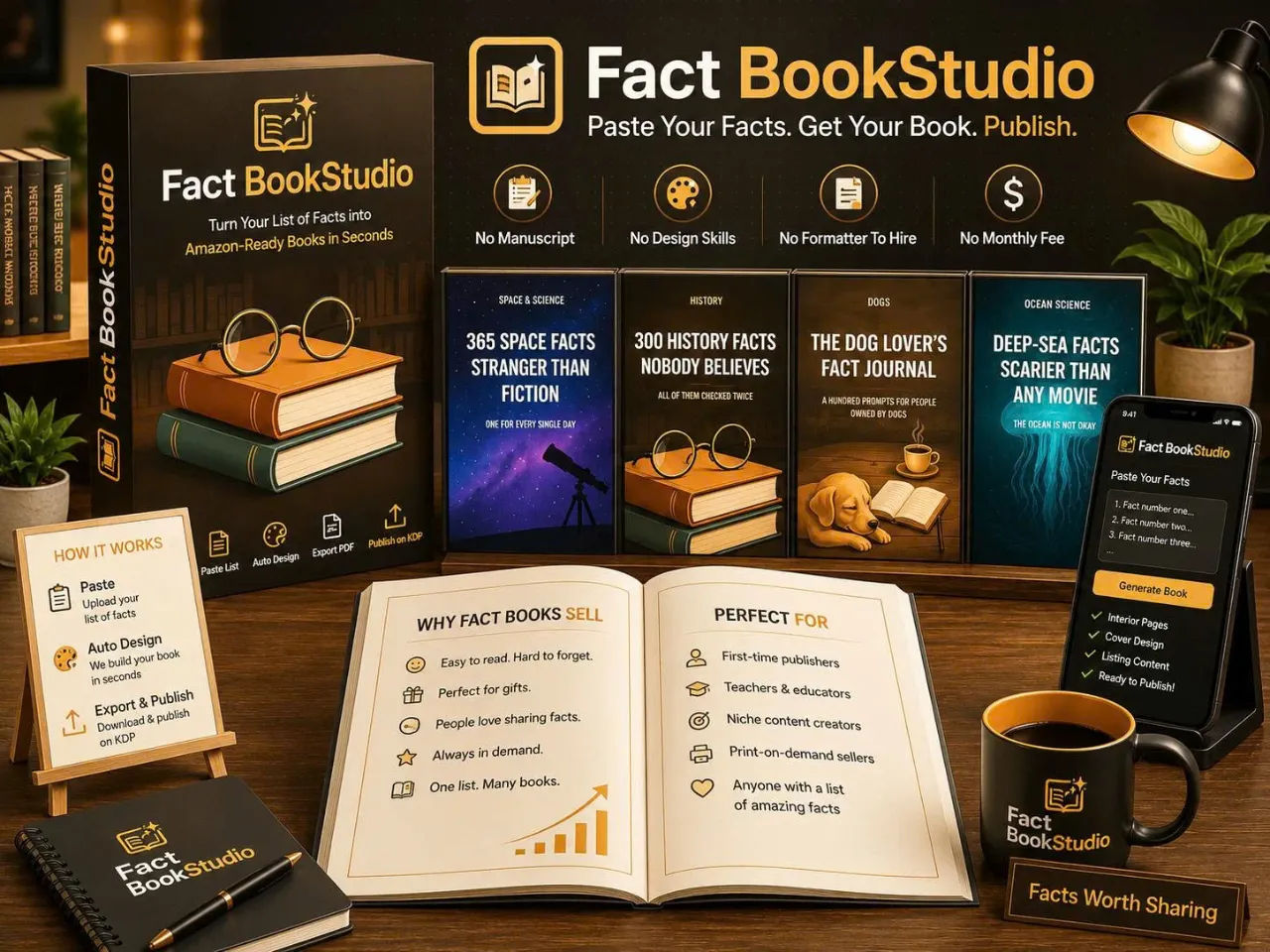
That's how I ended up on Fact Book Studio, which promises to take a pasted list and turn it into a designed, print-ready book in about five seconds. It costs $17. I bought it. Here is what happened.
Our Verdict
Fact Book Studio
A $17 tool that takes your text file and turns it into a designed, print-ready interior plus full-wrap cover in about five seconds. It does one job and does it well.
One-time price, no per-book fees
What You Actually Get
Fact Book Studio is not a writing tool and it does not pretend to be. The sales page is blunt about this. It will not pick your niche, it will not upload to Amazon, and it will not promise sales. What it does is take a list, one fact per line, and lay the whole thing out as a book.
Here is what comes out of it, according to the sales page:
- Interior PDF: The full book pages, laid out with three rotating fact treatments so no two spreads look the same. Call-out boxes break up the grid, a full-page milestone card lands every tenth entry, and chapter openers fall on right-hand pages, which is where print convention puts them.
- Full-wrap cover: Front, spine and back in one piece, with the spine width calculated from your real page count. You pick a palette and a title style, and the preview renders from the actual PDF bytes, not a mockup.
- Listing sheet: Title, subtitle, seven keywords, two categories and a back-cover blurb, all drafted from your own content and ready to paste into the Kindle Direct Publishing form.
- 50 AI credits: To draft your first list inside the app if you don't have one already.
The promise is specific and narrow. Paste a list, get the designed book, do it again tomorrow, unlimited, with no per-book fee. That's the entire pitch. If you were hoping for something that also writes the facts for you or handles the Amazon upload, this is not it.
Key Features
The features are simple because the tool is simple. That is its real selling point.
The paste-and-parse workflow. You paste your list straight from the clipboard. AI output, a research doc, a notes file, it doesn't matter. One fact per line, a title and a subtitle, and that is the whole input. No template, no formatting cleanup. The counters read your list as you type, showing how many items were parsed and roughly how many pages that means at your chosen trim size. You know what book you are getting before you build it.
The edited-book rhythm. This is the part that matters most. I opened the sample book on the sales page, "365 Space Facts Stranger Than Fiction", all 52 pages of it, and flipped through the whole thing using the page-turning preview. No two spreads looked the same, but everything looked related. A fact buried in a solid grey paragraph dies, but give it a number and some air and a call-out box, and the same sentence hits like a punchline. That is the design work that makes a generated book read as an edited one.
The cover and listing on the same screen. Front, spine and back in one wrap, with the spine width taken from your real page count. The same screen drafts your listing sheet. The book and the shop window get built in the same five seconds, which matters because Amazon's algorithmic discovery depends on your keywords and categories being right before a single buyer sees the cover.
Actually Using It
I went in skeptical. The sales page tells you to check a specific Amazon listing for a bestselling fact book published in 2017, and I did. It was still there, still carrying the #1 Best Seller badge, still sitting in the Humor category rather than Reference. That detail is important, because a book of facts filed as reference competes with encyclopedias on completeness, which is a losing fight. Filed as humor, it competes on how good the surprises are, which is a fight a careful list can win.
With that in mind, I logged in and got to work. My first book was a collection of 138 facts about deep sea creatures. I had them in a notes file from a research binge. I copied them, pasted them into Fact Book Studio, added a title and a subtitle, and watched the counters tick up as the app parsed my list. 138 items. About 36 pages at a 6 by 9 trim. That was before I clicked anything.
I picked a style and a trim size and hit build. The whole book laid itself out in a few seconds. I flipped through the preview using the corner-drag page turn, the same way a buyer uses the "Look Inside" feature on Amazon. The chapter openers were on right-hand pages. Call-out boxes broke up the monotony. A full-page card landed every tenth entry. My flat text file had become something that looked like a book someone had actually paid a designer to make.
The cover was next. I picked a palette and a title style, dropped the AI art I generated behind it, and the preview rendered from the actual PDF bytes. The spine width was calculated from my real page count, which is the kind of detail a printer will reject you for getting wrong. What I saw was what Amazon would get.
Then came the listing sheet. Title, subtitle, seven keywords, two categories and a back-cover blurb, all drafted from my content, all in a form I could paste directly into the KDP upload screen. I didn't have to write any of it from scratch. I adjusted maybe three words and I was done.
I exported the interior PDF, the cover PDF and the listing sheet, and I had a complete book package in about twenty minutes from opening the app. The five seconds claim is about the layout engine, not the whole workflow, but even accounting for my fiddling with art and style choices, the time saving versus the $150 freelancer quote or the day of InDesign was not close.
There are limits. The tool does not write your facts. If you paste junk, you get a beautifully designed book of junk. It does not upload to Amazon. You still have to open a KDP account, which is free and takes about fifteen minutes, and upload the two PDFs yourself. And it did not pick my niche or tell me what to write about, which I genuinely appreciated, because I know what a tool that does everything badly feels like.
Ready to turn your list into a real book?
Paste once, build forever, no per-book fees
Pricing and Value Analysis
The price is $17, one time. That is the only price on the sales page, and it is mentioned thirteen times, which is a good sign that it is not a "starting from" price with upsells hiding behind it.
Here is what that $17 replaces, based on the numbers the sales page quotes:
- A freelancer at $100 to $150 per book, with a five day wait.
- A $250 formatter app built for novels, which would treat your list like a novel anyway.
- A full day of your life in InDesign, per title, with the constant risk of getting Amazon's trim and margin rules wrong.
The comparison table below sums up the economics, assuming you plan to build more than one book.
| Option | Cost | Time per book |
|---|---|---|
| Freelance formatter | $100 to $150 | Five days |
| Novel formatter app | $250 | Hours, but wrong output |
| InDesign by hand | $0 software cost, plus your day | A full day, per title |
| Fact Book Studio | $17 one time | About five seconds of layout |
I paid $17. I built one book, so the cost per book so far is $17. If I build a second one, which I plan to, it is $8.50 per book. By the fifth book, it is $3.40 each. The value proposition only gets better the more you use it, and it is already cheaper than shipping one unformatted book that dies in the "Look Inside" preview.
Pros and Cons
Pros
- Turns a pasted list into a designed, print-ready book in about five seconds
- Produces the interior, full-wrap cover and listing sheet in one go, checked against KDP rules
- One-time $17 price with no per-book fees, so the cost per book drops fast
- The preview is a real page-turning flip through the actual exported PDF, not a mockup
- Includes 50 AI credits to draft your first list inside the app
Cons
- It will not write your facts, pick your niche, or upload to Amazon for you
- The listing sheet is drafted from your content, so a sloppy list gives you a sloppy listing
- You still have to set up a KDP account and do the upload yourself
- No free trial mentioned on the sales page, so you are trusting the sample book first
Who This Is For
This is for someone who already has a list, or can write one, and wants to stop losing money and time on formatting. If you have a text file of facts or trivia or observations sitting around, and you have been avoiding the Amazon self-publishing route because of the design work, Fact Book Studio closes that gap entirely. It is also for people who want to build a series, because the whole business model of the bestselling fact book is not one book, it is the same format re-run with a different list, five or six times.
Who Should Skip It
Skip it if you want a tool that writes the book for you. This does not do that. You still have to provide the facts, and the facts are the product. Also skip it if you are unwilling to spend fifteen minutes setting up a free KDP account and uploading two PDFs. The tool does not and will not handle that part. And if you are hoping for a guaranteed sales machine, no honest tool can promise that, and the sales page correctly does not.
Frequently Asked Questions
Is Fact Book Studio worth it?
At $17 one time, yes, if you have a list to turn into a book. It replaces $100 to $150 in freelance formatting fees or a full day in InDesign, and it produces an interior, cover and listing sheet that meet Amazon's technical rules. The value grows with each book you build.
How does Fact Book Studio work?
You paste a list, one fact per line, and add a title and subtitle. The app parses it, shows you the page count, and lays out the entire book in about five seconds. You pick a style and trim size, then export the interior PDF, full-wrap cover and a KDP-ready listing sheet.
Does Fact Book Studio write the facts for me?
No. It will not pick your niche or write your content. It includes 50 AI credits to help draft your first list inside the app, but the tool's job is design, not writing. You provide the facts, because the facts are what readers pay for.
Does Fact Book Studio upload to Amazon?
No. You still open a Kindle Direct Publishing account yourself, which is free and takes about fifteen minutes, and upload the two PDFs the tool exports. Fact Book Studio builds the book and the listing sheet, but the upload step is yours.
What formats does Fact Book Studio export?
It exports a print-ready interior PDF, a full-wrap cover PDF including front, spine and back with spine width calculated from your page count, and a listing sheet with title, subtitle, seven keywords, two categories and a back-cover blurb ready to paste into KDP.
Is there a free trial for Fact Book Studio?
The sales page does not mention a free trial. Instead it offers a complete 52-page sample book, "365 Space Facts Stranger Than Fiction", that you can flip through page by page to see exactly what the app produces before you buy.
Can I build multiple books with one purchase?
Yes. The $17 price covers unlimited book builds with no per-book fee. The sales page explicitly says you can build the next one the same night and repeat the process indefinitely, which is how the bestselling fact book format became a five-book series.
Final Verdict
I went into Fact Book Studio expecting a toy. I came out with a real, upload-ready book package for a topic I had a text file on, in about twenty minutes, for $17. The tool does exactly one job and does it well: it takes your best lines and gives every one of them a stage, plus the shop window to sell them.
It is not a money printer. It will not write your facts, and it will not upload your book. But if you have the list, or you are willing to spend an afternoon collecting one, this removes the wall that stops most people before they ever publish. The formatting wall is the market, and this is the cheapest way I have found to walk around it.
I already have my second list ready. The first book was ocean facts. The second one is going to be about historical coincidences. Same format, new ammunition, and I already know it will be done tonight.
My second book is already coming together
Paste once, export in five seconds, keep the rest