StoryCraft Kids Review: I Tried All 346 Prompts (Honest)
I tested StoryCraft Kids' 346 AI bedtime story prompts, the free app, and all 10 sample stories. Real pros, real cons, my honest verdict inside.
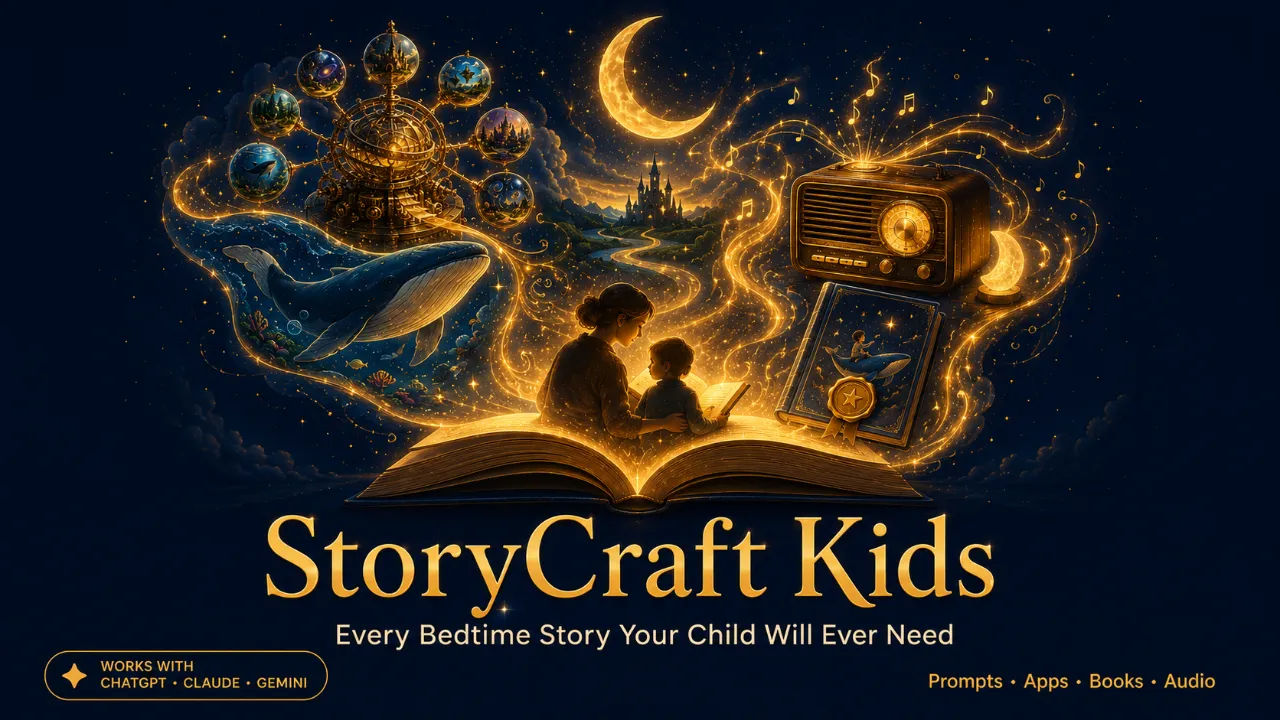
Most bedtime story products I come across on WarriorPlus and similar platforms share one weakness. They promise a large number of prompts, then deliver a file where prompt number 4 and prompt number 214 are functionally identical with a different noun swapped in. I sat down expecting StoryCraft Kids to follow that same pattern. After going through the library prompt by prompt, I don’t think it does, and I want to explain exactly why in this review.

What StoryCraft Kids Actually Is
StoryCraft Kids is a set of 346 bedtime story prompts written to be used with ChatGPT, Claude, or Gemini. The core idea is that instead of asking your AI to write a generic bedtime story, you feed it a prompt already built around one specific child, using their name, their age, a favorite toy, and something they’re currently a little afraid of or excited about. The library also ships with a free browser based app that handles the personalization step for you, so you’re not editing text by hand every night.
Every prompt category and the app itself are documented in full on the official product page, including sample output you can read before spending anything.
How The 346 Prompts Are Actually Organized
The prompts are split across 10 story engines, and this is where I expected the product to thin out. It didn’t. Each engine has a distinct job. There’s an adventure engine built around a child’s specific interests, a comfort engine written for named fears, a playful engine that leans into humor on purpose, and a wind down engine with noticeably slower pacing, meant for kids who are already overtired by the time the story starts.
10 finished sample stories are included as well, fully written and ready to read tonight without generating anything. As a reviewer, this mattered more to me than any single feature on the list, because it let me evaluate real output quality before touching the prompts myself.
The App Is The Part I Didn’t Expect To Like This Much
The Prompt Picker app is a genuine, functioning tool, not a static image used in a sales video. You fill in your child’s details one time, click a story card from the interface, and the app assembles a complete personalized prompt ready to paste into whichever AI tool you already use. It runs in the browser, requires no installation, and doesn’t ask for an email address or account to work.

10 bonus cover images are bundled in as well, useful if you plan to save or print a finished story later.

Two Examples From Inside The Library
The first is from the comfort engine, written for a child nervous about losing a tooth. Rather than the usual reassurance about the tooth fairy, the prompt has the tooth itself write a short goodbye note explaining it’s off to become a small star in someone’s collection, and that a new, stronger tooth is already on its way to take the job. It’s a small shift in framing, but it noticeably changes what the AI actually produces compared to an open ended request.
The second comes from the adventure engine, built around a child starting daycare or preschool for the first time. The prompt has the child’s own backpack narrate the first day from its point of view, nervous about the new building too, which quietly reframes the child as the more experienced, braver one in the story.
Current Pricing And What It Covers
The front end product is priced at 17 dollars during current launch pricing. That single payment includes all 346 prompts, the Prompt Picker app, the 10 finished sample stories, and the 10 bonus cover images.
There’s also an optional upgrade path, including a larger 728 prompt vault organized by age and situation, a more advanced story generating app built around several thousand possible combinations, a tool for turning any finished story into a printed book, and an audio version that reads stories aloud or records a parent’s own voice. I want to be direct about this. None of the 5 upgrade tiers are necessary for the front end library to function exactly as described. It’s a complete product on its own.
Where This Product Genuinely Delivers
The 346 prompts hold up to actual scrutiny instead of just sounding impressive on a sales page. The free app removes what would otherwise be the most tedious part of using a product like this. There’s no subscription attached anywhere in the front end tier. It works with whichever AI tool you already have access to, without requiring a specific paid model. And having 10 sample stories included means you can judge quality with your own eyes before generating a single prompt yourself.
Where I’d Set Realistic Expectations
Output quality still depends on which AI model you’re pasting the prompt into, and that variable sits outside the product’s control entirely. If you’re considering all 5 upgrade tiers, the total adds up meaningfully, so it’s worth starting with the front end and only upgrading once you know it fits your routine. This is also licensed for personal use at the front end tier specifically. Resale rights exist as an entirely separate, higher priced offering.
Who I’d Actually Recommend This To
If your evenings have quietly turned into reading the same 3 books on rotation, or you’ve caught yourself improvising a story out of nowhere and running out of ideas by the 4th night, this addresses a real, recurring gap rather than a hypothetical one. Based on how the prompts are written and paced, parents of children roughly 2 to 10 years old are the clearest fit. If bedtime stories aren’t part of your routine at all, or your child has already moved past that stage, this isn’t going to be relevant to you, and I’d rather state that clearly than oversell it.
My Overall Take
At 17 dollars, StoryCraft Kids does more than I expected before actually opening the file. The prompt variety is real, the free app is genuinely useful rather than a bundled afterthought, and the included sample stories let you verify quality before you’ve spent any additional time on it. It won’t change your life. It solves one specific, recurring problem well, at a price that doesn’t ask for anything ongoing afterward.