Hoax Noir AI Review: Graphic Novels From Real Hoaxes
I built a 12-page hoax graphic novel in a weekend using Hoax Noir AI and my own image tool. Here is what $19 actually buys, and the part that annoyed me.
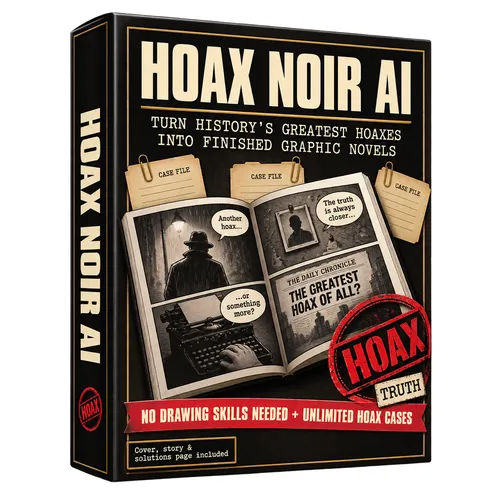
I finished my first Hoax Noir AI book at 11:40pm on a Sunday with 41 browser tabs open and a small pile of failed cover attempts on my second monitor. The book was the Cardiff Giant case, twelve pages, noir style. It had a front page headline, an evidence card, a twist and a verdict page where the reader guesses before the reveal. I published nothing that night. I just sat there looking at it thinking: that is a real book. Not a folder of images. A book.
Getting there was not clean. I want to be honest about that up front, because the sales page for Hoax Noir AI is very good at selling the outcome and a bit quiet about the work between the outcome and you.
Here is the short version. Hoax Noir AI is a browser app, one file, nineteen dollars one time. It gives you 23 documented historical hoaxes, five visual styles, a covered cast of characters, and a page-by-page set of prompts. It does not draw anything. It does not write the final prose either. Your own AI chat and image tool do that part, and you paste the results back in.
So it is a planner and a checker and a prompt factory. If that sounds thin, it is not, but it depends entirely on whether you already have an image tool you can drive.
Our Verdict
Hoax Noir AI
A genuinely different product idea with a solid workflow, but you still have to run every prompt through your own AI tools.
One-time payment. Runs in your browser, no account needed.
What You Actually Get
Nineteen dollars gets you a single file that runs in your browser. No installation, no account, no API keys. It never calls an AI on its own, which is the whole design: it builds the prompts, you paste them into the chat and image tools you already pay for.
The case file inside contains:
- 23 documented historical hoaxes, from the Fiji Mermaid in 1842 to the Cottingley Fairies in 1917 to the chess-playing "robot" in Vienna in 1770
- A Case Forge for inventing new hoaxes if you burn through the real ones
- Five visual styles: Noir Ink, Pulp Paperback, Victorian Engraving, Mid-Century Cut-Paper and Storybook Watercolor
- A Cover Studio with options for one star, two, three, four, or the whole cast lined up
- A script checker that audits your AI's story before you spend a single image credit
- Page prompts for every page, plus cover, title page, back cover and a cast sheet
- Autosave with room for up to 200 books and a backup export
- Three bonus tools for binding, teaching with and promoting the books
Page counts run 12, 18 or 24 per book. Horizontal 16:9 and vertical 2:3 formats are both supported, which matters if you are thinking about KDP print versus a digital download.
There is also a recurring cast baked in, five characters who show up in the same look across every book in your catalog. Harlan Voss is the bureau chief. Vera Hush is the informant who "costs extra." Miles Oath answers yes or no and nothing else. The sales page leans on this hard and it is the smartest thing in the product, because a series is what makes readers come back and what makes a catalog feel like a catalog instead of a pile.
Key Features
The 23 hoaxes are the engine. Every case follows the same shape: the claim people were told, the clues, the twist, the verdict. That shape is what stops the book from being a random collection of noir panels. You pick a case, the app writes the story request, and the structure is already there before you type anything.
The script checker is the feature I did not expect to care about and now would not give up. Here is why it matters: image credits are the expensive part. If your AI writes a flat script with a twist that does not land, you find out after you have generated twenty-four pages. The checker audits the script before you make a single image and hands you a repair prompt if something is off. I used it twice on the Cardiff Giant book and it caught a scene where the twist arrived two pages too early.
The cast sheet and lettering sheet are the consistency tools. Anyone who has tried to make a comic with AI knows the face problem: page one your hero, page four a stranger in the same coat. The cast sheet locks the faces, the lettering sheet locks the type.
Five styles is not a gimmick. It is five different audiences. Noir Ink for teens and adults, Pulp Paperback for the vintage newsstand crowd, Victorian Engraving for the older cases, Cut-Paper for social media and YouTube, Watercolor for kids, schools and families. One case can become five different products with five different looks and five different shelf positions.
The Cover Studio deserves a mention because covers are where most AI book projects die. You can put one star, two, three, four or the whole cast on the front. I used three for my first book and the whole lineup for my second.
Actually Using It
My first session was a mess, and I want to walk through it because I think the mess is instructive.
I opened the file, picked the Cardiff Giant because it is a case I actually knew something about, and chose Noir Ink. Twelve pages. The app asked for a tone, I picked dry and procedural, and it generated a story request. I pasted that into my chat tool, got a script back, and ran it through the checker. Two notes came back. I applied the repair prompt, ran the script again, got a cleaner version, and moved to images.
This is where the real time goes. Every page has its own prompt. Twelve pages plus cover, title page, back cover and cast sheet is sixteen generations minimum. My first pass took about two hours and roughly half the pages were usable on the first try. The evidence card page came out beautiful. The cover took four attempts because I kept getting the wrong aspect ratio out of my image tool, which was my fault and not the app's, but the app does not hold your hand through that part at all.
The second book went faster. Maybe seventy minutes. The third one I built on a Tuesday evening after dinner and it was done before the dishes.
The interactive verdict page is the bit that sells the concept to a reader. On every page there are hidden clues, and at the end the reader guesses before the reveal. I tested this on my nephew, who is eleven, and he went through the entire twelve pages without asking to stop, which for an eleven year old reading a book with no screen animation is basically a miracle.
What I did not love: the app is a planner, and planners do not generate. You will hit a page where the prompt is good and your image tool still gives you something wrong. You will re-run it. You will swear. The app's own sales page admits as much, and I respect that more than the parts that overpromise.
The other thing. The promotional tone of the sales page promises "unlimited" graphic novels. In practice, "unlimited" means your patience and your image credits, and your image tool's usage limits are your problem, not theirs. The page says this plainly in a small line and it is worth taking seriously before you buy.
Ready to plan your first hoax book?
One-time payment. No subscription, no account, no API keys.
Pricing and Value Analysis
Nineteen dollars, one time. No subscription, no upsell gate I found, and the three bonus tools are included in that figure. The operator has confirmed $19 and I paid $19.
To put that in context, here is what the same output costs through other routes:
| Route | Typical cost | What you get |
|---|---|---|
| Hoax Noir AI | $19 one time | 23 cases, 5 styles, page prompts, script checker, cast sheet, 3 bonuses |
| Stock illustration per page | Varies by artist and license | One page you cannot reuse in a different look |
| Hiring an illustrator for 12 pages | Usually the biggest line in a self-published budget | Original art, but slow and per-book |
| Your existing AI image subscription | Whatever you already pay | The images, but no planning, no consistency tools, no case library |
I am not going to put invented artist rates in that table because I do not have a reliable number, and the app's own sales page does not give one either. What I can say is that the $19 is cheaper than a single hour of most freelance illustration work, and it does not get spent again on your second book.
The math that matters is per book. If you build four books, the app cost $4.75 a book. If you build one book and never open it again, you overpaid by about the price of a takeaway lunch. That is the honest break-even.
There is no refund window stated anywhere I could find, and I am not going to invent one. Check the checkout page before you commit if that matters to you.
Pros and Cons
Pros
- 23 real documented hoaxes plus a Case Forge for invented ones
- Five genuinely distinct visual styles that reach different audiences
- Script checker saves image credits by catching flat stories early
- Cast sheet keeps character faces consistent across pages
- Fifteen to twenty minutes of real reading time per finished book
- One-time $19, no subscription, runs offline
- Three bonus tools included in the price
Cons
- You still drive every image prompt through your own AI tool
- No refund window stated on the sales page
- Cover aspect ratio is not handled for you
- Image tool usage limits are your cost to bear
- One book will not justify $19 if you stop after it
Who This Is For
If you already list on Amazon KDP, this is the cleanest fit. KDP supports comics and graphic novels, and you already know the listing workflow. The Hoax Noir AI product gives you a catalog idea that looks nothing like the usual AI coloring books and puzzle books flooding the shelf.
Etsy and digital-download sellers are the second fit. Five looks means five different editions of the same case, and printable plus digital editions are both supported by the page formats.
Creators and storytellers with a channel or a newsletter get the most leverage out of the case library, because the cases are content first and products second. Teachers and homeschool parents who want true-story reading material for younger readers get the Watercolor look, which is the gentlest of the five. Marketers building a lead magnet have an obvious use: a free twelve-page book with a story hook people actually want to open is a better magnet than a PDF checklist.
Who Should Skip It
If you want a finished book with zero work, skip it. The app builds the story and the prompts. You run them. That is not a small ask and the sales page says so plainly.
If you do not have, and do not want, an AI chat and image tool subscription, skip it. This is a hard requirement, not a soft one.
If you want to publish other people's characters or copyrighted stories, skip it. The app works with real historical cases and its own original cast, and the sales page is upfront that this is the design.
If you expect guaranteed sales, skip it. This is a tool. What you publish and sell is on you, and the sales page is careful to say the market data is not a promise of results.
Frequently Asked Questions
Is Hoax Noir AI worth $19?
Yes, if you plan to build at least two or three books. The 23 cases and five styles give you a catalog without buying a second product. If you build one book and stop, the cost per book is the full $19 and you are better off skipping it.
What do I actually need to run Hoax Noir AI?
Any AI chat tool and any AI image tool you already have access to. The app is one file that runs in your browser with no installation, no account and no API keys. It never calls an AI itself. Your own subscriptions and their usage limits cover the generation side.
Does Hoax Noir AI draw the images for me?
No. It gives you a page-by-page prompt for every page plus the cover, title page, back cover and cast sheet. You paste those into your image tool and collect the results. The cast sheet and lettering sheet are the tools that keep faces and type consistent.
Can I sell the books I make with Hoax Noir AI?
The sales page explicitly covers Amazon KDP, ebooks, digital downloads and Etsy listings, plus using cases as content for social channels. Platform rules and fees apply and will change. KDP has its own rules on AI-generated content, so check current guidelines before you publish.
How long does one book take to build?
My first twelve-page book took about two hours of active work. The second took around seventy minutes. Most of that time is running, checking and re-running image prompts. The app's planning and script checking are fast. It is the image generation that eats the minutes.
What are the five visual styles in Hoax Noir AI?
Noir Ink, Pulp Paperback, Victorian Engraving, Mid-Century Cut-Paper and Storybook Watercolor. Each targets a different audience, from teens and adults for noir to kids, schools and families for watercolor. The same case can become five different books.
Is there a refund if I do not like it?
No refund window is stated on the sales page or anywhere I could find. I am not going to invent one. Read the checkout terms carefully before you pay, and treat the $19 as a commitment rather than a trial.
If you want to check the current terms yourself, the Hoax Noir AI page is where they will be listed.
Final Verdict
I have built three books with Hoax Noir AI. The Cardiff Giant, the Cottingley Fairies and one invented case from the Forge about a supposedly immortal cat. I do not know yet whether any of them will sell, and I am not going to pretend I do. What I know is that the product made a thing I could not have made alone, and it made it faster than I expected, and the case library is a better catalog idea than anything I would have come up with on my own.
The annoyance is real. You will re-run image prompts. You will hit aspect ratio problems on covers. You will hit your image tool's usage limits and have to wait. None of that is a fault of the app. All of it is the actual work of making a book. Nineteen dollars is cheap for the planning and the checking and the consistency tools. It is not cheap for a finished book, because a finished book is not what you are buying.
If you want a catalog idea that does not look like everyone else's AI coloring book, and you already know your way around an image tool, buy it. If you want someone to hand you a finished PDF, this is not that product and no product at nineteen dollars is.
Your cases are waiting in the file
One-time $19. Runs in your browser. Three bonus tools included.
Related Posts
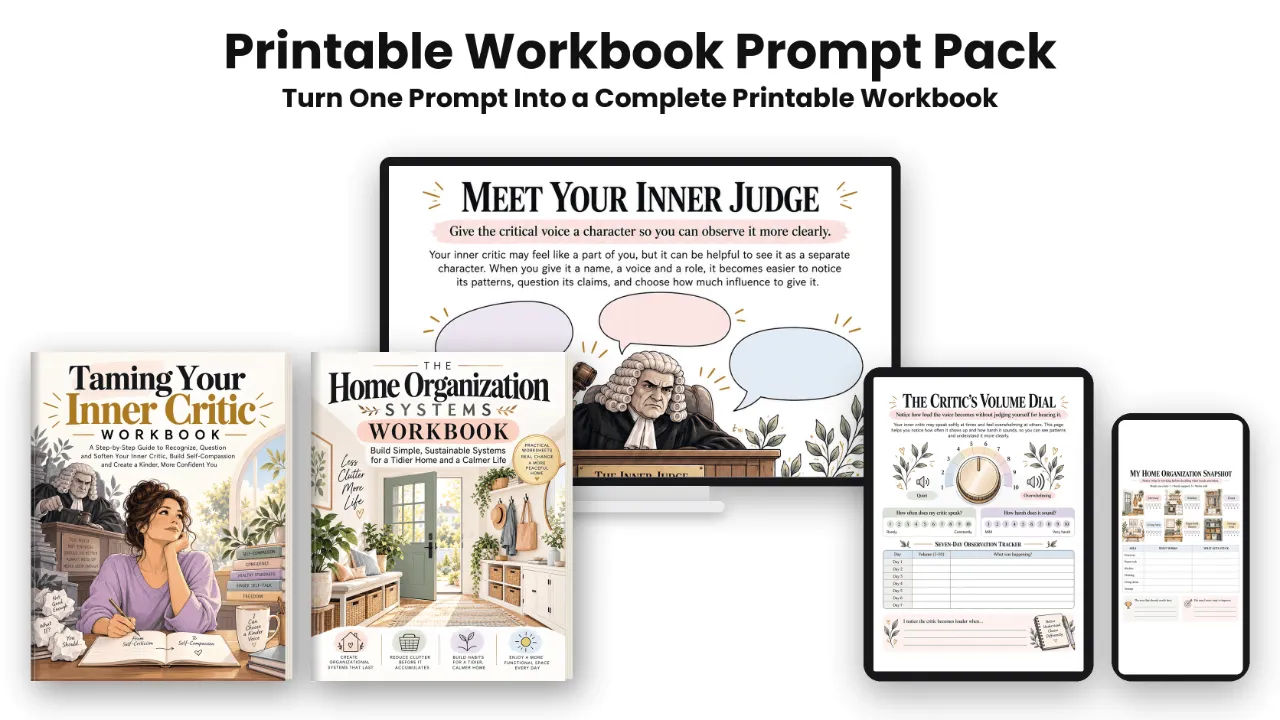
313 Printable Workbook Prompts: My Honest Review
I bought the Printable Workbook Prompt Pack to test whether 313 ChatGPT prompts can really produce a full workbook. Some prompts are strong, some are filler, and $17 is still a fair deal.
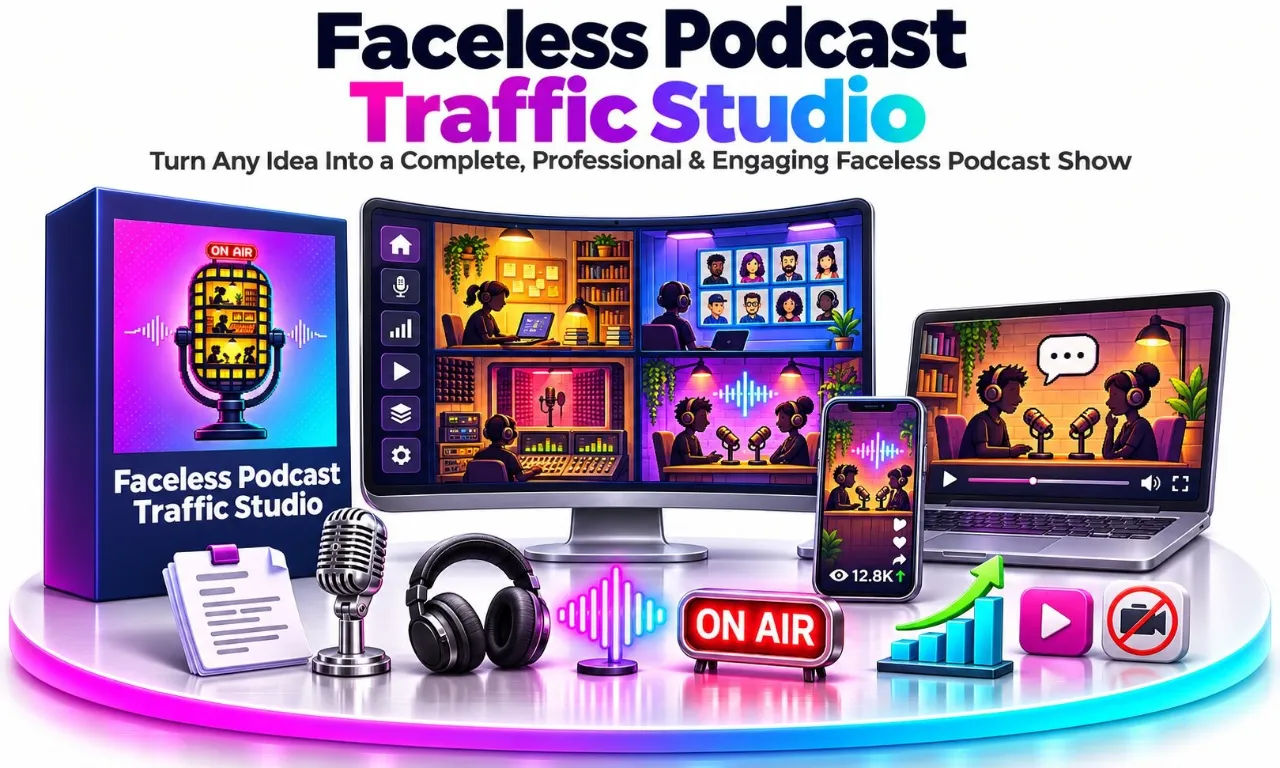
Faceless Podcast Traffic Studio Review: Two Hosts, No Camera
I ran a one-sentence idea through Faceless Podcast Traffic Studio and got a two-host episode, a Short and a thumbnail. Here is what worked and what did not.
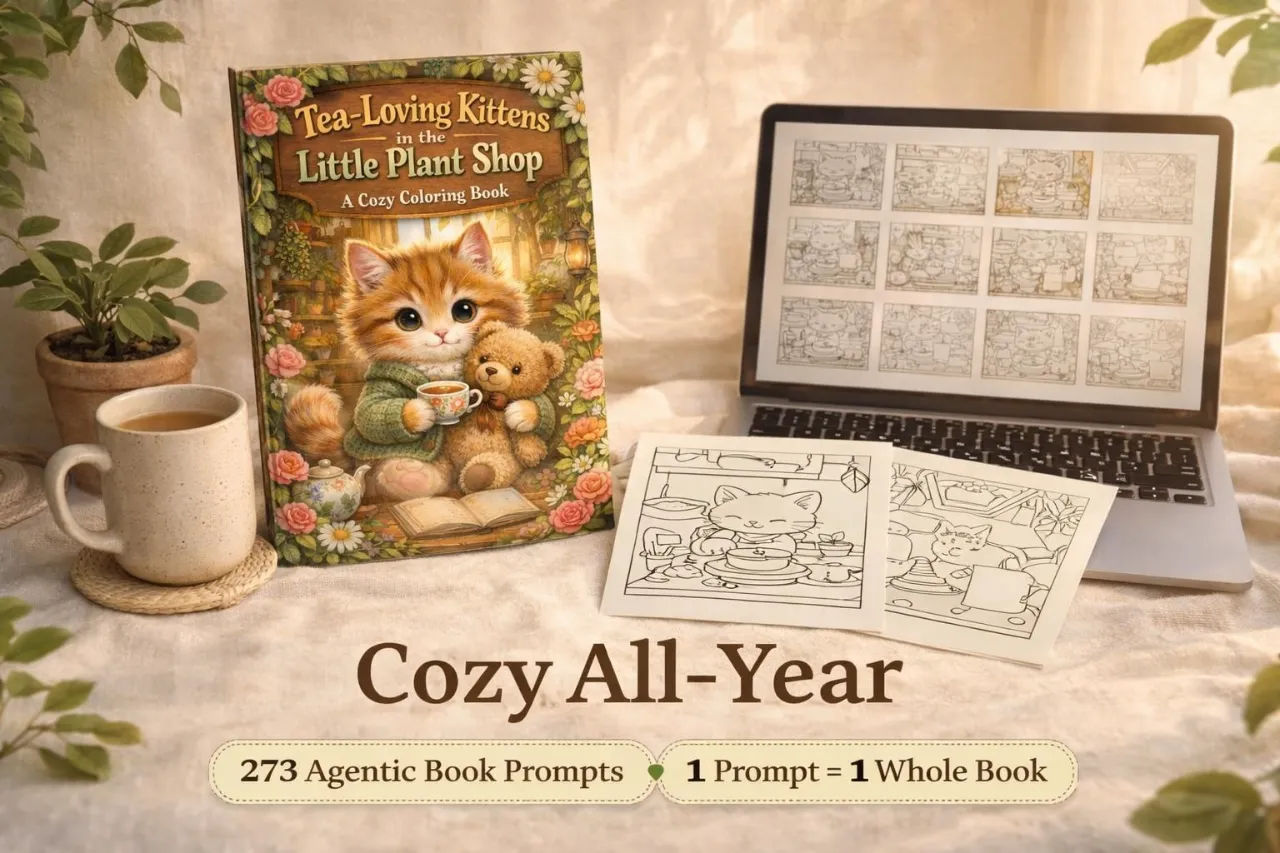
Cozy All-Year Book Prompt Vault Review: 273 Book Prompts
I pasted one Cozy All-Year prompt into ChatGPT and it produced a full 66-page coloring book interior. Here's what worked, what needed remaking, and whether $12.95 is fair.

Luxury Lace Holiday Collection Review: 714 PLR Prompts
I spent a weekend generating sheets from the Luxury Lace Holiday Collection to see if 714 ChatGPT prompts actually produce sellable printables. Some sheets impressed me, one needed three retries.

WellPrint Review: I Made a 30-Day Wellness Plan in Four Minutes
I timed WellPrint from blank page to a finished 30-day plan PDF. Under four minutes, and the words were the part I'd normally lose a weekend to. Here's the honest breakdown.
Prepper Book Builder Review: 72 KDP Topics, One Prompt
I turned one prepper topic into a full editorial brief and pasted it into my AI. Here is what the Prepper Book Builder actually does, and where it falls short.