Flower Fairy Fantasy Journal Studio Review
I spent an afternoon with a $17 prompt app that writes fairy journal prompts for AI image tools. It does one narrow job well, and it does not make pictures.
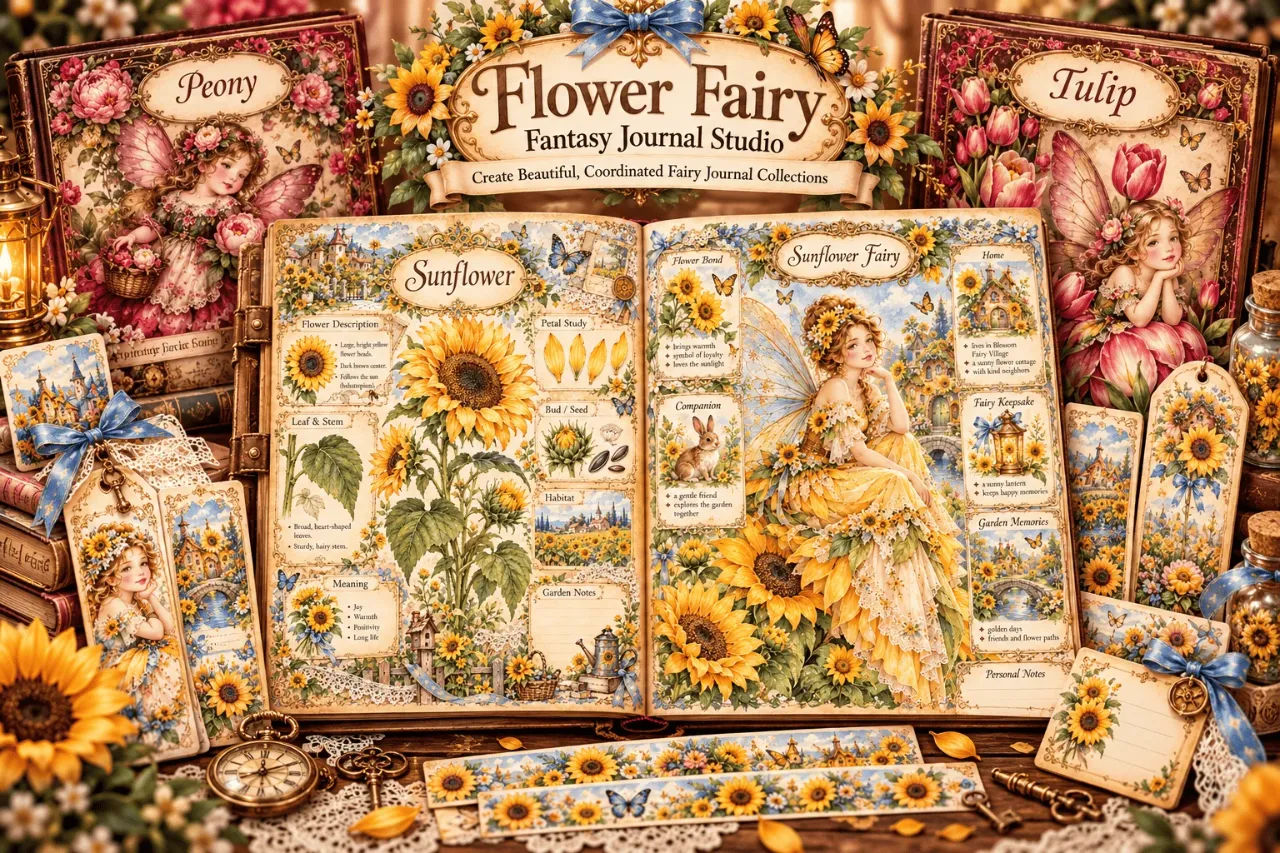
Flower Fairy Fantasy Journal Studio cost me $17, and the first thing I did after opening it was look for the download folder full of finished pages. There isn't one. That mistake is worth getting out of the way before anything else, because I suspect a fair number of refunds get filed by people who buy this expecting a printable pack and find a text box instead. It writes prompts. You paste those prompts into ChatGPT or another AI image generator, and the pictures come out of there. The Studio itself never draws anything.
Once I understood that, it made a lot more sense. My usual AI journal routine was one long page of scrolling back through old chat threads, hunting for the line where I'd specified the wing style so the sixth page didn't look like it belonged to a different artist. That hunting is what sold me. The Studio holds your flower, your fantasy world and your art style in one place and builds sheet-specific prompts on top of those choices. Whether that saves you time depends entirely on how many prompts you write by hand now.
I'm going to be blunt about the limits too, because they're real and you should know them going in: the app does not give you images, PDFs, print files or anything with a resolution. If you already enjoy writing your own prompts and getting exactly what you want, this will probably frustrate you more than it helps.
Our Verdict
Flower Fairy Fantasy Journal Studio
A cheap, focused prompt builder that keeps a fairy journal kit visually consistent, as long as you accept it makes text and not pictures.
One-time payment, instant download, 15-day money-back guarantee
What You Actually Get
You get a downloadable offline app. No account, no login wall, and it works without an internet connection because it's generating text, not calling a server. That detail sounds minor until you're on a train trying to finish a collection.
The pieces inside, as listed on the page:
- 40 flower fairy themes, from Rose and Peony through to Lilac, Cherry Blossom, Sunflower and Queen Anne's Lace.
- 17 fairy character styles, grouped into vintage (Victorian, Regency, Edwardian, Heirloom Doll), woodland (Petite Storybook, Plump Cottage, Woodland Moth, Goblincore), and imaginative (Fairy Artisan, Celestial, Romantic Lace, Royal Court).
- 16 fantasy worlds, including the Enchanted Botanical Isle, the Moonlit Garden Court, the Blossom Fairy Village and the Enchanted Perfume Atelier.
- 8 visual directions, spanning things like Vintage Storybook, Fairycore, Whimsical Botanical Fairy and Gothic Romantic Botanical Fairy.
- Two creation modes: a full 18-sheet coordinated kit, or any one of 21 individual printable sheet types.
- An Auto Variety option that pushes the prompts toward mixed faces, body shapes, hairstyles, outfits and wing silhouettes.
There's also a live preview on the sales page, which is how I judged the prompt detail before spending money. The preview text is shortened, and the full app gives more sheet-specific guidance, but it's enough to see whether the phrasing suits you. I'd read the preview first, honestly. It takes two minutes and tells you more than any demo video.
Key Features
The flower themes are the backbone. Each one doubles as a botanical identity for a whole collection, so the Rose Fairy and the Lily Fairy aren't just different colors, they carry different petal shapes, leaf structures and a different feel for the cover. Forty is more than most people will use, but the range matters when you want a spring set and a winter set that don't share a palette.
Fantasy worlds do the storytelling work. Pairing Peony with the Moonlit Garden Court, which is the example the sales page uses, gives the AI a setting before it's asked about composition. That's the part I underestimated. Setting first, then character, then style, gives noticeably tighter results than dumping six adjectives into a chat box and hoping.
The two modes change how you work more than you'd expect. The Complete Kit mode is for building a full collection where every sheet sits together. The individual mode is for the times you just need tags, or a page of fussy-cut ephemera, or a single bookmark. Mixed into the 21 types are a few extras that aren't in the core 18: a Fairy Correspondence Page, Collage Paper and Mini Cards. The full list runs from Journal Page and Decorative Paper through to Washi Strips, Pockets and Mini Envelopes, Memory Bottles and both covers.
Auto Variety is the one I'd argue for most, because sameness is the failure mode with AI characters. Left alone, image tools drift toward the same serene face on every page. Telling the prompt to vary features, body shapes and wing shapes while staying on the chosen flower keeps the cast looking like a cast rather than one fairy photocopied twelve times.
Actually Using It
My test was simple: a full 18-sheet kit, which the page says is the flagship mode. I chose the Iris Fairy, the Enchanted Glass Conservatory setting that appears in the eight design examples, and a Vintage Storybook direction. Then I generated the prompt for the first sheet.
The output is long. Longer than anything I'd write myself. It sets out the subject, the botanical details, the setting, a palette, the framing of the page, notes on where writing space should sit, and instructions about keeping decorative elements away from those writing areas. I copied it into ChatGPT and got a usable cover illustration on the second attempt. The first came back with too much border, which isn't the app's fault, it's the generator ignoring part of the brief. I trimmed a sentence and tried again.
The sheet-by-sheet change is where the value lives. When I moved from the cover to the tags, the prompt shifted from a full illustration to a small format with spacing notes and white cutting gaps. Then the journaling cards got their own margins and proportion guidance. I did not have to rethink the brief each time. The flower, the world and the style carried over untouched, and that's the whole point: eighteen pages that belong together rather than eighteen pages that happen to be floral.
It won't always work. One Fairy Character Page came back with wings the color of wet cardboard. Another bookmark had text artifacts down one side, which every AI image user knows about and which no prompt in the world reliably prevents. The Studio warns you that results need review, and it's right. Budget for rejections. My rough hit rate on first attempts was maybe two in three, and the second or third run almost always fixed it.
The one thing that genuinely annoyed me: nothing here prepares the file for printing. You get images, you sort out the rest. I spent an evening resizing to fit a journal page and adding white borders before anything went near a printer. That's not a flaw exactly, the page is unambiguous that the Studio creates text prompts and not PDFs, but it's where the real time goes and it's worth knowing.
[p cta later]Pricing and Value Analysis
The price is $17, one payment. No subscription, no credit system, no upsell showing up in my inbox afterward. There's a 15-day money-back guarantee stated on the sales page, and given the low price you can test the whole thing on a single kit and decide.
Whether that's good value depends on what you'd otherwise spend. If you build journal kits to sell, and a single coordinated 18-sheet collection would take you several evenings of prompt-writing to put together, $17 is small. If you make one journal page a month for yourself, the maths gets thinner, though it's still less than a coffee and a cake.
Here's the comparison I'd actually make:
| Option | What you get | Cost | Trade-off |
|---|---|---|---|
| Flower Fairy Fantasy Journal Studio | Prompt builder for 18-sheet kits or 21 sheet types | $17 once | You still generate and finish every image yourself |
| Pre-made printable pack | Finished pages, already designed | Varies by seller | Fixed designs, no new collection from it |
| Writing prompts by hand | Total control | Free | Hours per kit, and consistency is on you |
The honest position is that the Studio and a pre-made pack solve different problems. A pack gives you pages you already have. This gives you a process you can run again for a different flower and get a different collection. If you want pages, buy pages. If you want to make your own without doing the prompt engineering, the Flower Fairy Fantasy Journal Studio is a cheap way to get that process.
Pros and Cons
Pros
- 40 flowers, 16 worlds and 8 visual directions give real range
- Sheet-specific prompts include writing-space and cutting-gap notes
- Offline, no account, one-time $17 payment
- Auto Variety helps avoid the same fairy face on every page
Cons
- Creates prompts only, never finished images or PDFs
- You still generate, review, fix and prepare every image for print
- Hit rate depends on your chosen AI generator ignoring or following the brief
- No design or layout editor of its own
Who This Is For
Junk journal makers who already use an AI image generator and want a whole coordinated kit without writing every prompt from scratch. Printable designers who sell their work and need a repeatable workflow they can run for a new collection each season. Anyone who's noticed their pages drifting apart stylistically halfway through a kit.
Who Should Skip It
People who want finished pages to print. Buyers who don't already have ChatGPT or a similar image tool, because this gives you nothing to look at without one. Anyone who likes the craft of prompt-writing and gets precise results from their own phrasing, since the Studio's structure will feel like a leash rather than a shortcut.
Frequently Asked Questions
Does Flower Fairy Fantasy Journal Studio create the images for you?
No. The Studio generates text prompts only. You copy those prompts into ChatGPT or another compatible AI image generator, then review and refine whatever comes back. It never produces images, PDFs or finished printables itself.
How much does Flower Fairy Fantasy Journal Studio cost?
It's $17 as a one-time payment with instant download access. There's no subscription. The sales page states a 15-day money-back guarantee, so you can test a full kit and still get a refund if it doesn't suit you.
Do I need an internet connection or account to use it?
The Studio works offline and requires no account. But you will need access to a separate AI image generator to turn its prompts into pictures, and that tool has its own requirements.
Can I make just one sheet instead of a full kit?
Yes. There are two modes: an 18-sheet Complete Kit, or 21 individual printable types including tags, bookmarks, washi strips, pockets and mini cards. The individual mode is the faster route when you only need one element.
What are the alternatives?
A pre-made printable pack gives you finished pages but no new collections. Writing prompts by hand gives you full control but costs hours. The Full Studio at $17 sits between the two. You can check the current page and preview before buying.
Is there a refund policy?
The sales page lists a 15-day money-back guarantee. I have not tested a refund claim myself, so I can only report what the page states. If you're unsure, buy it, run one kit, and decide within that window.
Do the results look professional right away?
Not always. Results depend on the image generator, and the Studio says so. Expect some images to need re-running or editing. My first-attempt hit rate was about two in three, and revising a prompt usually fixed the misses.
Final Verdict
I paid $17 and got a tool that does exactly one job: it writes detailed, sheet-specific prompts for a coordinated fairy journal kit, and it keeps the flower, world and art style consistent across eighteen pages. That's genuinely useful if consistent kits are your bottleneck. It's useless if you wanted pages to print. The failures are all about finishing, not prompting.
If you already work with an AI image tool and you build printable collections, buy it. If you don't, skip it until you do, because the Studio hands you half of a process, and the other half is on you.
Build a coordinated fairy kit this weekend
One-time $17, instant download, 15-day money-back guarantee
Related Posts
Prepper Book Builder Review: 72 KDP Topics, One Prompt
I turned one prepper topic into a full editorial brief and pasted it into my AI. Here is what the Prepper Book Builder actually does, and where it falls short.
Signal Trail Review: Map Clue Puzzle Books
I built a 30-case detective puzzle book in an evening and only cried once. Here is what Signal Trail actually does, and where it annoyed me.
WonderTrail Kids Activity Vault Review: 3,200 Prompts for $17
I bought WonderTrail Kids Activity Vault to see whether 3,200 structured prompts really beat starting from a blank page. It does, with one big caveat about ChatGPT.
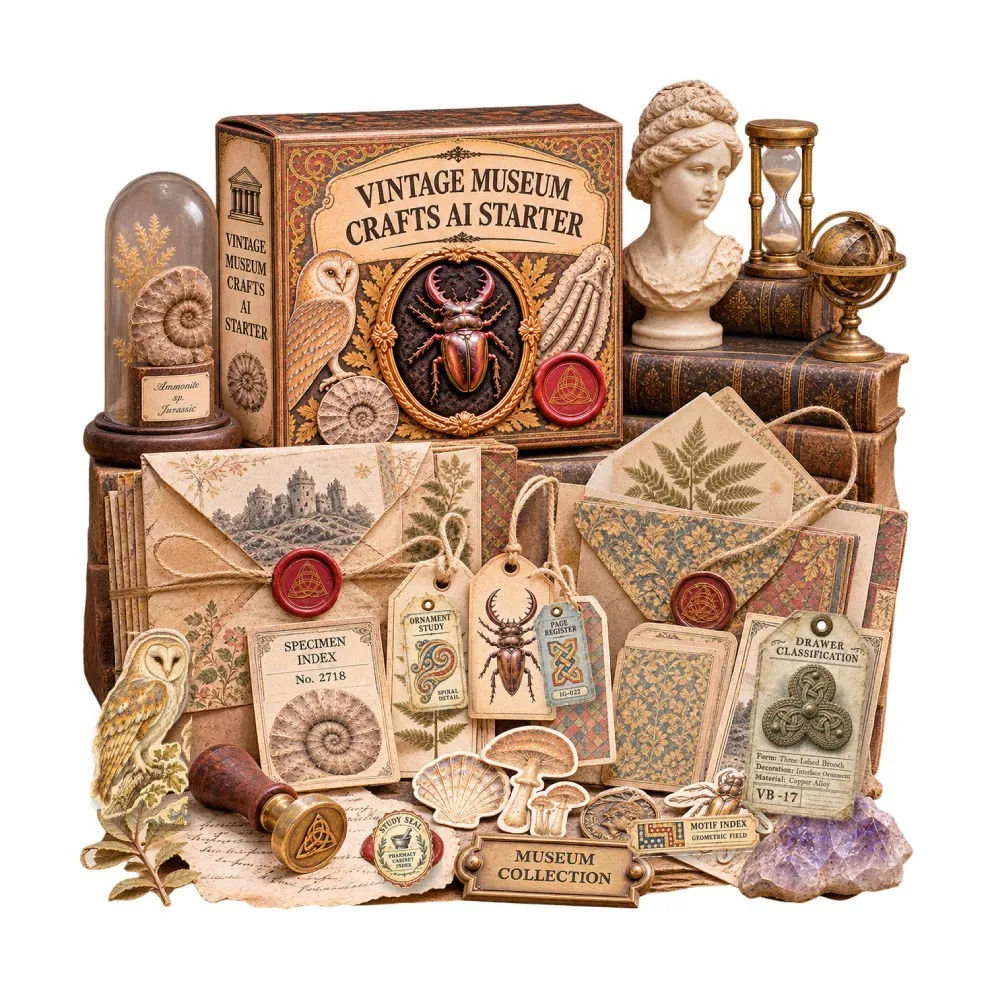
Vintage Museum Crafts AI: 627 Prompts, Honestly Reviewed
A prompt library of 627 image prompts across 19 museum niches, plus an online app for prepping files. I ran it through ChatGPT and here is what came out.
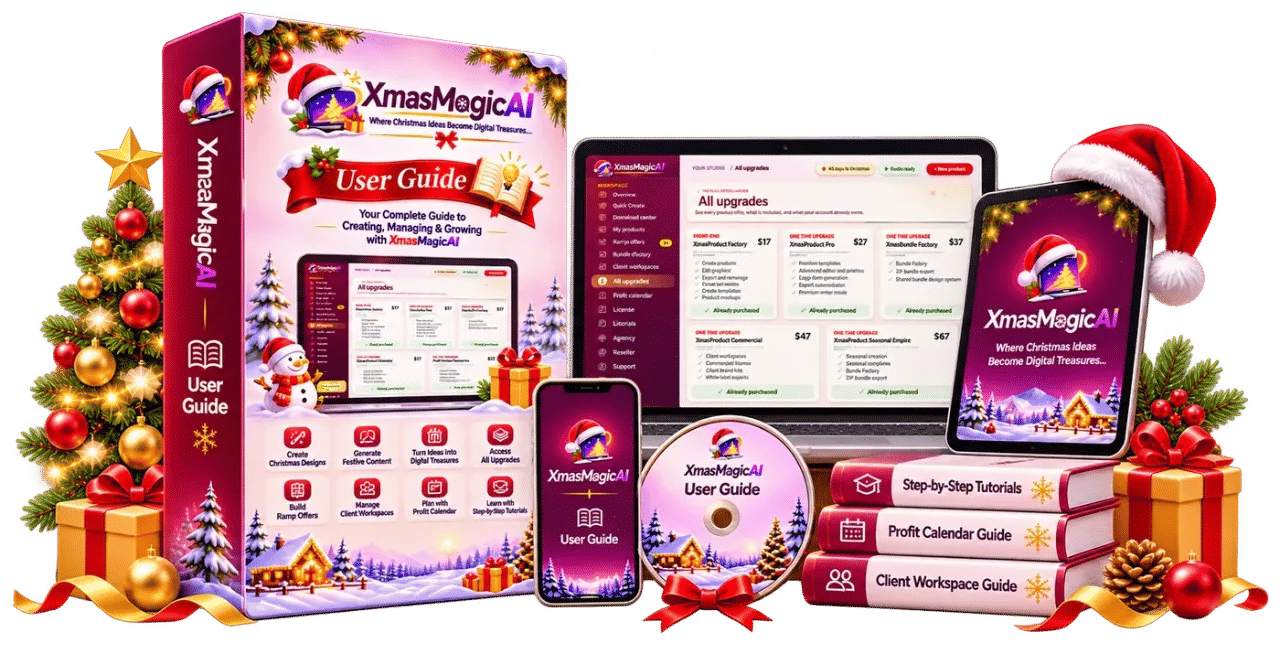
Xmas Magic AI Review: Can It Really Build Christmas Products?
I took Xmas Magic AI's one-sentence promise and tried to make a sellable Christmas activity book. The puzzles work. The proofing is weaker than I hoped. Here is the full picture.
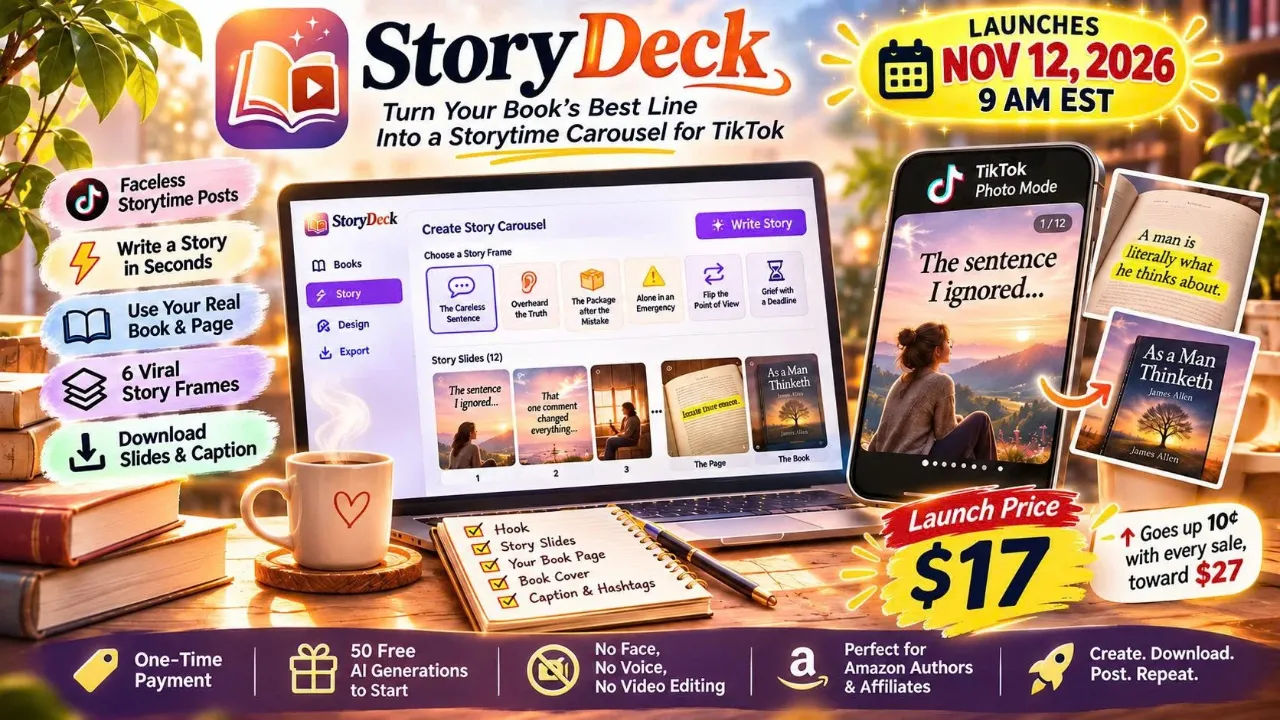
StoryDeck Review: BookTok Carousels in a Minute
I turned a page of a public domain book into a 12 slide TikTok storytime carousel in about a minute. StoryDeck is $17 one time, and the odd bits matter more than the pitch.