Vintage Museum Crafts AI: 627 Prompts, Honestly Reviewed
A prompt library of 627 image prompts across 19 museum niches, plus an online app for prepping files. I ran it through ChatGPT and here is what came out.
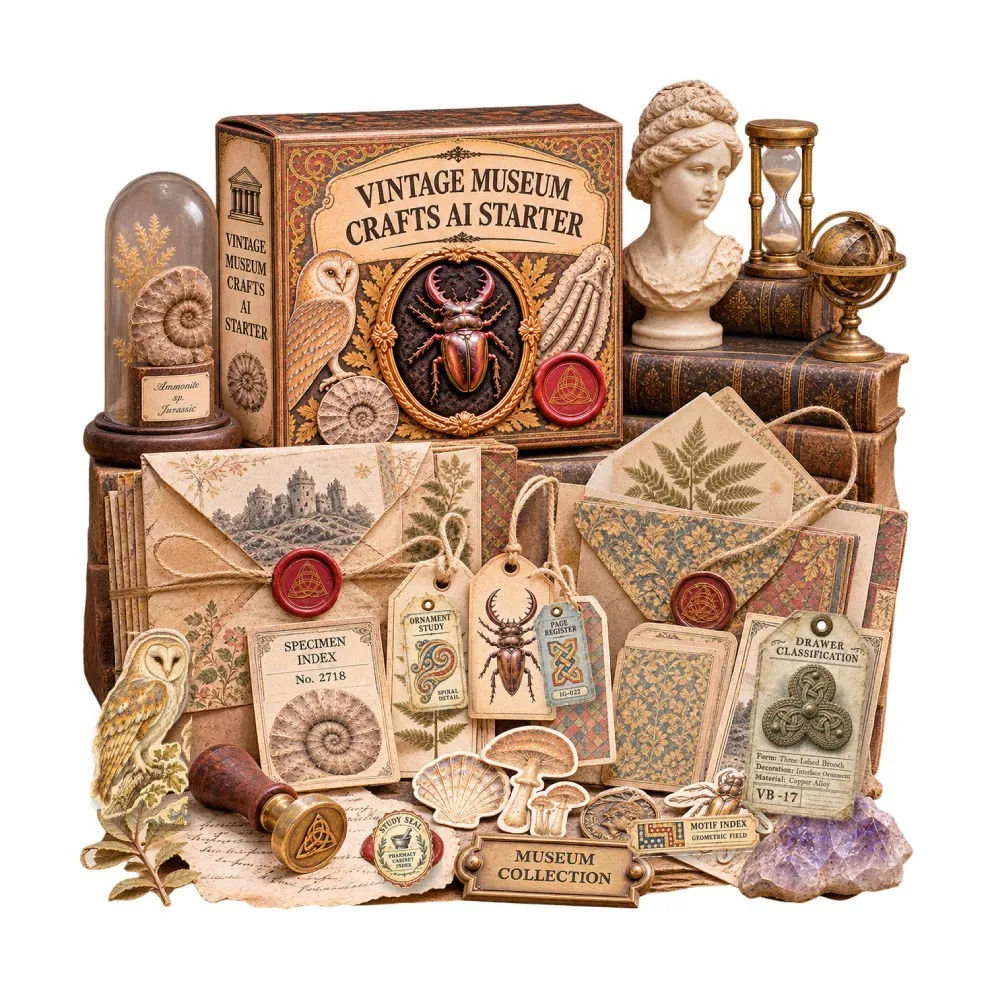
I bought Vintage Museum Crafts AI on a Sunday night after spending the afternoon fighting with a cowrie shell. I had a photo of one on my phone, I wanted a specimen card for a junk journal spread, and every image tool I tried gave me something that looked like a seashell sticker from a discount store. No fibre, no shadow, no sense that anyone had ever pinned it to a board with a brass label.
That is the exact problem this thing claims to solve. Vintage Museum Crafts AI is a library of 627 text-to-image prompts spread across 19 micro-niches and eight printable paper formats, sold for $17 as a one-time purchase. You get the prompts, not the finished artwork. That distinction matters more than anything else on the sales page, so I will keep coming back to it.
I have now generated somewhere north of ninety images with it. Some are good enough that I would print them and stick them in a book. A few looked like mush. Both outcomes are worth telling you about, because if you buy this expecting a folder of ready-to-print pages you are going to be disappointed, and I would rather you heard that from me than from your bank statement.
Our Verdict
Vintage Museum Crafts AI
A well-organised prompt library for maker-sellers who already know their way around an image generator and want a specific curatorial look, not a finished-art pack.
One-time payment, 30-day money-back guarantee per the sales page.
What You Actually Get
The core deliverable is a downloadable Excel workbook. You open it in Excel or import it into Google Sheets, pick a niche, and copy a prompt out. That is the whole workflow. There is also an online app reachable through a private link sent to your purchase email, which lets you browse niches and prompts in a browser without touching a spreadsheet.
The numbers break down like this. Nineteen niches, each with 33 prompts, which is 627 total. The 33 per niche are not 33 variations on the same sheet. They are split across eight formats, and the sales page lists the counts openly: 2 background papers, 3 specimen or artifact cards, 7 ephemera collage sheets, 5 labels and tags and tickets, 3 journal pages, 3 pockets and envelopes, 8 fussy-cut embellishments, and 2 folio covers or decorative panels. Add those up and you get 33. That maths checks out, which is a small thing but I have bought enough of these bundles to notice when it does not.
The three museum collections split the niches into Natural History, Archaeology and Ancient History, and Science, Technology and History. There are 29 sample designs shown on the page across those three wings, labelled F01 through F08 so you can see what each format is supposed to look like. Those samples are full images, not crops, which is why I could actually tell what I was buying.
Three bonuses come with the $17. Bonus one is a Print Studio inside the app: resize, upscale toward a 300 DPI target, export PDF pages, download a ZIP of your files. Bonus two is private label and resell rights on the prompt library itself, meaning you can rebrand the workbook and sell it under your own name. Bonus three is a Product Mockup Prompt Kit, a set of prompts for placing your finished artwork into styled shop previews.
- The 627-prompt Excel workbook (or Google Sheets import)
- Online app access for browsing the library in a browser
- Print Studio: resize, upscale, PDF export, ZIP download
- PLR rights on the prompt library, so you can rebrand and resell it
- Product Mockup Prompt Kit for shop and social previews
What you do not get: any images. Not one. Image generation happens in ChatGPT or whatever compatible generator you already pay for, and that subscription is not included. The sales page says this clearly in a "Know before you begin" block, and I respect that it is not buried in a footer.
Key Features
The 19 niches are the actual product, and they are specific in a way most vintage bundles are not. Victorian Stag Beetle Cabinets. Victorian Alpine Gentian Herbarium. Jurassic Plesiosaur Flipper Casts. Native Bismuth Crystal Cabinets. Egyptian Funeral Papyrus Vignettes. Roman Commemorative Medallions. Attic White-Ground Lekythoi, which I had to look up. Insular Gospel Carpet Pages. Viking Trefoil Brooches. Victorian Excavation Datum Benchmark Plaques. Victorian Laudanum Bottles. Victorian Amputation Bone Saws, which is a choice. Victorian Circumpolar Star Charts. Phonograph Cylinder Patents. Victorian Railway Sanding Gear Models. Victorian Clipper Sail Registries. Cassini Triangulation Station Indexes. Plus the stag beetle, owl plates and cowrie shells I mentioned.
That specificity is doing real work. "Vintage paper" as a prompt gets you a yellow rectangle with speckles on it. "Victorian Laudanum Bottles" gets you a prompt that has to describe glass, a label, a cork, a shelf, a shadow. The library pushes you toward subjects with shapes in them.
The eight formats matter for a second reason: you can build a coordinated set. If you are selling on Etsy or Gumroad, a buyer wants a kit that looks like it came from one museum, not eight unrelated downloads. Background paper, a matching specimen card, three journal pages and a pocket that all sit inside the same cowrie shell world is a more sellable product than any single sheet. The sales page leans on this and it is the strongest argument the product has.
The Print Studio is the part I expected to be junk and was not. It lives in the browser app, needs no install, no API key and no password setup. You upload what you generated, resize it to the sheet you need, upscale toward 300 DPI, combine pages into a PDF and pull down a ZIP. For someone who was previously opening three tools to do the same job, that is a genuine time saving.
PLR rights are the odd bonus. You can rebrand the prompt workbook, package it with your own cover and product name, and sell it on your own site or on Gumroad. That is a separate permission from using the artwork you generate, which you can already use in personal or commercial projects subject to your AI tool's terms. Two different things, and the sales page is careful to say so. I would be careful too.
Actually Using It
The purchase email arrived with the workbook download and the app link. I opened the spreadsheet first because I am nosy. Nineteen tabs or one long sheet depending on how you import it, and the prompts are written as full descriptive paragraphs rather than a comma-separated word salad. Each one names the subject, the material, the wear, the labels, the paper behaviour.
First test was the cowrie shells, obviously. I copied the artifact card prompt into ChatGPT, pasted it, and waited. What came back was not a sticker. It was a card with a shell sitting on a shelf edge, a pencilled number in the corner, a small brown stain near the bottom, and a line of text under the shell that was not quite readable but looked like it wanted to be. I printed it on 160gsm card, cut it to size, and it went straight into a spread.
Then I got greedy and tried to make a full kit. Background paper, three cards, a journal page, a pocket. Six generations in, I hit the first real limitation: consistency. The cowrie prompt gives you the same subject but not the same paper tone. My background was warmer than my cards. Nothing lined up the way the samples on the sales page line up, and I ended up tinting two of the six images in a photo editor to drag them into the same family.
Second limitation, and this one is bigger. Text. Any prompt that involves labels, tickets or archival notes will try to render lettering, and image models are still bad at small lettering. Maybe one card in four came back with text that read as text from arm's length. The rest ranged from vaguely plausible to alphabet soup. The library does include prompts that lean on short object labels and classification clues, and when those landed they were lovely. When they did not, I cropped the label area out or pasted a real typed label over the top. I do not know a fix for this beyond generating more and picking the good ones.
Third thing: speed. Ninety-odd images took me the better part of two evenings, including discards. That is not the product's fault, but budget for it. This is a library that rewards volume. You will throw away more than you keep, and the keepers are worth the throwing away.
The Victorian Amputation Bone Saws niche is where I stopped taking it seriously and started enjoying it. I do not sell bone saw ephemera. I made three sheets anyway because the prompts produce genuinely strange, beautiful object studies. That is the honest pitch for this: it is a curiosity engine as much as a commercial one.
Print Studio handled the export cleanly. I pulled six pages into a PDF at a 300 DPI setting and the ZIP came down without drama. The sales page warns that 300 DPI is a target and upscaling cannot invent detail, and it is right. A small image upscaled is still a soft image. I sized my generations large at source instead, which solved more problems than any upscale did.
If you want to see the sample gallery and the format list before committing, the Vintage Museum Crafts AI page shows all 29 of them uncropped.
Nineteen museum niches, one workbook, $17
Works in ChatGPT or Google Sheets plus any image generator you already have.
Pricing and Value Analysis
The headline price is $17, one-time, no subscription from this offer. The page mentions $17 ten separate times, which tells you the anchor. It also mentions $27 twice, $10 twice, $197 twice, $255 once and $58 once. Those other numbers appear to be comparison points rather than sale prices for this product, and since I only bought through the $17 link I am not going to pretend I know what the $255 refers to. I paid $17 and that is the number I can vouch for.
So what is $17 buying? Not artwork. Not a design tool. A structured, curated set of English image prompts plus a file-prep utility and a resell licence on the prompt text. Compare that to the alternatives a maker actually has.
| Option | Typical cost | What you get |
|---|---|---|
| Vintage Museum Crafts AI Starter | $17 one-time | 627 prompts, 19 niches, Print Studio, PLR on the library, mockup kit |
| Buying pre-made printable kits | Varies by seller, per kit | Finished artwork, no resell rights on the source, no customising |
| Writing prompts yourself | Your time | Unlimited, but you start from zero and most people quit at the faded rectangle stage |
| AI image tool subscription | Separate, recurring | Generation only, no library, no print prep, no PLR |
The comparison that matters is time. If you already sell printable digital products and you know your generator, this library collapses the research stage. You skip the part where you stare at a blank prompt box trying to describe a Cassini triangulation station. Whether that is worth $17 depends entirely on how many sheets you plan to make. At ten sheets it is a rounding error. At one sheet you bought a novelty.
Refunds: the sales page states a 30-day money-back guarantee and describes checkout as secure with instant digital access. I have not tested the refund process, so I cannot tell you how it behaves in practice, only what the page promises.
The PLR angle changes the maths for a specific kind of buyer. If you run a shop that sells digital bundles, rebranding and reselling the prompt workbook is a product you can put on your own shelf for the price of one lunch. That is a legitimate path. It is also the path most likely to lead to twenty people selling the same workbook with different covers, so think about whether that is the identity you want.
Pros and Cons
Pros
- Nineteen specific niches instead of vague vintage filler
- Prompt counts per format add up honestly
- Print Studio handles resize, PDF and ZIP without extra tools
- PLR rights on the prompt library are included in the price
- Sample gallery shows full uncropped designs before you buy
Cons
- Prompts only, no images included and no AI subscription
- Small lettering in generated labels is unreliable
- Paper tone drifts between generations in the same niche
- You buy an AI subscription separately to generate anything
Who This Is For
Digital printable makers who already sell junk journal kits, ephemera packs or paper collections on Etsy or Gumroad and want a fast route into a curatorial style. People who already pay for an image generator and know how to coax a decent result out of it. Anyone who wants a resellable prompt library and understands what PLR actually means. And the curious, honestly. If you like the idea of a Victorian circumpolar star chart enough to spend seventeen dollars and an evening, you will get your money's worth in entertainment alone.
Who Should Skip It
If you do not have an image generator and do not plan to get one, this is a workbook of instructions you cannot follow. Skip it. If you want finished printable pages you can download and print today with no generation step, skip it, this is not that product and no amount of squinting will make it one. If precise typography matters in your listings, the label rendering will frustrate you. And if you are allergic to spreadsheet workflows, the online app softens it but does not remove it.
Frequently Asked Questions
Is Vintage Museum Crafts AI worth $17?
For a maker who already pays for an image generator and wants a curated route into museum-style ephemera, yes. You get 627 prompts across 19 niches, eight paper formats, a file-prep studio and PLR on the library. For a casual buyer who wants ready-to-print pages, no, because no images are included.
What exactly do I get with Vintage Museum Crafts AI?
An Excel workbook of 627 English image prompts, split across 19 micro-niches and eight printable formats. Plus access to an online app for browsing and prepping files, a Print Studio with resize, upscale, PDF and ZIP export, PLR rights to rebrand and resell the prompt library, and a product mockup prompt kit.
Do I need ChatGPT to use it?
The sales page recommends ChatGPT and states that generation happens in ChatGPT or another compatible image generator. That subscription is separate and not included in the $17. You can also open the workbook in Excel or import it into Google Sheets and copy prompts from there without using the app at all.
Can I sell what I make with these prompts?
Yes, subject to your AI tool's and marketplace's terms. The sales page grants full usage flexibility for generated artwork in personal or commercial projects. Separately, the PLR bonus lets you rebrand and resell the Starter prompt library itself. Those are two distinct permissions and the page is careful to keep them apart.
Are the images print quality?
Depends on what you generate and how large. The Print Studio upscales toward a 300 DPI target, but the page is upfront that 300 DPI is a target rather than a guarantee of detail. Upscaling cannot invent missing information. I got the best results by generating large at the source and then sizing down.
What are the alternatives?
Buying pre-made printable kits from other sellers, writing your own prompts, or subscribing to a design tool with template libraries. The first gives you finished art with no customising. The second is free but slow. The third rarely produces this specific archival museum look. See the current offer on Vintage Museum Crafts AI if you want to compare the format list side by side.
Is there a refund policy?
The sales page states a 30-day money-back guarantee alongside secure checkout, one-time payment and instant digital access. I have not needed to test it myself, so I can only report what the page promises rather than how the process performs in reality. Check the terms at checkout before you buy.
Final Verdict
I got what I paid for and slightly more. The cowrie shell card is in the journal, the bone saw sheets are in a folder I keep meaning to do something with, and the Print Studio saved me a tool swap every time I finished a batch. The consistency drift and the mangled label text are real costs, and they are costs you pay in time rather than money.
At $17 with a 30-day guarantee, the downside is bounded. My score is 4.1. Buy it if you already sell printables or want to start, and you are willing to generate a lot and keep the best. Skip it if you were hoping for a folder of finished pages, because that is not what this is, no matter how good the sample gallery looks.
Start with one museum, build a whole collection
30-day money-back guarantee stated on the sales page.
Related Posts
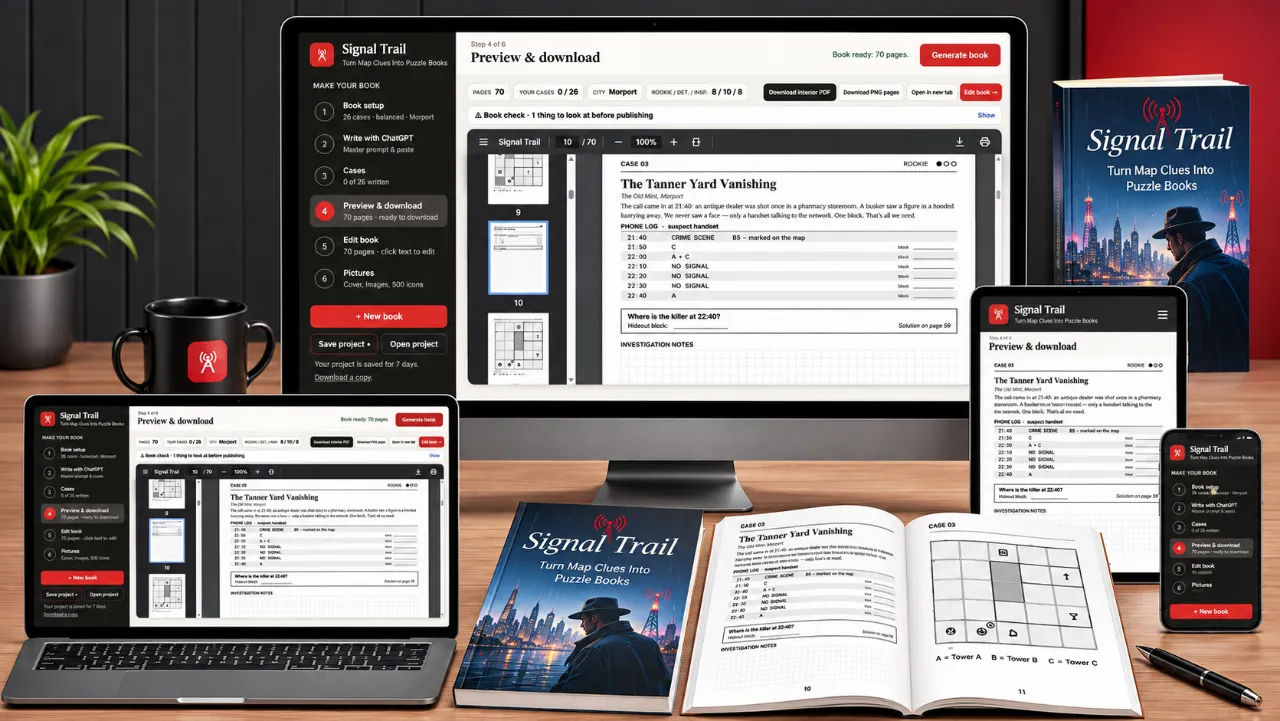
Signal Trail Review: Map Clue Puzzle Books
I built a 30-case detective puzzle book in an evening and only cried once. Here is what Signal Trail actually does, and where it annoyed me.
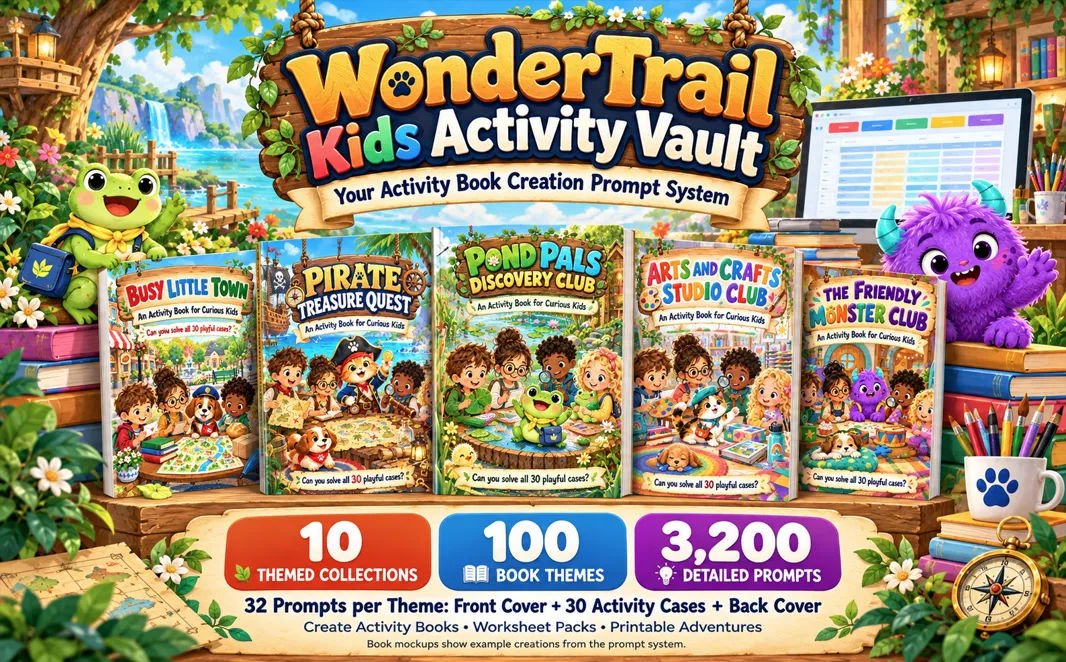
WonderTrail Kids Activity Vault Review: 3,200 Prompts for $17
I bought WonderTrail Kids Activity Vault to see whether 3,200 structured prompts really beat starting from a blank page. It does, with one big caveat about ChatGPT.
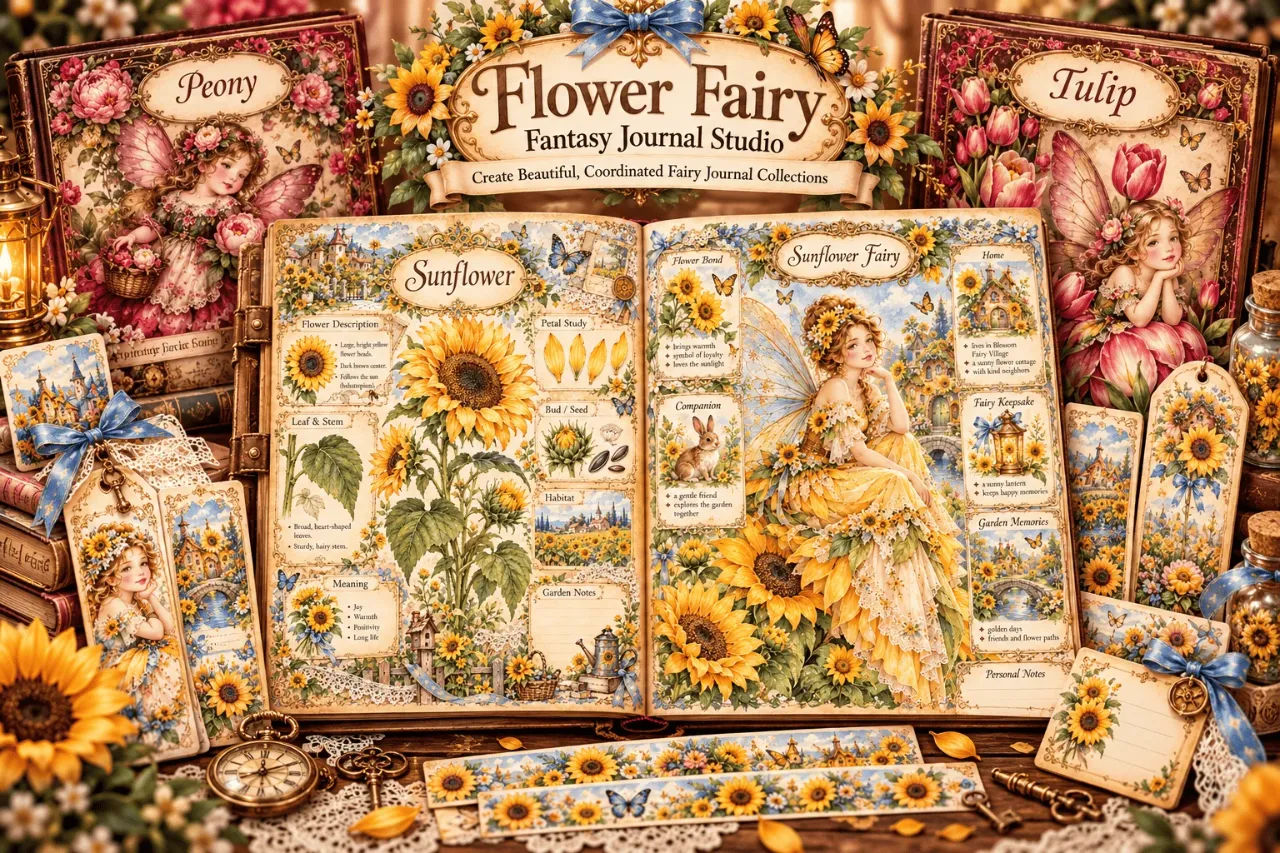
Flower Fairy Fantasy Journal Studio Review
I spent an afternoon with a $17 prompt app that writes fairy journal prompts for AI image tools. It does one narrow job well, and it does not make pictures.
Xmas Magic AI Review: Can It Really Build Christmas Products?
I took Xmas Magic AI's one-sentence promise and tried to make a sellable Christmas activity book. The puzzles work. The proofing is weaker than I hoped. Here is the full picture.
StoryDeck Review: BookTok Carousels in a Minute
I turned a page of a public domain book into a 12 slide TikTok storytime carousel in about a minute. StoryDeck is $17 one time, and the odd bits matter more than the pitch.
Embroidery Design Vault Review: 680 Prompts for $17
Embroidery Design Vault Starter gives you 680 prompts and a browser toolkit for $17. I tested the library, the Prompt Builder and the puzzle studio. Here is the honest version.