Xmas Magic AI Review: Can It Really Build Christmas Products?
I took Xmas Magic AI's one-sentence promise and tried to make a sellable Christmas activity book. The puzzles work. The proofing is weaker than I hoped. Here is the full picture.
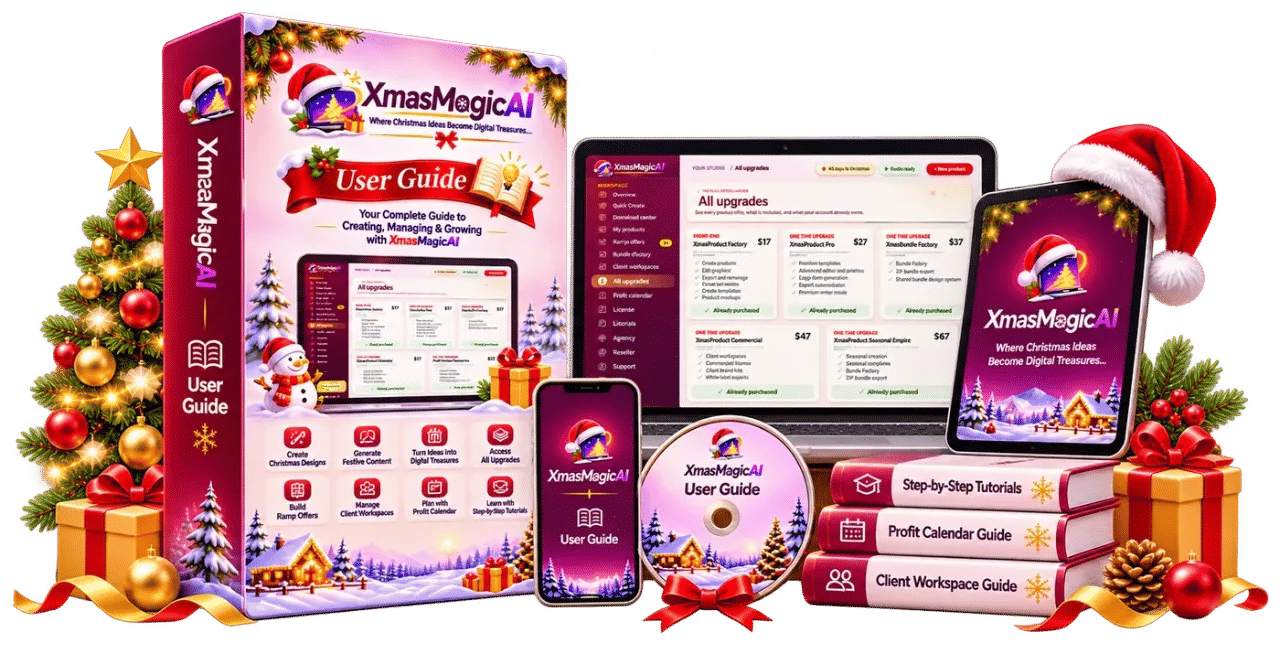
Xmas Magic AI landed in my inbox on a Sunday night in early October, which is exactly when I start panicking about the Christmas products I said I would make and didn't. Last year I spent three evenings in Canva trying to line up thirty pages of a reindeer activity book. Eleven of those pages had word search grids that were off by half a cell. I exported it, printed it on my home printer, and the reindeer clip art came out with a grey halo around every edge. I never listed it.
So when a tool says it can take one sentence and hand me back a print-ready activity book with puzzles that actually work, I am the most sceptical person in the room. I bought Xmas Magic AI at $16.95 to find out whether that claim survives contact with a real deadline. Short version: the puzzle engine is the real thing, the writing engine needs a babysitter, and the all-in-one packaging saves me more time than the writing saves me trouble.
Our Verdict
Xmas Magic AI
A genuinely useful Christmas product builder whose puzzle and layout engine carries weaker copy and an optimistic quality check.
One-time payment, WarriorPlus checkout, 7-day money-back guarantee.
What You Actually Get
Xmas Magic AI is a browser-based studio aimed at one narrow job: producing sellable Christmas digital products. The sales page calls it "the first AI studio built ONLY for Christmas digital products," and honestly the narrow focus is the point. You are not fighting a general image tool into a colouring page shape. The dashboard already assumes you want a colouring page.
Here is what my account actually contained after checkout. One login, one dashboard, no software to install, which matches the page's claim. From there you pick a product type, describe your idea in a line or two, and click create. The tool then runs a pipeline: it plans the product (title, subtitle, description, outline), writes the content, generates Christmas artwork for covers and illustrations, builds the puzzles, lays out the pages, and exports. The export goes out as a print-ready PDF in US Letter, A4 or 8.5x11 inches, plus a separate cover image and a 3D mockup you can drop straight into an Etsy listing.
The product types are the headline. The page claims 17 types, and the ones that made it into the visible copy include activity books, colouring books, gift planners, ebooks, party game packs, recipe ebooks, Christmas worksheets and gift guides. Somewhere in the launch material is a "Countdown To Christmas" activity book example too. What I can confirm from testing is that activity books, colouring books, planners and game packs all output something I would not be embarrassed to list.
You also get the editing layer. Every section, every image, every page is editable inside the dashboard before you export, which matters more than anything the sales page says, for reasons I will get into.
Key Features and What Each One Actually Does For You
The 4-Pass Pro-Writer Engine is the sales page's first big claim. Pass one works out the audience, reading level and tone; pass two builds the outline; pass three drafts each section separately; pass four edits for repetition and consistency. What this buys you is structure. A generic chatbot handed "write a Christmas gift planner" produces a wall of prose with no fields, no tables and no idea what a gift planner is for. Xmas Magic AI at least knows that a gift planner needs a budget tracker, a "who I'm buying for" list, a shopping checklist by store, a wrapping tracker and a card list. The outline is genuinely competent.
The Anti-AI Filter is the second claim, and I am split on it. The page says it strips out cliché phrases like "delve", "tapestry" and "in today's fast-paced world", and to its credit I did not see those exact words in the drafts it produced. What I did see were milder ones: a bit of "this festive season is the perfect time to..." and a couple of "create memories that last a lifetime". Not the worst offenders, but not clean either. Budget an editing pass.
Then the puzzles, which is the section that actually earned my money. The sales page makes a sharp point: AI image tools cannot spell, cannot build a real word search grid, and cannot draw a maze with an exit. That is true, and it is the reason I have never been able to sell an AI-assembled activity book before. Xmas Magic AI generates word searches, mazes, crosswords, sudoku, word scrambles and bingo cards with actual puzzle algorithms, and every puzzle ships with an automatic answer key. I checked the mazes by hand. The exits were there.
Finally the Print-Ready Quality Check, which scans your product before export, flags weak sections, repeated phrases, empty pages and low-resolution images, and upscales images to print quality. The upscaling worked. The flagging is the part I have a problem with, and it comes up later.
Actually Using It
My first test sentence was deliberately lazy, the way a real buyer would use it: "A Christmas activity book for 5 to 8 year olds." That was it. No audience field, no style, smart defaults left on. I timed it. From clicking create to having a downloadable PDF in front of me took under seven minutes, which lines up roughly with the "about 6 min walkthrough" promise on the video.
The title it generated was close to the sales page example: a jolly elf framing, a page count, and an ages 5 to 8 subtitle. The cover had original artwork, not a stock photo with a border, and my name appeared on it because I had typed it into the settings. There was a "This Book Belongs To" page, which I would never have remembered to add and which is exactly what parents like.
The interior was where I started paying attention. Twenty-two pages: six colouring pages, three word searches, two mazes, a couple of tic-tac-toe sheets, a matching-pairs page and an answer key at the back. The colouring pages had thick black outlines and no grey shading, which is the difference between printable and not. The word searches were laid out on a real grid with age-appropriate vocabulary: Santa, sleigh, reindeer, snowman. I opened two of them on my second monitor and solved them by hand. Both solved. The mazes had a clear start and finish and a difficulty curve that would not frustrate a six year old but would not bore an eight year old either.
Then I printed six pages and coloured for forty minutes, partly to check line weight and partly because I had forgotten how much I like colouring. The outlines held up on cheap paper. Nothing bled through. No blurry images, which is the exact problem I have hit with every generic AI image tool I have tried.
Second test: a gift planner for busy moms, because planners are where AI tools usually fall apart. This one surprised me. The output had a welcome page, a gift budget tracker with real columns, a who-I-am-buying-for list, a stocking-stuffer ideas page, a wrapping tracker and a notes section. The styling was evergreen and gold and consistent across every page. The grids lined up. I did not have to touch the layout at all.
Where it got annoying was the copy. The budget tracker page had an intro paragraph with three consecutive sentences that said the same thing in slightly different words. The quality check flagged two weak sections, which was correct, but it missed four repeated phrases I found with Ctrl+F. It is a helpful second pair of eyes, not an editor. If you are selling to buyers on Etsy who read the preview pages closely, you will want to spend twenty minutes per product reading and rewriting.
Editing inside the dashboard is straightforward. You click a text block, retype it, and the layout reflows. Images can be swapped out of the generated set, though not imported from my own files as far as I could work out. That frustrated me on one colouring page where the reindeer looked more like a dog with antlers, and my only fix was to regenerate and hope the next one landed. I do not know if that is a hard limit or a setting I missed.
My third test was a game pack for Christmas Eve, which is where the puzzle engine shines hardest. Bingo cards, scavenger hunt clues, tic-tac-toe, matching pairs. Six bingo cards, all different layouts, all with the free square in the middle. A saleable product in about four minutes once I had a sentence I liked.
Ready to stop fighting Canva before December
One-time payment. Files export as PDF, cover image and 3D mockup.
Pricing and Value Analysis
The operator notes put the price at $16.95, and the sales page runs a Warrior Special dimesale, which means the price rises with every copy sold. The page shows $17 in most places and I saw it tick over to $16.95 on checkout, so treat the number you pay as a live price, not a fixed one. The page also mentions a $1.01 figure and assorted $3, $5, $9 and $15 examples, but those are describing the price points of the end products buyers pay for on Etsy, not the cost of the tool itself. Do not confuse them.
It is a one-time payment via WarriorPlus or JVZoo with PayPal, Visa, Mastercard and American Express. No subscription. That matters because every subscription tool I run costs me roughly 3 to 5 times more per month than this costs once. Seven-day money-back guarantee if it does not do what the page says, no hoops claimed, though I did not trigger it and cannot vouch for how quick support is.
| Option | Cost | Time per activity book | Puzzle quality |
|---|---|---|---|
| Xmas Magic AI | $16.95 one-time (dimesale, rising) | 5 to 10 minutes | Algorithm-built, with answer keys |
| Canva + generic AI chatbot | Free tier or paid Canva plan | 3 to 5 evenings | Broken grids, no real answer keys |
| Hiring a designer | Dozens to hundreds per book | Days to weeks | Depends entirely on the designer |
Run the maths on one product. If a Christmas activity book lists at $5 on Etsy and sells eight copies, you have made about $40 before Etsy fees. That covers the tool twice over. The real risk is not the price, it is whether you actually list anything, and that is a discipline problem the software cannot solve for you.
Pros and Cons
Pros
- Puzzles are built by actual algorithms, not AI guesswork, and every one includes a working answer key
- Print-ready export with cover image and 3D mockup, no extra design step
- Layouts stay consistent across twenty plus pages, which is where DIY usually falls apart
- One-time payment rather than a subscription, with a seven-day money-back guarantee
Cons
- The quality check flagging is looser than the sales page implies and misses repeated phrases
- Copy needs a human editing pass before you list it
- No import of your own images, so a bad generated illustration can only be regenerated
- Dimesale pricing means the cost you pay rises with each sale
Who This Is For
Anyone who already sells or intends to sell low-ticket digital products on Etsy, Gumroad or their own site and wants to move from zero to a listed product this week rather than next year. Teachers and parents who make classroom or family activity packs for their own use will also get value, since the puzzle engine alone is worth the price. If you can type one sentence and have ninety minutes to spare, this is in your lane.
Who Should Skip It
If you want a tool that hands you a fully polished product with zero human review, skip it. The copy is good, not finished. If you already have a designer workflow and a fine Canva template, the time saving is real but small. And if you are looking for a Christmas illustration tool rather than a full product builder, this is more machine than you need. It also expires as a useful purchase around mid-December, because nobody buys a Christmas countdown planner on December 27th, and I have made that mistake before.
Frequently Asked Questions
Is Xmas Magic AI worth it?
At $16.95 one-time, yes, if you plan to sell at least one Christmas digital product this season. The puzzle engine and print-ready export alone would take you days to replicate manually. If you will not list anything, no tool is worth it, and this is not the exception.
What does Xmas Magic AI cost?
The operator notes and the Xmas Magic AI sales page show $16.95 to $17 depending on when you hit checkout. It runs a Warrior Special dimesale, so the price rises with each copy sold. It is one-time, not a subscription, with a seven-day money-back guarantee.
What kinds of products can it create?
The sales page claims 17 product types. Confirmed examples include activity books, colouring books, gift planners, ebooks, party game packs, Christmas worksheets, recipe ebooks and gift guides. The activity book, colouring book, planner and game pack outputs are the ones I tested and would list.
Do the word searches and mazes actually work?
Yes. I solved two word searches by hand and traced two mazes to their exits. Xmas Magic AI generates puzzles with algorithms rather than image models, and every puzzle comes with an automatic answer key at the back of the book. This is the single biggest reason to buy it.
Will the content read like AI wrote it?
Partially. The Anti-AI Filter strips the worst offenders like "delve" and "tapestry", and the 4-Pass Pro-Writer produces readable drafts. But there are repeated phrases and the odd cliché it misses. Plan on twenty minutes of manual editing per product before you list.
Is there a refund if it does not work for me?
The sales page offers a seven-day money-back guarantee. Contact support within seven days if the tool does not do what the page says. I did not test the refund process myself, so I cannot comment on how quick or frictionless it is.
What are the alternatives to Xmas Magic AI?
Canva plus a generic AI chatbot is the free alternative, but you will spend multiple evenings on layout and your puzzle grids will likely be broken. Hiring a designer or buying a PLR template pack are other routes. Neither gives you instant puzzle generation with working answer keys at this price point.
Final Verdict
I went into Xmas Magic AI expecting to write a polite review and quietly forget about it by November. Instead I have three products sitting in a folder, one of them already listed on Etsy, and I have spent about an hour and a half on all three combined. That is faster than I have ever managed with any tool.
The writing engine is not the star. It is competent, it knows its audience, and it produces the occasional sentence that needs rewriting. The puzzle engine and the layout engine are the reason I would buy again. They solve the exact problem that stopped me selling anything last Christmas: not having the patience to build thirty consistent pages with random. If your time is worth anything over $16.95, and I assume it is, the maths is easy.
Build your first Christmas product tonight
Seven-day money-back guarantee. One-time payment, no subscription.
Related Posts
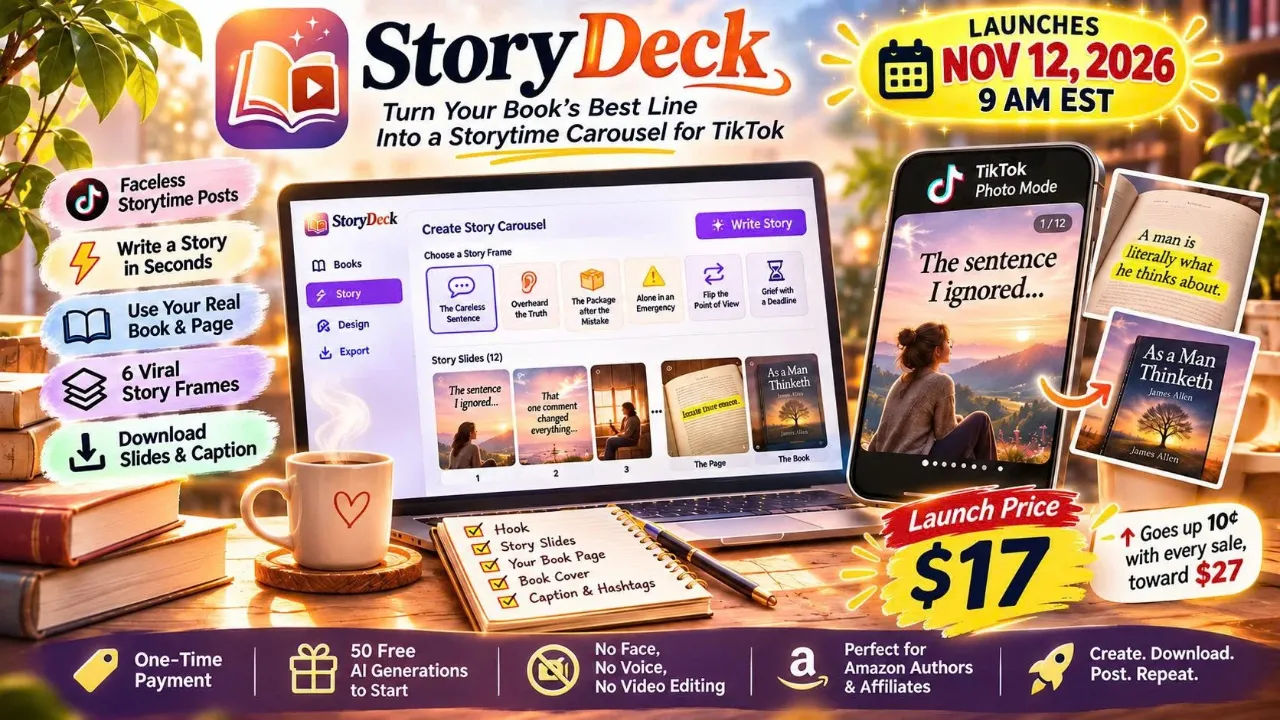
StoryDeck Review: BookTok Carousels in a Minute
I turned a page of a public domain book into a 12 slide TikTok storytime carousel in about a minute. StoryDeck is $17 one time, and the odd bits matter more than the pitch.
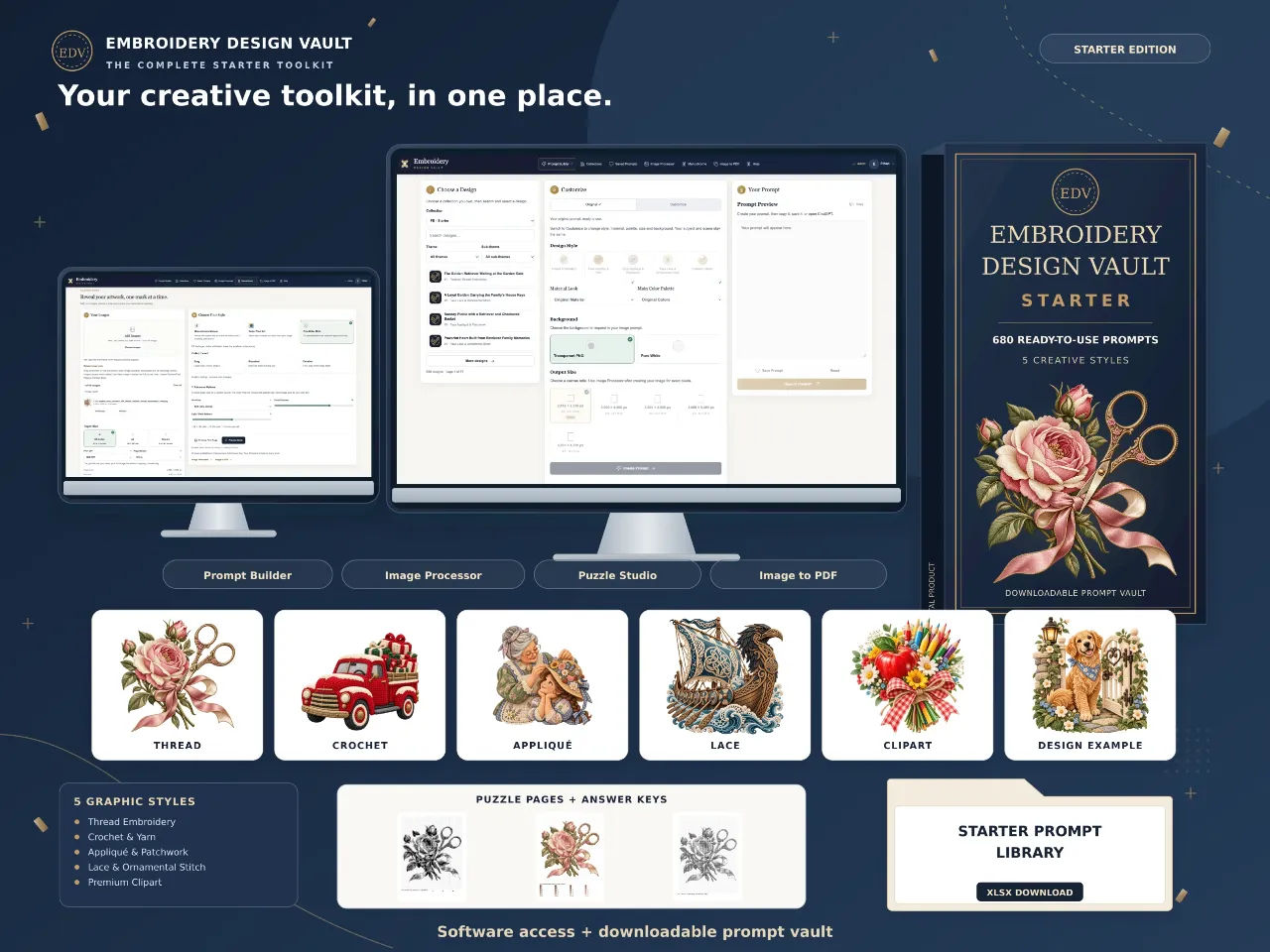
Embroidery Design Vault Review: 680 Prompts for $17
Embroidery Design Vault Starter gives you 680 prompts and a browser toolkit for $17. I tested the library, the Prompt Builder and the puzzle studio. Here is the honest version.

CineMill Creator Review: Faceless Videos From One Sentence
I typed one sentence into CineMill Creator and got a finished narrated story video back. Here is what it does well, where it stumbles, and who should not buy it.
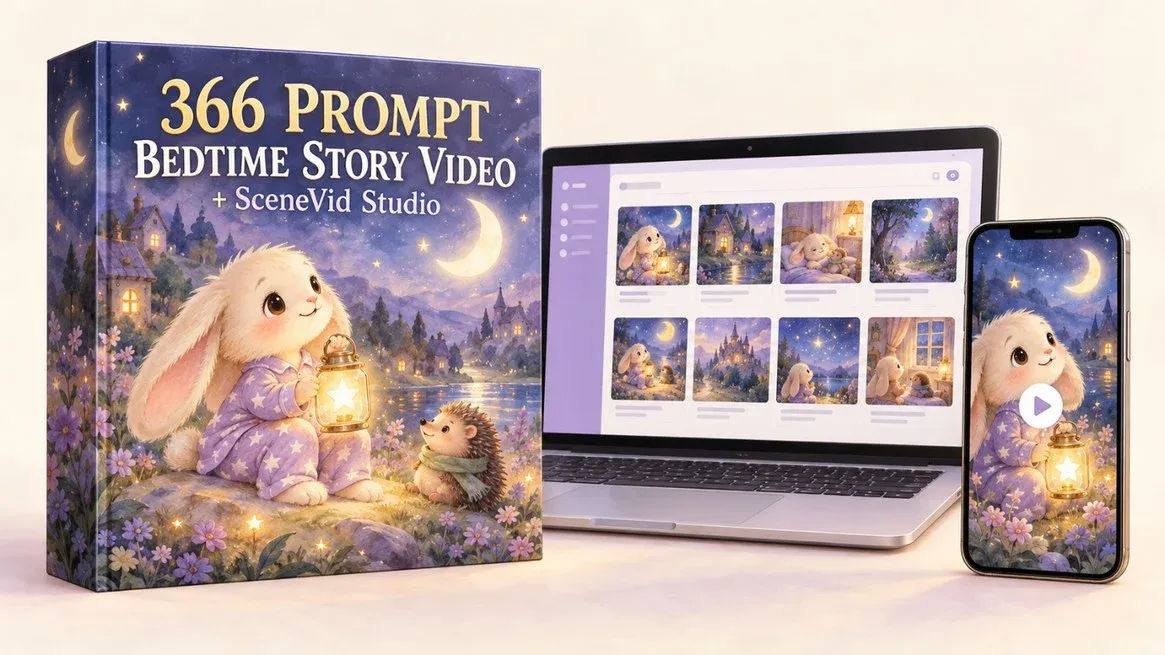
366 Prompts Bedtime Story Video: My Honest Review
I bought 366 Prompts Bedtime Story Video to see if one paste really turns into a finished 60-second vertical story. Here is what it does and where it stumbles.
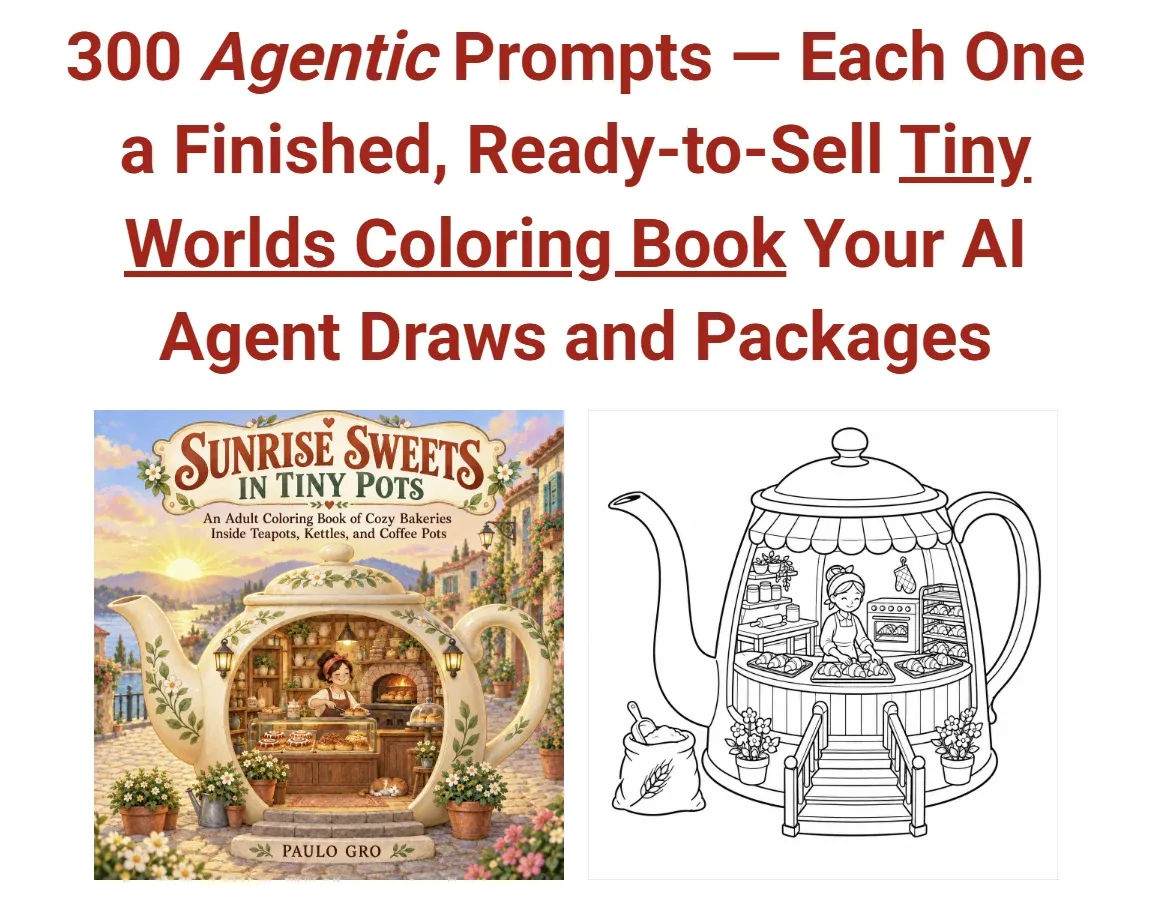
300 Agentic Prompts for Tiny Worlds Coloring Books Review
I pasted one prompt and watched an agent plan, draw and package a 30-page tiny worlds coloring book. Here is what the files actually look like.
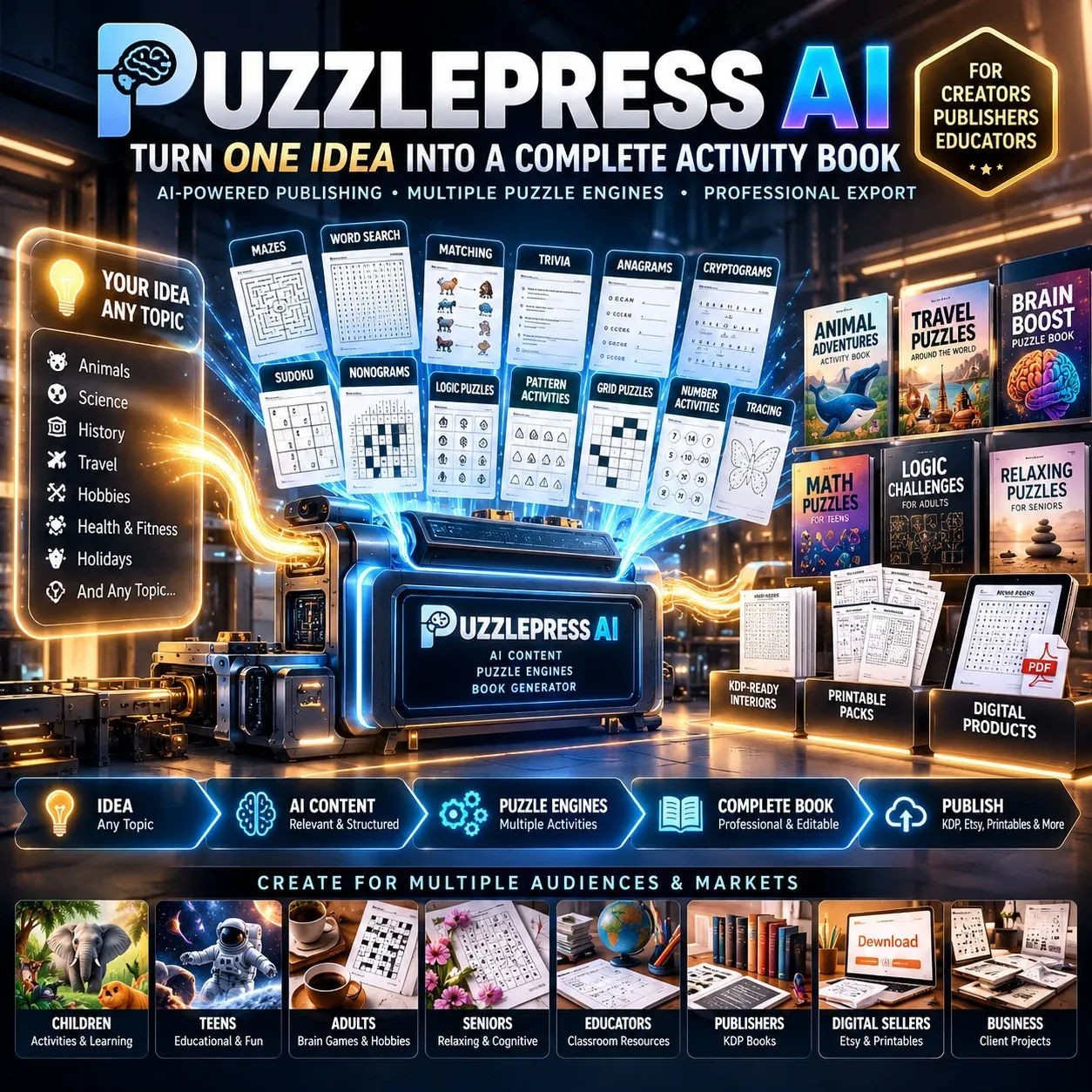
PuzzlePress AI Review: I Made a Puzzle Book in 4 Minutes
I typed "turtles," picked ages 6-8, and had a print-ready PDF on screen in under four minutes. Here is what the engine does well and where it annoys you.