GiggleDeck Review: One Keyword, One Kids Joke Book
I typed one keyword and let GiggleDeck plan a whole kids joke book. The page mapping is the part that actually saves time, not the jokes.
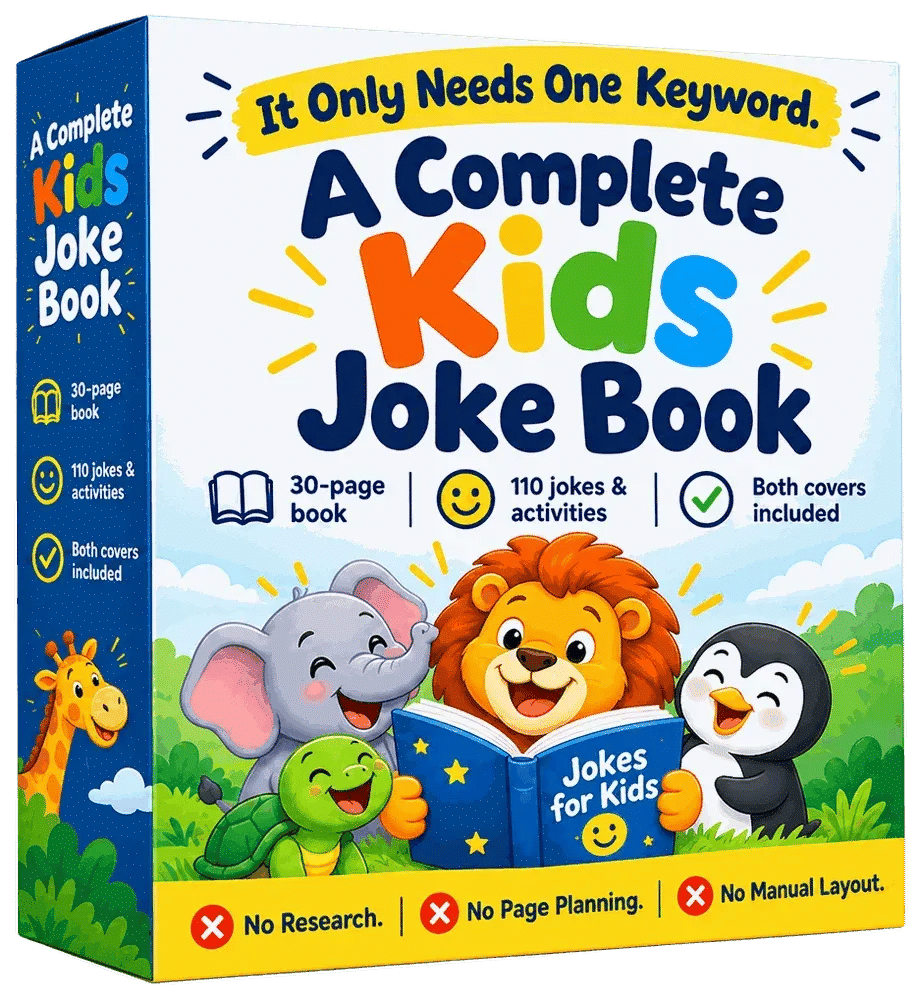
I have a folder on my desktop called "book attempts" and it has eleven files in it. Eleven half-finished joke books for kids, all started in a burst of enthusiasm, all abandoned somewhere around page 19 when I realised page 14 had come back in a completely different art style and I could not face re-prompting the whole thing. So when I saw GiggleDeck promising to turn one keyword into a complete 60-page joke book, I was not optimistic. I have been sold this exact promise before.
What made me actually open my wallet was not the joke generation. I know ChatGPT can write fifty jokes in ten seconds. It is the deciding that kills me. Which joke goes on page 8. How to stop page 30 looking like it belongs to a different book. Where the activity pages sit so a child does not hit six riddles in a row and give up. And then the cover spine maths, which I have got wrong twice and had rejected once.
GiggleDeck is $17, one payment. I bought it, built a book with it over two evenings, and printed the result at home to see whether the file was actually usable. This is what I found, including the parts that annoyed me.
Our Verdict
GiggleDeck
A genuinely useful page planner and style locker for kids joke books, though you still do the ChatGPT grunt work and the plain PDFs are not editable.
One-time payment, instant download
What You Actually Get
GiggleDeck is a browser-based app, not a folder of templates. You open it, you type a keyword, and it plans out a book. That is the whole shape of it.
What lands in your account:
- The app itself, running in your browser. No install that I could see, and the sales page states it never sends your work anywhere.
- Page planning from a single keyword. It works out how many pages, how many jokes per page, and where the activity pages land.
- 35 prompts written for you: the content prompts, a style anchor, one image prompt per page, and the cover.
- A style lock that goes into every single image prompt. More on why that matters below.
- Two print-ready PDFs at the end: the interior and the wraparound cover, both at 300 DPI, with the spine width computed from your page count.
- Three editions from the same words: full colour, black-and-white colouring, and a scribble edition that looks hand-coloured.
- Twelve palettes, eighteen art directions, five borders and three detail levels.
- Ten languages in the base copy, with 24 more behind the Agency Pack.
The sales page is careful to say GiggleDeck makes books, and that what any book earns depends on your cover, your listing and your niche. I will say the same thing, because it is true and because anyone promising you KDP income from a $17 tool is lying to you.
Key Features
The page map. This is the feature I would pay for on its own. Before you send a single message to ChatGPT, GiggleDeck fills in a page-by-page plan: which jokes go where, which pages are activities, how many messages the whole book will take. That last number is oddly calming. I knew it was going to be 35 prompts before I started, so I could see the finish line.
Auto mode. If you do not want to make any decisions, Auto fills in the page count, jokes per page, activity balance, trim size, cover geometry and section themes. You type a keyword and press build. First book in the door, that is what I used.
Manual mode. Everything opens up. You get 24 to 60 pages, 3 to 6 jokes per page, and 0 to 10 activity pages, which tops out at 336 jokes in a single book. Reader age, language, title and pen name are all editable. Four core trim sizes from 6 x 9 in up to 8.5 x 11 in. And a print-ready mode versus artwork-only mode, the latter being for people who do their own typesetting.
The style lock. This is the second feature that earns its keep. Each palette is locked to five exact hex values, and those five values get written into every image prompt. The sales page says this is the reason page 30 still matches page 1. In my build, that held. The colour on my last page was the same colour as my first.
The prompt queue. You copy content prompts to ChatGPT, paste the answers back, then work through the page prompts one at a time. The queue keeps your place, marks each one done, and tells you what to send next. It is a small thing and it stopped me losing track, which is exactly where my previous eleven attempts died.
The cover builder. You get one wraparound file with back cover, spine and front, sized to your page count with the spine computed. The sales page points out that getting the spine wrong to four decimal places is the usual reason KDP rejects a cover, and that matches my own experience.
Actually Using It
I picked dinosaurs, because if you are testing a kids joke book tool, you test it on the obvious one first. Auto mode, print-ready, 60 pages, English.
The page map filled in immediately. Titles, one-liners, riddles, a maze, knock-knock jokes, spot the difference, word search, crack the code, match the punchline, would you rather, draw your own, answers. I counted six activity pages in the plan. Six is right. It is enough to break up the joke runs without turning the book into a puzzle book with jokes bolted on.
Then the prompts. I had three content prompts to paste into ChatGPT for the jokes, the riddles and the activity instructions. I had it open in a second tab and it took me about eight minutes including reading through what came back. The jokes were fine. Genuinely fine, in the way that dinosaur puns are fine. Your ten year old will groan. That is the job.
The style anchor came next. One prompt, then a reference image to check, so I could see the look before committing to thirty pages of it. Mine came out as a flat vector look with a bit of texture on it, which is close enough to what sells on that shelf. If it had come out badly I would have changed the art direction there and then rather than after thirty renders.
The page prompts are the long stretch. Thirty of them, one at a time, copy, paste, wait, next. The queue marked each one off as I went. This took me just under forty minutes of actual ChatGPT drawing time. I did not sit and watch all of it. I made a coffee, answered some emails, came back. The sales page estimates about 45 minutes of ChatGPT drawing, which is about right.
Here is the part that surprised me: the words on the page move. The default alternates the text position. Page 02 keeps the words in the left column, page 03 mirrors them to the right, page 05 lifts them onto a panel over the artwork. I did not appreciate how much this matters until I compared it to one of my abandoned attempts, where every page had the joke in the same spot and the whole thing read like thirty copies of one page.
Then the assembly. I dropped the finished images back in, pressed build, and got an interior PDF and a cover PDF. Each page gets redrawn at 300 DPI on the way in.
I printed six pages on my home printer to check them with actual paper in my hands and spent about twenty minutes reading them properly and checking the margins, including the answers page at the back. Colours were clean. Text was sharp. Nothing was clipped at the edge, which is more than I can say for two of my old attempts.
What annoyed me. The PDFs come out as final files, so if you want to change a joke on page 17 you are back in the queue pulling that page again. And the B&W colouring edition uses closed shapes with no grey and no solid black, which is correct for children colouring in, but it does mean you get a third set of renders to send through ChatGPT if you want all three editions. The App does the planning for all three, but the drawing is still drawing. I did two editions and stopped there.
Want to build your first book tonight?
One payment, instant access, works in your browser
Pricing and Value Analysis
$17, one payment. No subscription, no per-book charge that I could find anywhere on the page.
Compare that to what the manual version costs you. The sales page breaks it down as roughly five hours of your time per book the old way: 45 minutes planning pages, 30 minutes prompting for jokes and re-prompting when it drifts, 60 minutes writing image prompts, 40 minutes re-explaining the art style every time the chat forgets, 90 minutes laying text onto pages in Canva, 25 minutes on the spine and cover, 20 minutes exporting and fixing. Their claimed GiggleDeck version is about 20 minutes of your time plus around 45 minutes of ChatGPT drawing that needs nobody at the desk.
The sales page also notes that your first book will be slower than both estimates and your fifth will be faster. That was true for me. My first build took the best part of two evenings. If I did another tomorrow I could do it in one.
| Approach | Cost | Your desk time per book | Style consistency |
|---|---|---|---|
| Manual with ChatGPT and Canva | Free | About 5 hours | Drifts, you fix it by hand |
| Hiring a low content designer | Varies wildly by designer | None, but you brief and revise | Depends on the designer |
| GiggleDeck | $17 once | About 20 minutes plus chat rendering | Locked to five hex values per palette |
I deliberately left the designer row without a number, because I have seen quotes from $40 to $400 for a book like this depending on who you ask, and I am not going to invent a figure to make the table look tidier.
Where the value argument actually lands for me: $17 is roughly the price of a paperback joke book on that shelf. If you make one book and it sells a handful of copies, you have covered the tool and learned whether this niche suits you. If you make three editions from one keyword, which the app is built to do, the cost per listing drops fast. If you make nothing, you have lost $17 and an evening. That is the honest bet.
The bigger hidden saving is the spine. My last cover got rejected and cost me a fresh upload and a day of waiting around. GiggleDeck computes that geometry from your page count. One rejection avoided pays for the tool.
Pros and Cons
Pros
- Page plan arrives fully decided before you send a single prompt
- Style lock holds across a 60-page build, pages 1 and 60 matched
- Two print-ready PDFs at 300 DPI with the cover spine computed
- Three editions from the same keyword for three price points
- Runs in the browser and the sales page says your work stays local
Cons
- PDFs are final, so changing one page means re-rendering it
- You still send every prompt through ChatGPT yourself, there is no automation of that part
- A first book takes considerably longer than the estimate suggests
- The Agency Pack languages cost extra on top of the $17
Who This Is For
People who have already tried making a joke book and got stuck somewhere past the halfway point. If that describes you, the page map and the style lock are the two things standing between you and a finished file. It is also for KDP sellers who want three listings off one afternoon, and for teachers or homeschool parents who want a topic book in a specific language and reading level without hiring anyone.
The manual mode with 24 to 60 pages and up to 336 jokes is more range than most people will ever need, but it means you can match a series you already publish rather than starting a new look.
Who Should Skip It
Skip it if you want a push-button product with no ChatGPT time in it. GiggleDeck removes the deciding, the consistency problem and the print geometry. It does not remove the pasting. If you are not willing to sit and work through a prompt queue, this will sit in your account unopened like my eleven abandoned files.
Also skip it if you need a fully editable source file at the end. You get print-ready PDFs, not layered design files. Anyone who wants to typeset by hand should use artwork-only mode and expect to do that part elsewhere. And if you want guaranteed sales, no tool here or anywhere else sells that. The sales page says as much in plain words, which I appreciated.
Frequently Asked Questions
Is GiggleDeck worth it?
For $17, yes, if you are already trying to publish kids joke books and keep stalling halfway. The page planning and the locked palette remove the two things that break most attempts. If you have never made a low content book and have no intention of doing the ChatGPT work, it is not worth it.
How much does GiggleDeck cost?
GiggleDeck is $17 as a one-time payment. There is no subscription and no per-book charge. The Agency Pack, which opens 24 additional languages on top of the ten in the base copy, is bought separately, so factor that in if you need right-to-left scripts or the wider character sets.
Do I need ChatGPT to use GiggleDeck?
Yes. GiggleDeck writes the prompts; ChatGPT writes the words and draws the images. You copy the content prompts across, paste the answers back, then work through the page prompts one at a time. The app keeps your place in the queue, but the messages themselves are still yours to send at the GiggleDeck page.
What file sizes and trim sizes does GiggleDeck support?
Four core trim sizes from 6 x 9 in up to 8.5 x 11 in. Books run from 24 to 60 pages, with 3 to 6 jokes per page and 0 to 10 activity pages, which reaches a maximum of 336 jokes in one book. Both PDFs come out at 300 DPI with the spine computed.
Can I sell the books I make with GiggleDeck?
The sales page lists Amazon KDP, Etsy printables, Teachers Pay Teachers, classroom sets, homeschool, gifts and client work as destinations, and states the licence covers client work in writing. What you earn depends on your cover, listing and niche, not on the tool.
Is there a refund on GiggleDeck?
The sales page states that every sale is final, so treat this as a one-way $17 purchase and read the limits section before you buy. I have no refund window to quote you because none is offered in the material I have.
What are the alternatives to GiggleDeck?
You can build the whole thing manually with ChatGPT and Canva in around five hours per book, or pay a designer per project. GiggleDeck sits between those: you still do the ChatGPT work, but it plans the pages, locks the art style and produces the print-ready files. Buyers comparing it against free templates should weigh the spine calculation and the style lock, because that consistency is what free options do not give you.
Final Verdict
I finished a book with GiggleDeck. That is the sentence that matters, because my folder of abandoned attempts says eleven other tools and workflows did not get me there. The page map removed the paralysis, the five-hex style lock kept sixty pages looking like one product, and the computed spine meant I uploaded a cover without the usual guesswork.
The friction is real. You still paste thirty prompts into ChatGPT one at a time. The PDFs are final and a single-page fix means a re-render. And the first build took me two evenings, not twenty minutes. At $17 one payment, with a stated no-refund policy, that is a fair trade if you are going to use it and a waste if you are not.
If you have been circling this niche and never finishing a book, this is the cheapest version of finishing I have found. If you want zero work, it is not that, and nothing at this price is.