QuestPrint Review: Printable Quest Books in Minutes
I built three printable quest books in QuestPrint and printed them at home. Here is what the $17 tool actually does, and the one thing that annoyed me.
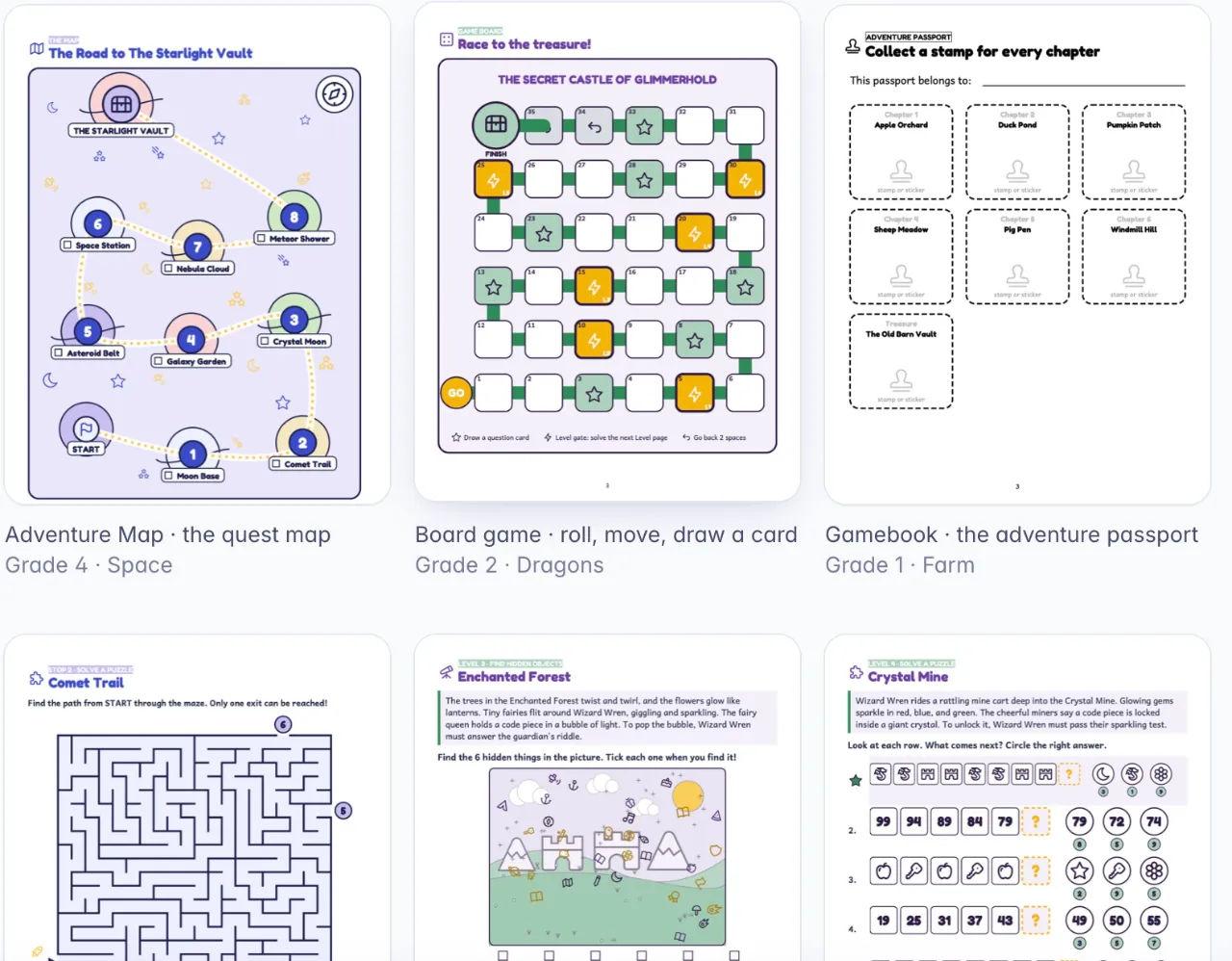
QuestPrint is a browser app that turns a grade, a lesson and a theme into a printable quest book, and I bought it because I had wasted a Saturday on a maze book that nobody wanted. I had built eleven pages of word searches and mazes for a small Etsy listing, checked about half the answers by hand, and then found a mistake in the key on page nine. One wrong answer in an answer key is the kind of thing that turns a five star review into a one star review, and I knew it before I even uploaded the file. So when the QuestPrint page said the puzzle and its answer come from the same code, I paid the $17 mostly to see whether that was true.
It was true. That is not the interesting part of this review, though. The interesting part is what a quest book actually looks like when it comes out of a generator, and whether the thing that comes out is something a parent or a teacher would pay for.
I built three books. A grade 1 spelling gamebook in the Farm theme, a grade 2 add-and-subtract board game in Dragons, and a grade 4 multiplication adventure map in Space. Then I printed them on the cheap laser printer in my study, which is the only honest test I know.
Our Verdict
QuestPrint
A genuinely useful quest book builder for teachers and printable sellers, as long as you go in knowing it does not draw pictures and the stories repeat per theme.
One-time payment, 30-day money-back guarantee, nothing to install
What You Actually Get
You get a browser app and a login. That is the whole install. You choose a password on the WarriorPlus thank-you page, and you are in the app within a minute, on Mac, Windows or a Chromebook. No download, no API key, no credits counter.
The front end includes three book types: Adventure Map, which is a quest map with stops; Gamebook, where you solve a puzzle and then choose your path; and Board Game, which has a board, cards, pawns and a die. You pick a grade from Pre-K to 5, which the page describes as ages 4 to 11, and either a math or spelling lesson for that grade or your own word list.
There are five theme worlds: Space, Dinosaurs, Ocean, Pirates and Jungle. Each one has its own hero, places and icons. On top of that you get the next holiday on the calendar, so Halloween shows up in October. There are 33 challenge types, mixed for the grade you picked. Mazes, ciphers, word searches, logic grids, hidden-object scenes, dot-to-dot, mini sudoku, word problems, tangrams and seek-and-count are the ones I saw. About half the chapters practise the lesson; the rest are puzzles, codes and games.
Each book runs up to six chapters, then a final boss and a treasure lock. Every chapter ends in a Key Box with a code piece, and the last page opens the lock. You also get a mission page, a tracker or passport, badges and a certificate. Two cover designs come with it: Storybook and Classroom pop, in the theme's own colours, with the Andika reading font inside the book.
The files are the part that matters if you sell. Every build gives you the book PDF, the answer key, the game pieces (cards, board, pawns, die, hint cards, team sheet, certificate), a front cover as PDF and 300 DPI PNG, a paper-saver class set, and both US Letter and A4. Unlimited books, no watermark. Commercial rights are included, so you can sell what you make on Etsy, KDP or anywhere else with no licence fee and no credit line.
Key Features, and What They Do For You
The three book types are not cosmetic. An Adventure Map is a map with stops, so the book reads as a journey and the child moves through it. I used that for the grade 4 multiplication book, and the map structure gave the maths a reason to keep going. The Gamebook works differently: you solve a puzzle, then choose your path, which is the format that made those old choose-your-own-adventure books work. I used it for the grade 1 spelling book because the choice keeps a six year old engaged between tracing words. The Board Game is the one a family or a class plays together, with a board, cards, pawns and a die. Different buyers want different ones, and the app does not force you into a single shape.
The grade and lesson picker is where the tool earns its keep for teachers. You are not browsing a library of pre-made books and hoping one fits. You name the skill, whether that is add within 100, a spelling list or multiplication, and the puzzles are built around it. About half the chapters practise the lesson and the rest add puzzles and codes. For a homeschool parent planning a week, that is the difference between printing a worksheet and printing a game that happens to teach the same thing.
The treasure lock is the bit the sales page undersells. Every chapter ends with a Key Box that gives up a code piece, and the final page will not open until the pieces are assembled. That is the structural reason a child finishes the book instead of abandoning it on chapter two. Most activity books have no reason to turn the page. This one has a lock.
The paper-saver class set prints two pages per sheet, which matters if you teach twenty eight children and your school counts photocopies. I printed a four-page class set in about a minute on my laser printer and the pages were still legible, though small.
And the answer key is printed by the same code that drew the puzzle. The maze generator walks the maze to prove there is one path to the exit, the cipher generator decodes what it wrote, and the maths set is computed rather than typed. The app's test suite builds books for every grade, book type and lesson and re-checks every answer on each release. The page says that is over 18,000 checks in the latest run. I do not know how they count, but I checked the grade 4 key by hand for the multiplication book and found no errors, which is more than I can say for my own Saturday attempt.
Actually Using It
Building the first book took me four minutes. That is not an exaggeration for effect. Pick, check, print is the whole loop: four screens, a grade, a lesson, a theme and a book type, and the app writes the story around the lesson and builds the chapters. I chose grade 1, a spelling list, Farm, Gamebook, and the app came back with a passport style book about a farm animal looking for something, with the spelling words woven into the story. The words were traced, then found in the text. A six year old could do it. I am not six, but I read it out loud to check.
The check step is where the app is honest about its limits. You read the story, preview every puzzle and swap any you do not like. That last part matters more than the page lets on. The puzzles are randomly assembled from the 33 types, so the mix you get first time is not always the mix you want. My first grade 2 Dragons board game had two mazes in a row, which felt repetitive. I swapped one for a hidden-object scene and the book was better for it. The swap costs you about ten seconds per puzzle. Doing that to a whole book took me maybe fifteen minutes, mostly because I kept reading the story.
The pictures are the thing to understand before you buy. QuestPrint does not draw anything. Where a picture would go, there is a dashed frame that says draw it here, and honestly the children at my table liked colouring those in more than they would have liked a stock image of a cartoon pirate. If you are selling, though, and you want illustrated pages, you either leave the frames for the buyer's child to fill in or you generate the images yourself. The sales page suggests pasting the app's prompts into ChatGPT and uploading the pictures. I did not do that on the front end because it is not built in. The AI picture pipeline is part of the ELITE upgrade and uses your own OpenRouter key, which costs a few cents per book. I did not buy ELITE, so I cannot tell you whether it works well.
The story templates are the other thing. Each theme has its own hero, places and story templates. Names, places and chapter order change from book to book, and the puzzles are always new. But if you build two grade 1 Farm gamebooks, they will read as two adventures in the same world, not two entirely different stories. For a classroom that is fine. If you are listing five Farm theme books on Etsy, a buyer who buys two might notice. A written-from-scratch story for every book is ELITE, not the front end.
Print quality was fine. I printed on plain 80gsm paper and the lines on the puzzle pages were clean, the font legible, and the 300 DPI crop from the hidden-object page held up when I zoomed in on the screen. Text and drawings are vector, so they do not pixelate. Any picture you upload gets enlarged to print at 300 DPI or more, and every build measures the pictures in the finished PDF and warns you if one is below that. On a mono laser printer the Space theme's greys looked a bit washed out; the grade 1 black and white Farm book printed better. That may be my printer rather than the file.
The card game pieces are where I hit my first real annoyance. Duplex printing needs mirrored card backs, and the app does it. But my printer's duplex alignment is not perfect, so my first sheet of question cards was about two millimetres off centre. The app cannot fix my printer. If you are selling physical boxes you will want a printer with decent registration. For print at home with a child, nobody notices two millimetres.
I timed the class set print because it is the use case that matters to a teacher. Four pages, two per sheet, printed on both sides. About a minute including the warm-up. The children who tried the grade 4 Space book spent forty minutes on it and did not ask for a screen once, which is not a sentence I get to write very often in these reviews.
Build your first quest book this afternoon
Pay once, build unlimited books, 30-day guarantee
Pricing and Value Analysis
QuestPrint is $17, paid once, $17 USD. There is no subscription, no credits, no API key and no renewal. That is the whole cost of the front end. Checkout runs through WarriorPlus with card payment handled by Stripe, and the checkout page shows the final total including VAT or sales tax before you pay. There is a 30-day money-back guarantee, no questions asked, and you email support with your order id for a refund.
For comparison, the sales page puts a design tool at $20 to $50 per month plus AI credits that run out mid-book. If you are making one or two books a month for a classroom, QuestPrint pays for itself in less than a month of a single subscription. If you are selling, the maths depends on whether anyone buys, and the app is careful to say it does not promise income.
| Option | Cost | What you get | Who it suits |
|---|---|---|---|
| QuestPrint | $17 once | 3 book types, 5 themes, 33 challenge types, all export files, commercial rights | Teachers, homeschool parents, Etsy and KDP printable sellers |
| Design tool subscription | $20 to $50 per month | Full design freedom, no puzzles, manual answer keys | Designers who will build every page by hand |
| QuestPrint plus ELITE | Front end price plus upgrade price | AI stories per book, AI pictures via your own OpenRouter key, extra themes and covers | Sellers who need illustrated, unique books |
I paid $17. For that I got unlimited books, which matters if you have a class and want a fresh one every week, or if you have an Etsy shop and want a listing that is not another word search book on the clone shelf. The commercial rights are included, and there is no credit line to add. If you sell two books at $3 each you have covered the cost. I don't know whether they will sell, and the app does not claim they will. QuestPrint is software, not a market.
The thing to price in is your time. I spent about forty minutes per book including swapping puzzles and printing, on the three I built. Doing the same by hand, with puzzles from free generators and manual answer checking, took me most of a Saturday for a worse book. That is the real comparison, and it is not in the table above.
Pros and Cons
Pros
- Answer key generated by the same code as the puzzle, so no wrong answers
- Three book types and 33 challenge types cover a lot of lesson ground
- Unlimited books on a single $17 payment, no credits
- Full export pack with 300 DPI files, paper-saver class set and commercial rights
Cons
- No illustrations at all in the front end, only draw-it-here frames
- Stories repeat within a theme, so two same-theme books feel related
- Always needs a browser and internet connection
- You upload to Etsy or KDP yourself, and the full-wrap cover is an upgrade
Who This Is For
Teachers and homeschool parents in Pre-K to grade 5 who want a printable game for a specific skill and do not want to design it. If you can name the skill on Monday and print on Monday night, this works. The paper-saver class set makes it practical for a room of thirty children, and the treasure lock means the children actually finish the book.
Printable sellers on Etsy or KDP who already list worksheets, planners or colouring pages and want a different shape of listing. A quest book has a hero, a map and a lock, which is not what the clone shelf has. You will need to do the listing yourself. You will also need to read the book before you publish it, which the page says straight out.
Who Should Skip It
If you want fully illustrated books without paying an AI provider, skip it. The front end does not draw pictures and does not call an AI service. You either leave the draw-it-here frames, which is a deliberate design choice and works for children, or you generate images yourself and upload them. That is an ELITE feature with your own OpenRouter key, and I did not buy ELITE.
If you need books in a language other than English, skip it. The app writes in English only. If you expect the software to upload, list or sell for you, skip it. And if you are buying it as an income plan, please don't. It is software. It does not promise income.
Frequently Asked Questions
Is QuestPrint worth it?
For $17, it is worth it if you make printable activity books for children in Pre-K to grade 5 and want a book with a story, a checked answer key and print-ready files without designing every page by hand. It is not worth it if you need illustrations or a non-English book, because the front end does neither.
What does QuestPrint cost?
QuestPrint costs $17 as a one-time payment in US dollars. There is no subscription, no credits and no API key required for the front end, and nothing to renew. Checkout is handled by WarriorPlus with card payment by Stripe, and any VAT or sales tax due is shown on the checkout page before you pay.
Can I sell the books I make with QuestPrint?
Yes. Every book, cover and file you make is yours to sell on Etsy, Amazon KDP, in a classroom shop or anywhere else, with no licence fee and no credit line to add. The front end uses no AI, so a book made with it needs no AI disclosure on Etsy or KDP.
Does QuestPrint include illustrations?
No. The front end does not draw pictures. Each empty spot prints a dashed draw-it-here frame, which children can fill in, or you upload your own pictures. AI pictures are part of the ELITE upgrade and use your own OpenRouter key, costing a few cents per book. I did not test ELITE.
How many books can I make?
Unlimited. There are no credits, no counters and no watermark on any build. One account, one person. You can make as many books as you like, as often as you like, and the front end gets bug fixes and new puzzle types as part of the one payment.
Is there a refund policy?
Yes, 30 days, no questions asked, through WarriorPlus. You email support with your order id and the full price goes back to the card you paid with. Your account is closed and books you already downloaded stay yours. For EU and UK buyers that is longer than the 14-day right of withdrawal.
What are the alternatives to QuestPrint?
A general design tool at $20 to $50 a month gives you full control but no puzzle generator, so you build every page and check every answer by hand. The other option is QuestPrint plus the ELITE upgrade, which adds AI stories and pictures for sellers who need each book to be unique.
Final Verdict
I went in expecting a toy and came out with a tool. The three books I built printed cleanly, the answer keys held up to a hand check, and the grade 4 Space map kept two children quiet for forty minutes on a Sunday afternoon. The absence of illustrations is the honest limitation, and it is the reason I have not rated this higher. For a teacher or a homeschool parent, that absence is a feature. For a seller who wants a glossy illustrated listing, it is a gap you either fill yourself or pay the ELITE upgrade to fill.
If you already sell printable activity books and your listings are all word searches, this is the cheapest way I know to make a different shape of book in an afternoon. If you are buying it to get rich, save your $17. It does not promise income and neither should I.
Ready to print your first quest book?
One payment, unlimited books, 30 days to change your mind
Related Posts
StoryStream Review: My Tiny AI Video Agency
StoryStream is a $17 Windows and Mac app where a nine-member AI "office" turns your book chapters into narrated YouTube videos, Shorts and thumbnails. It's genuinely fun to watch and works, with limits.
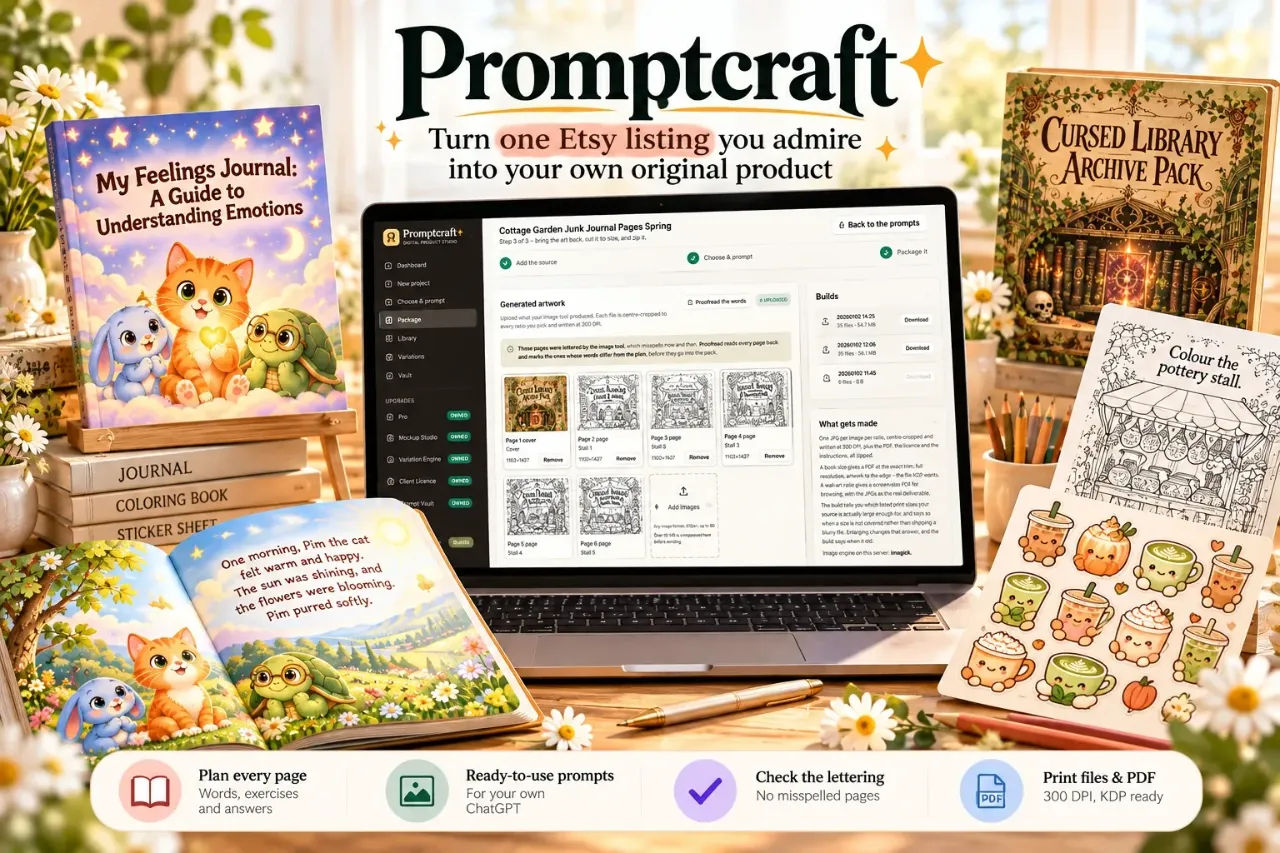
Promptcraft Review: I Turned One Etsy Listing Into a Printable
I fed Promptcraft one Etsy listing and let it plan a whole workbook with the words written in. Here is what the app does, what it does not, and whether $17 is fair.
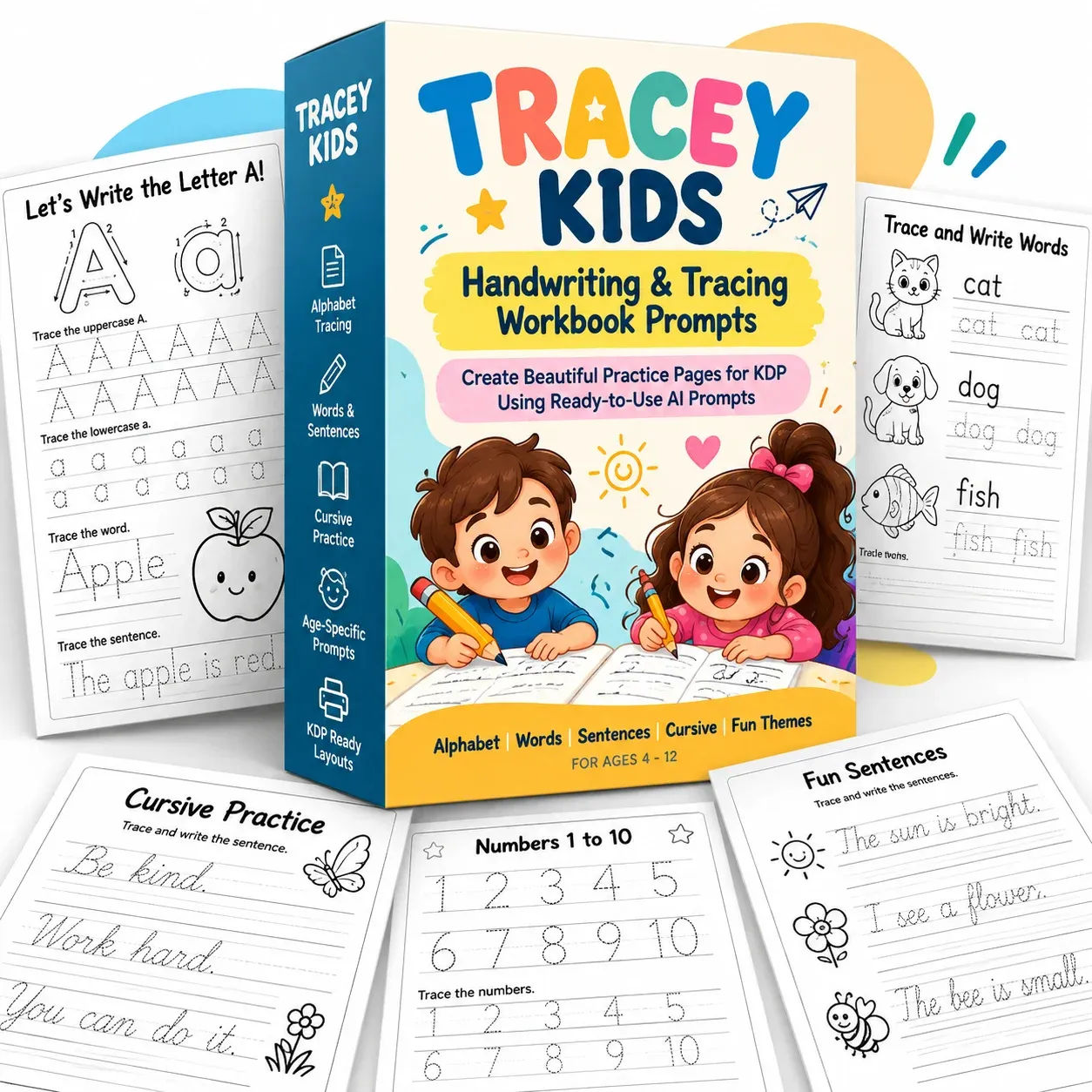
Tracey Kids Review: 310 ChatGPT Handwriting Prompts
I printed twelve Tracey Kids worksheets in one sitting. Here is what the prompts actually produce, what annoyed me, and whether the $9.95 is worth it.
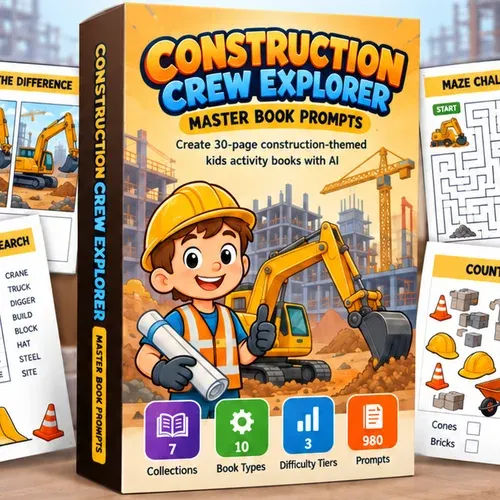
Construction Crew Explorer Prompts Review
I bought Construction Crew Explorer Master Book Prompts for $17 to see if the pack could carry a whole kids' construction book. Here is what worked and what did not.
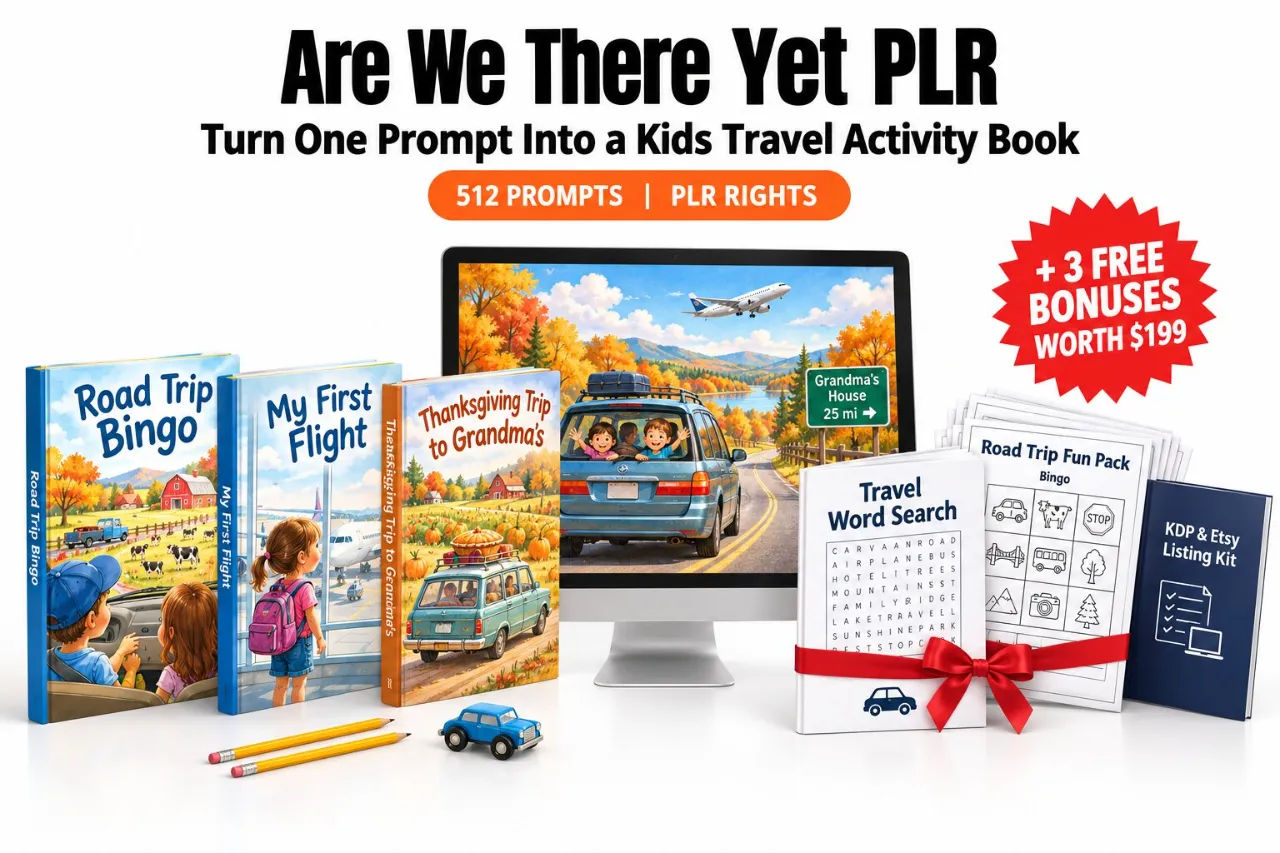
Are We There Yet PLR Review: 512 Prompts for $17
I pasted the first Are We There Yet PLR prompt into a free ChatGPT account to see if one paste really produces a book plan. Here is what came back, and what it costs.
Ocean Novel Plan Your Fiction World Review
I kept my fantasy series in fourteen files and a notebook. Ocean Novel puts the story bible, cast, world and manuscript in one browser studio. Here is what $17 buys.