MerryMint AI Review: Christmas Card Prompts That Match
MerryMint AI builds matching Front, Inside and Back prompts for Christmas cards. I paid $17 and ran a card set through it. Good for the structure, not for the art.
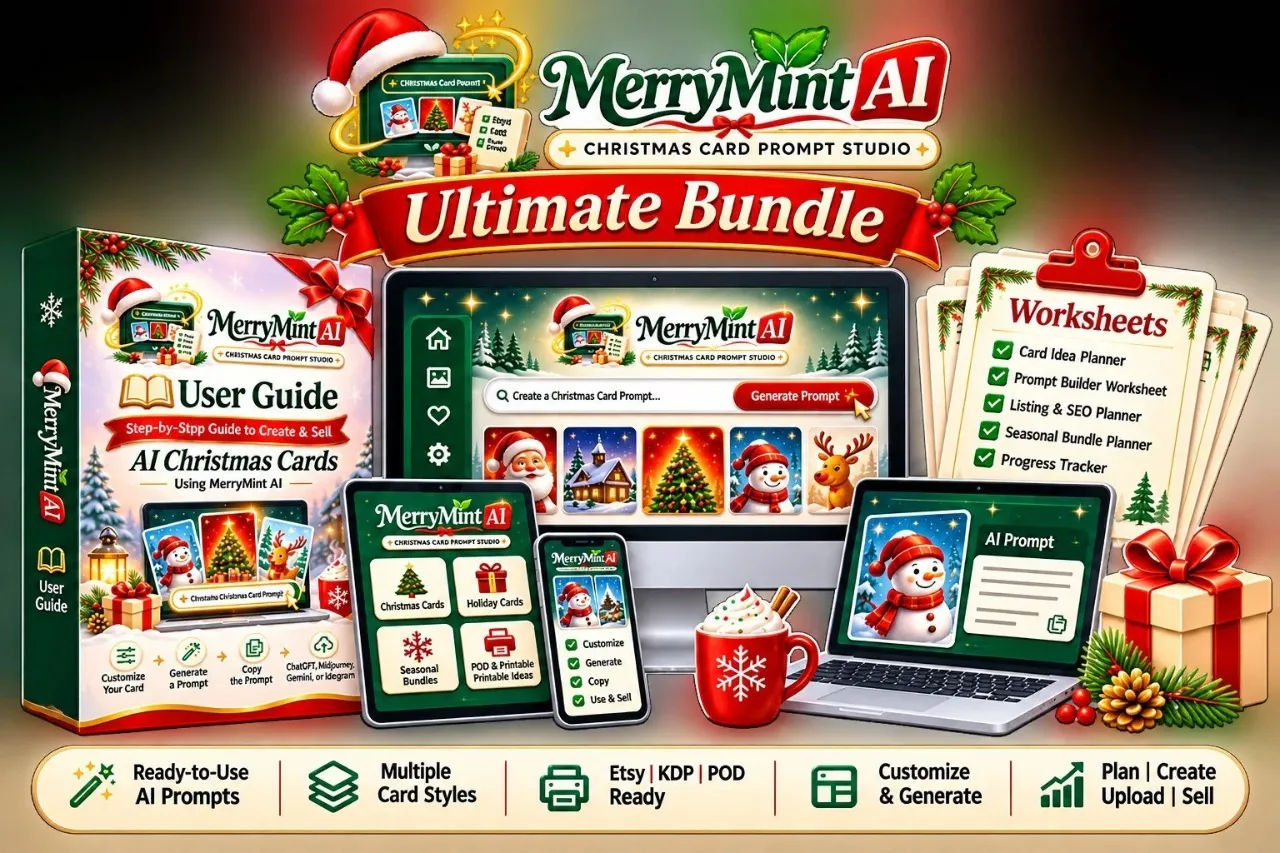
I bought MerryMint AI because my Front and Inside pages kept looking like they came from two different shops. Last November I sat down to build a family Christmas card listing, got a Front image I actually liked, then spent another forty minutes trying to re-prompt the Inside page into something that matched it. By the time I gave up, the folder had eleven images in it and not one finished card. That is not a skill problem. It is a phrasing problem, and I kept making it worse.
So when I saw MerryMint AI described as a prompt studio rather than a design tool, it lined up with what I already suspected: I do not need better AI art, I need to stop describing the same card in five different ways. It is $17, one time, which is roughly what I lose in an hour of aimless prompting anyway.
I want to be straight about what this thing is before we go further. MerryMint builds the prompt. It does not make the image. You still take that prompt into ChatGPT Images, Midjourney, Gemini or Ideogram and generate the art yourself. If you skipped that sentence thinking "so it does nothing", it is worth reading the rest, because the prompting was the part I was getting wrong and the part I was paying for.
Our Verdict
MerryMint AI
A focused $17 prompt builder that finally makes Front, Inside and Back pages feel like the same card. Skip it if you expect finished art.
One-time payment, no subscription, works with the AI image tool you already use
What You Actually Get
Starter is the only tier I paid for, so that is the only one I can speak to honestly. The sales page does mention a Pro tier with premium styles, a favourites feature for saving and cloning winning setups, and a history of what you have built, but it was cut off mid-sentence and I have not seen the inside of it. I am not going to pretend I have.
Here is the Starter list, as stated on the page and as I found it once I was in:
- Unlimited prompt generations, no credits and no monthly meter
- Basic styles to start from, rather than a blank style box
- Front, Inside, Back and Full set prompt modes
- Copy and download so the prompt leaves the tool in one click
- Likeness instructions for working with a family photo inside your own AI tool, with the photo never stored by MerryMint
- Compatibility with ChatGPT Images, Midjourney, Gemini and Ideogram
That is the whole package. There is no image library, no template pack, no swipe file of finished cards. The likeness note matters more than it sounds, because personalised family cards are a big chunk of Christmas demand and I had never been sure how to describe a photo to an image model without it drifting into something uncanny. The tool gives you the wording for that and leaves the actual photo with you and your AI tool, which is the arrangement I would want anyway.
Key Features
Front, Inside and Back as one set
This is the reason to buy it. You build the card inside the studio as a set, so your style choices carry across all three pages instead of resetting every time you open a new prompt. The Front earns the click, the Inside carries the message, the Back is the bit that makes a buyer think "this was designed on purpose". When I built all three from one sitting, they finally had the same palette and the same idea of what "cozy" means. That was the whole mismatch problem, gone.
The full set mode
Full set builds all three pages in one pass. I used this most. It gives you the fastest route from a card idea to something you can actually generate, and it stops you from quietly changing your mind about the style between pages, which is exactly how I used to end up with clashing art.
Styles
The basic styles are a starting point, not a portfolio. They gave me a dependable look to build my first listings on. If you are chasing a very particular illustrated style you will probably find yourself nudging the prompt afterwards. That is fine, the prompt is text, but do not expect the style list to cover every aesthetic you have in mind.
Unlimited generations
No credits, so I did not ration anything. I built variations I would never have built if I were counting prompts, and a few of them were better than the first attempt. The value here is not quantity for its own sake, it is permission to try the odd idea at midnight without watching a meter.
Copy and download
Small thing, done well. The prompt leaves the studio in one click, so the loop from idea to pasted prompt is short. I never once had to reformat anything by hand.
Actually Using It
My test card was a snowy family scene, the kind of thing that sells in October and November. I picked a style, set the card to Full set, and generated. The prompt came out as a structured block with the style, the mood, the colour language and the page intent all spelled out separately, rather than one run-on sentence. That structure is the actual product. Once you see it, you understand why your own scratch prompts kept drifting: you were describing the same card a little differently every time, and the model responded to every tiny change.
I pasted it into ChatGPT Images first. The Front came back close to what I wanted. The Inside came back in the same palette, with the same soft light, which had never happened before without me rewriting the prompt from scratch. I did not have to fight it. That was the moment I stopped feeling ripped off.
Then I ran the same prompt through Midjourney to compare. Different engine, different flavour, but the family resemblance between Front and Inside held. I have not tested it in Gemini or Ideogram, so I cannot tell you how those respond. The page says it works with all four. I can only vouch for two.
Where it got less smooth: the prompts are long, and sometimes the image model did not give equal weight to every part of the block. On the Back page especially, I got a couple of results that were almost blank, which is fair enough because the Back of a card is meant to be quiet. I ended up trimming a line or two off the end of the prompt to tighten the results the way I wanted. That is a five-minute fix, not a dealbreaker, but it is not plug and play every single time.
I also noticed the output art still needed a finishing pass. Matching pages do not mean finished pages. I still opened my editor, checked the crop against my print size, and nudged the type. MerryMint gets you a coherent set of images. It does not get you a listing-ready file. The gap between those two things is smaller than it used to be, but it is not zero.
One more thing I want to be honest about. The prompts lean on the styles you pick, and I found myself reaching for the same two or three looks again and again because they were the ones producing consistent results. That is a good sign for the tool and a bad sign for my shop, because a catalog where every card shares a palette starts to look a bit samey. If I were doing this seriously across a whole season, I would want the Pro styles just to break out of that rut. I have not bought Pro, so that is a hunch, not a review.
Length of a session, for what it is worth: my first full card from style choice to three generated pages took me about twenty-five minutes, most of which was waiting on the image model. My old way was over an hour, and I often ended the hour with nothing usable.
Stop rewriting the same card prompt three times
$17 once, unlimited generations, no subscription
Pricing and Value Analysis
MerryMint Starter is $17. One time. Not $17 a month, not a trial that quietly converts, and the page repeats that a lot, which tells you something about what the market expects. Everything I paid was that seventeen dollars.
Whether that is good value depends entirely on what you compare it to. Here is the comparison I actually ran in my head before buying:
| Option | What you get | What it costs |
|---|---|---|
| MerryMint AI Starter | Unlimited Front, Inside and Back prompts, basic styles, copy and download | $17 one time |
| Writing prompts by hand | Whatever you can improvise, with style drift between pages | Your time, and I was losing an hour or more per card |
| Hiring a designer | A finished card set, no prompt work | Not something the sales page prices, and I have not quoted it |
| A separate AI image subscription | The art generation itself | MerryMint does not replace this. You still need an AI image tool |
The honest maths is this: $17 is a rounding error if it saves you two card builds, because the thing you are buying back is the evening, not the prompts. If you sell cards on Etsy, KDP or print-on-demand and a single matching listing sells a handful of times, the cost is gone. But I cannot promise you that. Nobody can. Your niche and your listing photos and your pricing do the rest.
The bigger cost if you buy and bounce off it is not the money. It is the two hours you spend inside the studio before you accept that you still have to generate the art yourself. If you already knew that when you clicked, you are fine. If you expected a finished card out the other side, you are going to be annoyed. I would read the full feature list carefully before you commit, just to make sure it lines up with what you think you are buying.
Pros and Cons
Pros
- Front, Inside and Back actually match because the style carries across the set
- $17 one time with no subscription and no credit meter
- Works with the AI image tool I was already paying for
- Likeness guidance for family photos without the tool storing them
- Fast loop from idea to pasted prompt, about twenty-five minutes for a full card
Cons
- It builds prompts, not images, so you still need an AI image tool
- Long prompts sometimes need trimming for tighter results
- Basic styles run thin if you want a lot of looks
- Matching pages still need a finishing pass before listing
Who This Is For
New Etsy and print-on-demand sellers testing Christmas card niches. You want a low-risk way to see whether the workflow fits before you spend a lot of time on it, and $17 is low risk. KDP and Canva template creators who want holiday cards in the catalog quickly, without a design skill grind. And anyone who, like me, already owns an AI image subscription and is tired of the slot machine feeling every time they open it.
If you fit that description, MerryMint AI is the cheapest fix for the specific problem you have.
Who Should Skip It
Skip it if you want a button that produces the finished image. That is not what this is, and the page says so, but I know plenty of people who will buy first and read second. Skip it if you do not have and do not want an AI image tool, because the prompts will have nowhere to go. And skip it if you are looking for a get-rich-quick shortcut. A matching card still needs a listing, a thumbnail and a price. The tool does not do that part.
Frequently Asked Questions
Is MerryMint AI worth it?
For $17, yes, if your problem is mismatched Front, Inside and Back pages. It builds structured prompts that keep the style consistent across a full set, which is the part most sellers get wrong. It is not worth it if you expect finished images, because you still generate those in your own AI tool.
What does MerryMint AI cost?
MerryMint Starter is $17 as a one-time payment. There is no subscription and no credit meter, and the pages states unlimited prompt generations on Starter. A Pro tier is mentioned with premium styles, favourites and history, but its price was not listed in what I saw.
Does MerryMint AI create the actual card images?
No. MerryMint builds the prompt and you paste it into ChatGPT Images, Midjourney, Gemini or Ideogram, which creates the art. I tested it in ChatGPT Images and Midjourney. That division of labour is deliberate, and it means you keep using the AI image tool you already pay for.
Which AI image tools does MerryMint AI work with?
The page lists ChatGPT Images, Midjourney, Gemini and Ideogram. The prompts are plain text, so they travel into any of those. I can only vouch for ChatGPT Images and Midjourney from my own testing, because those are the two engines I ran the prompts through.
What are the alternatives to MerryMint AI?
Writing prompts by hand is the obvious one, and it is free but costs you an evening per card. Hiring a designer gets you a finished set but not a repeatable prompt workflow. And buying a separate AI image tool is not really an alternative, because MerryMint assumes you already have one.
Is there a refund policy on MerryMint AI?
I did not see a refund window stated in the sales page text I read, so I am not going to invent one. If a guarantee matters to you, check the current terms on the MerryMint page before you buy rather than taking my word for it.
Final Verdict
MerryMint AI fixed the specific thing that was costing me hours. My Front and Inside pages now look like they came from the same card, and I got there in about twenty-five minutes instead of a lost evening. It is not magic and it is not finished art. It is a $17 prompt studio that does one job well, and if that job is your bottleneck, it pays for itself on the first listing.
If you already own an AI image tool and you sell seasonal cards, buy it. If you were hoping it would hand you the card, save your money and put it toward whatever you actually need.
Build your first matching Christmas card set
One-time payment. Works with the AI image tool you already have.
Related Posts
Public Domain Empire 9 Review: A Web App for Free Content
I paid $17 for Public Domain Empire 9 and spent an evening inside the web app. Here is what the 258 resource list, the 10 methods and the AI poster prompts actually give you.
Clueboo Review: Memory Escape Books for KDP
Clueboo builds family keepsake puzzle books where each chapter is locked behind a puzzle. Here is what the $17 launch actually gives you, and where it stumbles.
Werewolf Romance Author Factory Review
I bought Werewolf Romance Author Factory to see if a $17 Claude Skill could really carry a werewolf romance from idea to draft. It's a structured workflow, not a novel machine, and that's the point.
StoryStream Review: My Tiny AI Video Agency
StoryStream is a $17 Windows and Mac app where a nine-member AI "office" turns your book chapters into narrated YouTube videos, Shorts and thumbnails. It's genuinely fun to watch and works, with limits.
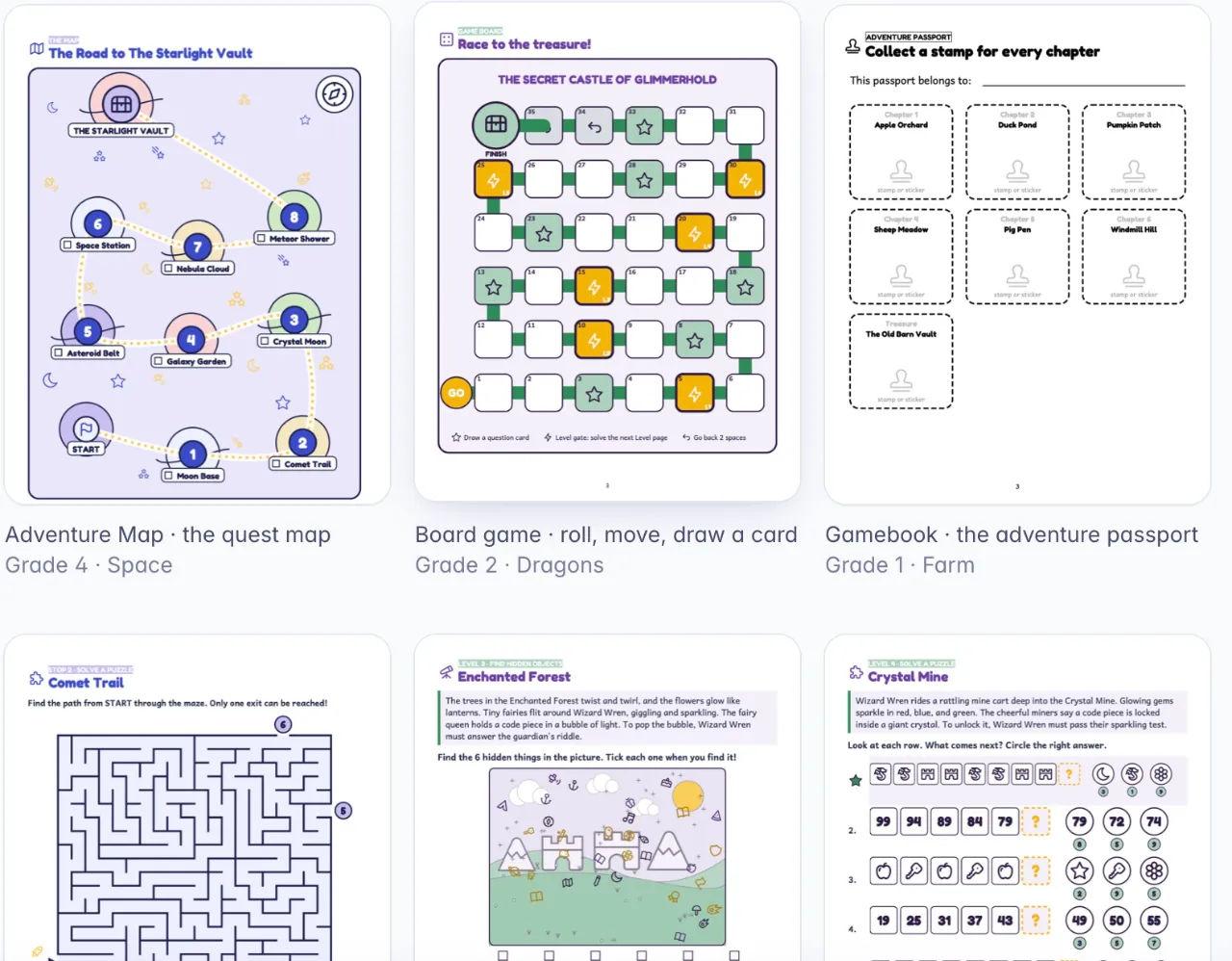
QuestPrint Review: Printable Quest Books in Minutes
I built three printable quest books in QuestPrint and printed them at home. Here is what the $17 tool actually does, and the one thing that annoyed me.
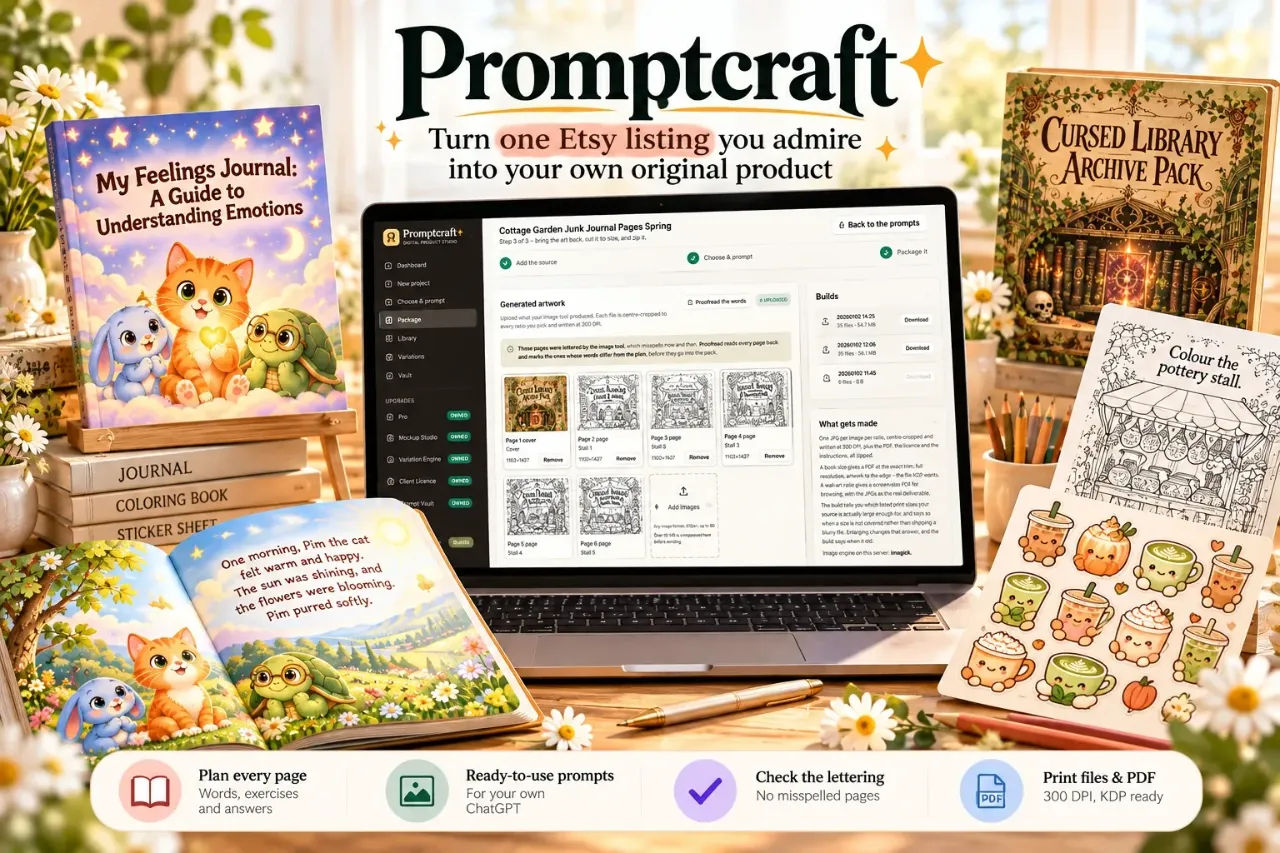
Promptcraft Review: I Turned One Etsy Listing Into a Printable
I fed Promptcraft one Etsy listing and let it plan a whole workbook with the words written in. Here is what the app does, what it does not, and whether $17 is fair.