Public Domain Empire 9 Review: A Web App for Free Content
I paid $17 for Public Domain Empire 9 and spent an evening inside the web app. Here is what the 258 resource list, the 10 methods and the AI poster prompts actually give you.
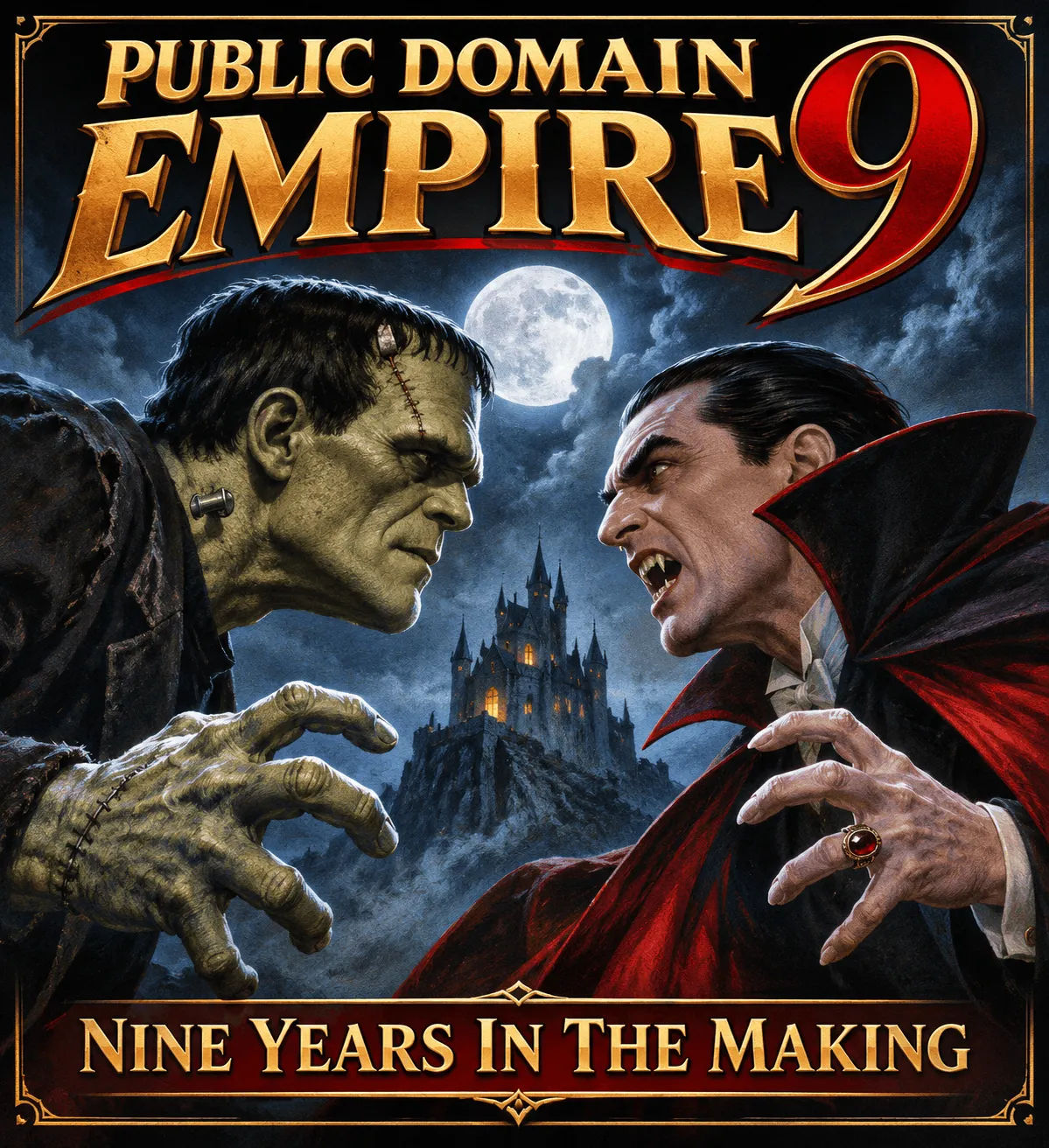
I bought Public Domain Empire 9 on a Thursday night because I was staring at a folder of half-finished projects and realised none of them had a source I could point to. Everything was either scraped, licensed or generated, and I could not confidently say where any of it came from. A friend had mentioned the previous edition of Alessandro Zamboni's public domain guide a year earlier and I had skipped it. This time I paid the $17 and opened the app before I went to bed.
I want to be clear about what this is before we go further. Public Domain Empire 9 is not a tool that finds content for you. It is a guide, packaged as a web app, that points you at 258 websites where public domain material lives, tells you what came into the public domain in 2027, and walks you through ten ways to turn that material into something you can sell. You still do the work. What you are paying for is the map and the method.
The sales page price on the site is $67, and there is a countdown pushing you toward that number. The operator's notes I was working from set the actual price I paid at $17. That gap matters and I will come back to it in the pricing section. For now, know that $17 is what came out of my account.
Our Verdict
Public Domain Empire 9
A useful map of public domain sources and monetization angles for $17, though you still do all the work yourself.
Instant access to the web app after checkout
What You Actually Get
The core of Public Domain Empire 9 is a list of 258 public domain resource websites. The page says it includes newly added sources and notes that removed ones have been taken out, which I appreciated because dead links are the fastest way to make a resource list worthless. Each entry points you at a category of material: ebooks, audiobooks, newspapers, comics, recipe books, images, photos, clip art, sound effects, soundtracks, music sheets. The page splits these into buckets and I found the same buckets in the app.
The second deliverable is the 2027 intake. Zamboni names specific titles that entered the public domain this year, and the list is more useful than it sounds because it tells you what is newly sellable. For kids there are two Nancy Drew titles (The Secret at Shadow Ranch and The Secret of Red Gate Farm), The Hardy Boys: What Happened at Midnight, and the first Histoire de Babar in French. In general fiction there is The Waves by Virginia Woolf, The Sittaford Mystery by Agatha Christie, The Dutch Shoe Mystery by Ellery Queen, The Good Earth by Pearl S. Buck, the French edition of Pietr-le-Letton by Georges Simenon, and what the page calls the last of Winston Churchill's The World Crisis. On the film side there is James Whale's Frankenstein, the Bela Lugosi Dracula, and Fritz Lang's M.
Third, there are ten brand new monetization methods, layered on top of the ninety from previous editions. The page calls them methods that anybody can start using, no experience or special skills required, and says they are explained step by step. It also mentions Kindle and printables specifically as two of the angles.
Fourth, there is a bonus set of 100 prompts for generating old-style custom posters with ChatGPT Images or Nano Banana. The prompts produce empty high-quality posters you can add your own text to, then share or sell.
And the whole thing sits inside a web app, which is the big structural change in this edition. The 260 pages of guide material are available through the app rather than as a PDF, and the app includes a copyright checker, an AI research assistant, a save-your-work feature, and a view of the ten money methods with AI help built in.
Key Features
The 258-site resource list is the spine of the product. What you get from it is a starting point for almost any format of content. If you want to build a printables shop, the images and clip art sites are there. If audiobooks are your thing, the ebook and text sources feed that. If you want to restore old maps, there is a category for that. I have seen free resource lists before and most of them are twenty links to Wikisource and a dead blog. This one is longer and more organised than that.
The 2027 release breakdown does something a plain list cannot: it tells you what is fresh. Public domain works do not all have the same commercial value. A 1929 detective novel that just crossed the line this year is a different opportunity from a text that has been freely available for a decade and picked over by every Etsy seller on the platform. The page makes this point directly, and the specific title list is the clearest evidence it is real.
The copyright checker is the feature I did not expect to care about and ended up using. Public domain status is not always obvious and it varies by country. Having a single place to look up whether something is clear to use saves you from a very unpleasant email later. It is not a legal opinion and I would not treat it as one. It is a sanity check.
The AI research assistant is a chat window built into the app. You can ask it questions about public domain material and it helps you research. The page frames this as a way to get up-to-date information that a general AI model cannot give you, because a chatbot has to search the web and cannot reliably surface current public domain money-making information. I am sceptical of that framing but the assistant itself is genuinely handy when you are trying to figure out which source to use for a specific project.
The 10 methods, plus the 90 from earlier editions, are the part most people will buy for. They cover things like Kindle publishing, printables, and techniques the page describes as new. Each one is written up with steps. The 100 AI poster prompts are a nice add-on if you sell anything visual, and a curiosity if you do not.
Actually Using It
My first session lasted about ninety minutes and I spent most of it inside the resource list. I went in with a specific project in mind: a small collection of vintage-style printable pages for a planner shop I have been running on the side. I wanted images I could legally use, ideally from a source that was not the same three stock sites everyone else uses.
I started with the images and clip art section. The list is long, and the app lets you jump to a category rather than scrolling the whole thing, which is the one place the web app format clearly beats a PDF. I opened about fifteen sites in tabs and by the end of the hour I had four that were new to me and worth keeping. That is a decent ratio. The other eleven were either sites I already knew about or ones that loaded slowly or had unclear terms. Not every link is a gem.
The copyright checker was the second thing I tried. I had a 1930s magazine cover I had pulled from an archive months ago and never used because I could not confirm its status. I put the details in and got a result. I will not claim the checker gave me a definitive legal answer, because no tool can, but it confirmed what I suspected: the work was in the clear. That single check saved me from a decision I had been avoiding for weeks.
Then I opened the money methods. There are ten new ones, and the app presents them as a list you can click into. I read four of them properly. The Kindle angle is the most detailed and the one I would actually try. The printables angle overlaps with what I already do and gave me a couple of ideas about formats I had not considered. The page's claim that some people are making over $30,000 a month selling public domain content as-is is on the sales page, and like every headline figure in this space I would treat it as the top of a very long tail rather than a typical result. I have not verified that number and I would not plan around it.
The AI research assistant was the last thing I used and the one I was most curious about. I asked it a question about whether a specific 1928 novel had any known rights complications and got back an answer that walked through the usual considerations. It was useful as a prompt to do my own checking, less useful as a final word. That is fine. It is not pretending to be a lawyer.
I did not use the 100 poster prompts on the first night. I came back to them a few days later and ran six of them through ChatGPT Images. The results were mixed. Some produced genuinely nice empty vintage poster frames that I could see selling as a template. Others were close to unusable. The prompts are a starting point, not a finished product, and you will need to pick and tune.
What I did not find anywhere in the app was a step-by-step tutorial on setting up a shop, writing a listing, or handling the tax side of selling digital downloads. The methods explain what to sell and how to source it. The business plumbing is on you. That is not a complaint exactly, but it is worth knowing before you buy.
Want the same 258-site list I worked from?
Pay once, no subscription, instant web app access
Pricing and Value Analysis
The price I paid was $17. The sales page on the live site is running a countdown that pushes the number to $67 and repeats that figure many times across the page. There is also a $30,00 figure that appears once in the page data, which I could not place in context.
So which number is real? In my case the $17 was. The $67 is the ceiling the page threatens. If you land on the site and the countdown has expired you may well see something closer to the higher figure, and if that is what you are quoted then your value calculation changes. At $67 this review would read differently, because the app is a guide and a list, not software that does the work. At $17 it is easy to justify even if you only use one or two of the methods or find half a dozen useful new sources, which is roughly what happened to me.
Here is how it compares to the obvious alternatives:
| Option | Typical cost | What you get |
|---|---|---|
| Public Domain Empire 9 | $17 (sales page advertises $67) | 258 resource sites, 2027 release list, 10 new methods plus 90 older ones, AI poster prompts, copyright checker |
| Free public domain lists online | $0 | Usually short, often outdated, no monetization guidance, no copyright checker |
| Generic AI tool subscription | Monthly fee | Generates content but no sourcing, no authenticity, no rights checking |
| Buying stock or licensed content | Per item or subscription | Clean rights for a fee, but you pay for every asset and keep less of the profit |
The comparison I keep coming back to is the third row. I already pay for an AI tool and I use it constantly. The reason I bought this is that AI generates from nothing, and everything I made with it felt like it had no origin. Public domain content has a story behind it. That is the honest case for spending the $17, and the page makes the same argument in its own way.
Pros and Cons
Pros
- 258 resource websites, more organised than any free list I have found
- The 2027 release list names specific titles you can start with
- Ten new monetization methods with step by step explanations
- Copyright checker and AI assistant built into the app
- 100 AI poster prompts included as a bonus
Cons
- You still do all the sourcing, building and selling yourself
- No guidance on shop setup, listings or tax
- Not every resource link is useful, expect to filter
- Sales page pushes a $67 price that I did not pay
Who This Is For
You should buy this if you already sell something digital and want a cleaner source of material, or if you have been curious about public domain content and want a single starting point. It suits sellers on Etsy, Kindle authors, people building printables shops, and anyone who has tried to use AI output and felt it lacked a reason to exist. If you like a good resource list and you are willing to spend an evening filtering it, you will get your $17 back in time saved alone.
Who Should Skip It
Skip it if you want software that does the work for you. The app organises the material; it does not source, edit or package anything on your behalf. Skip it too if you have no interest in doing the business side, because there is no hand-holding on shipping or tax. And skip it if you already own a previous edition and are happy with your sources. The 2027 additions are the main reason to upgrade and you can probably find the year's big titles on Wikipedia.
Frequently Asked Questions
Is Public Domain Empire 9 worth it?
At $17 it is worth it if you will actually use the resource list and the methods. I found four new sources in my first hour and a copyright check I had been avoiding for weeks. If you want software that does the work for you, it is not worth it at any price.
What is the actual price of Public Domain Empire 9?
The sales page advertises a $67 price with a countdown. In my case the price I paid through the affiliate link was $17. If you land on the page and the countdown has run out you may be quoted a different number, so check before you buy.
Do I need any experience to use Public Domain Empire 9?
The sales page says no experience or special skills are required and that everything is explained step by step. That matches what I saw for the sourcing and the methods. The wider business side, like setting up a shop or handling tax, is not covered.
How many websites are included in Public Domain Empire 9?
The app contains 258 public domain resource websites. The page notes that newly added sources have been included and removed ones have been taken out. Links cover ebooks, audiobooks, newspapers, comics, recipe books, images, photos, clip art, sound effects, soundtracks and music sheets.
What new content is in the public domain for 2027?
The 2027 intake includes Nancy Drew, Hardy Boys and Babar titles, Virginia Woolf's The Waves, Agatha Christie's The Sittaford Mystery, Ellery Queen's The Dutch Shoe Mystery, Pearl S. Buck's The Good Earth, and films including Frankenstein, Dracula and M.
Is there a refund policy on Public Domain Empire 9?
My sources do not state a refund window or a guarantee. The sales page describes the product as risk-free but did not show refund terms I could verify. Check the checkout page or contact the vendor before you buy if a refund matters to you.
What are the alternatives to Public Domain Empire 9?
You can build the same list yourself from free sources like Wikisource, archive sites and museum collections, which costs nothing but several evenings. Or you can buy licensed content instead. The main reason to pay is the curation, the 2027 title list and the ten methods.
If you are still deciding whether to look, the Public Domain Empire 9 page is the place to check the current price.
Final Verdict
Public Domain Empire 9 is a resource list and a method guide wrapped in a web app, and at $17 it does its job. I have used the copyright checker twice since I bought it and I have built one new printable set from a source I found in the app. That is a small return, but it is a return. The parts I did not use, like most of the ninety older methods, cost me nothing to skip.
The one thing I would push back on is the $67 framing on the sales page, because the gap between the threatened price and what I actually paid was wide enough to feel like theatre. If you see a number closer to $17, buy it. If you see $67, think harder about whether you will actually use the list.
Where I have doubts is the long game. The public domain keeps producing new material every January, and this product is honest about being a yearly edition. There is nothing wrong with that, but I would not expect to buy once and coast. I do not know yet whether next year's version is worth the same again. I will find out.
Ready to dig through 258 sources yourself?
One-time payment, web app opens straight after checkout
Related Posts
MerryMint AI Review: Christmas Card Prompts That Match
MerryMint AI builds matching Front, Inside and Back prompts for Christmas cards. I paid $17 and ran a card set through it. Good for the structure, not for the art.
Clueboo Review: Memory Escape Books for KDP
Clueboo builds family keepsake puzzle books where each chapter is locked behind a puzzle. Here is what the $17 launch actually gives you, and where it stumbles.
Werewolf Romance Author Factory Review
I bought Werewolf Romance Author Factory to see if a $17 Claude Skill could really carry a werewolf romance from idea to draft. It's a structured workflow, not a novel machine, and that's the point.
StoryStream Review: My Tiny AI Video Agency
StoryStream is a $17 Windows and Mac app where a nine-member AI "office" turns your book chapters into narrated YouTube videos, Shorts and thumbnails. It's genuinely fun to watch and works, with limits.
QuestPrint Review: Printable Quest Books in Minutes
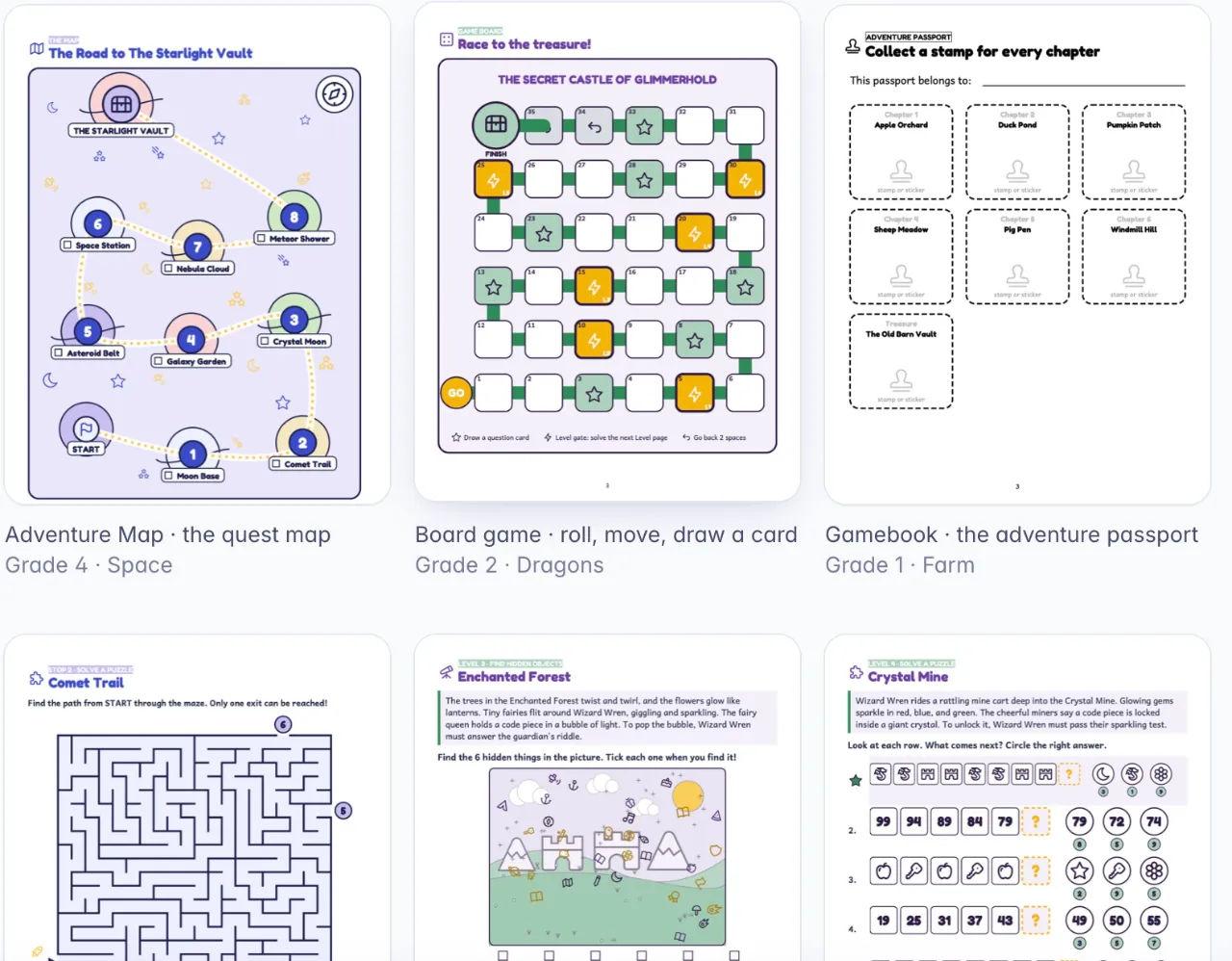
I built three printable quest books in QuestPrint and printed them at home. Here is what the $17 tool actually does, and the one thing that annoyed me.
Promptcraft Review: I Turned One Etsy Listing Into a Printable
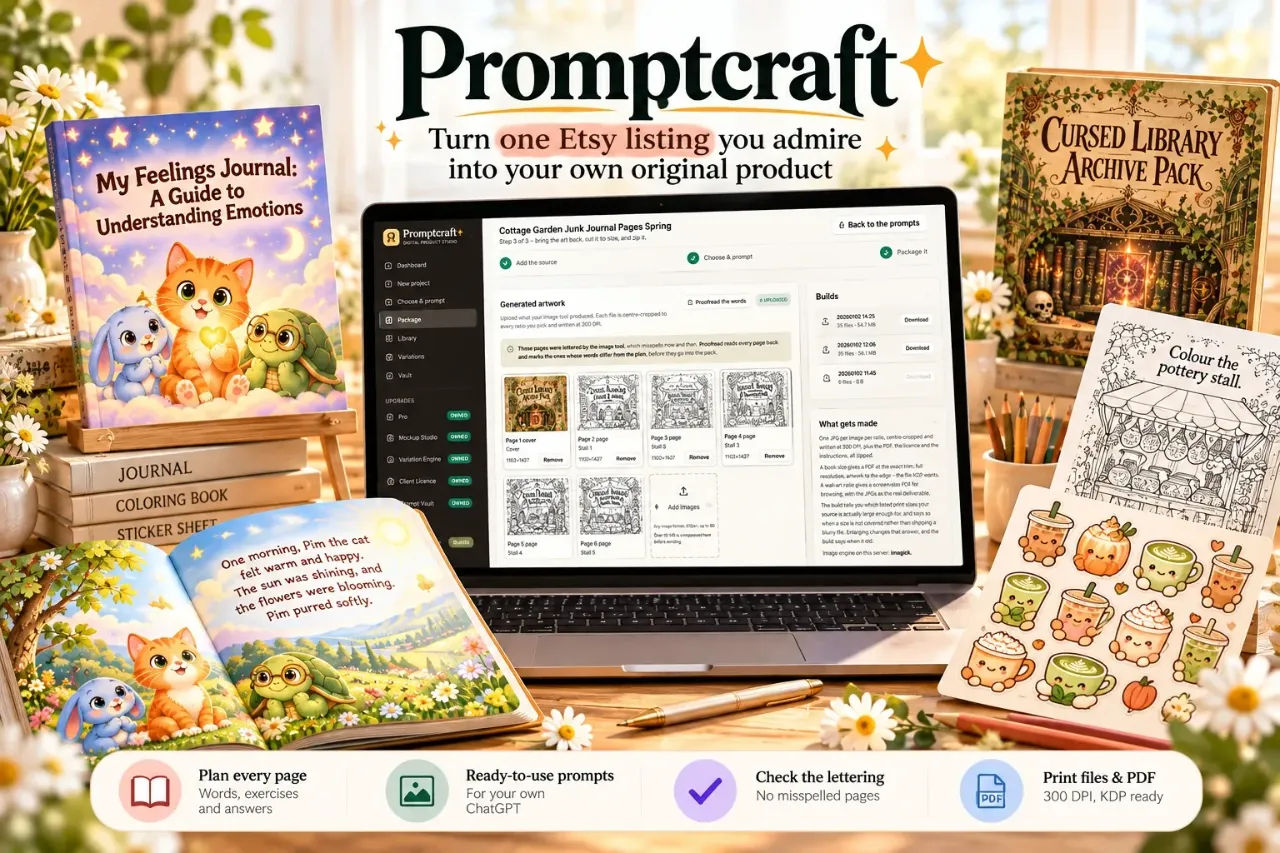
I fed Promptcraft one Etsy listing and let it plan a whole workbook with the words written in. Here is what the app does, what it does not, and whether $17 is fair.